Certificates
Four types and a grade
Internship, course, workshop or achievement, with a free-text grade, completion date, issue date and optional expiry date.

0
Certificate Registry — by MrZaKaRiA IT Solutions
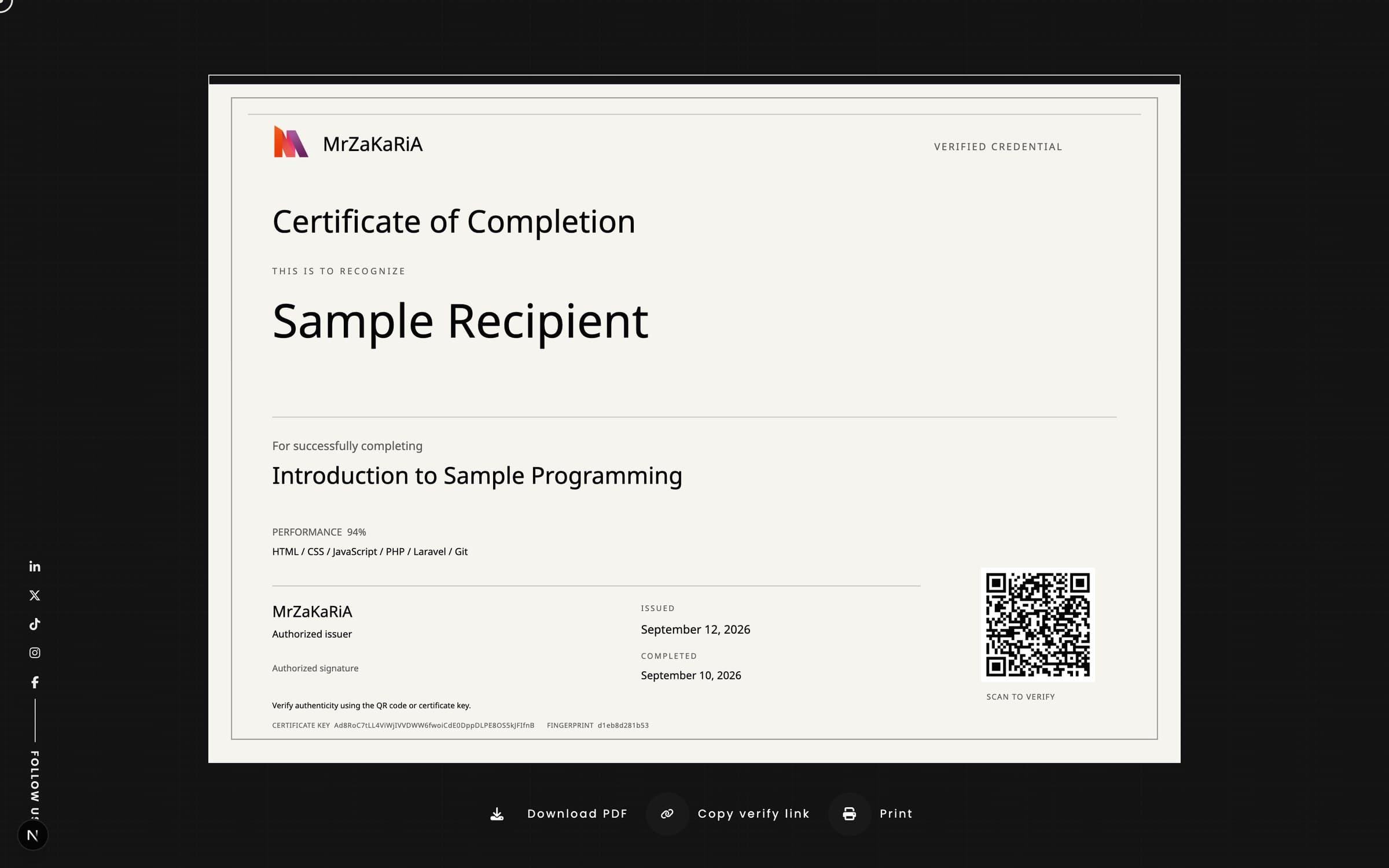
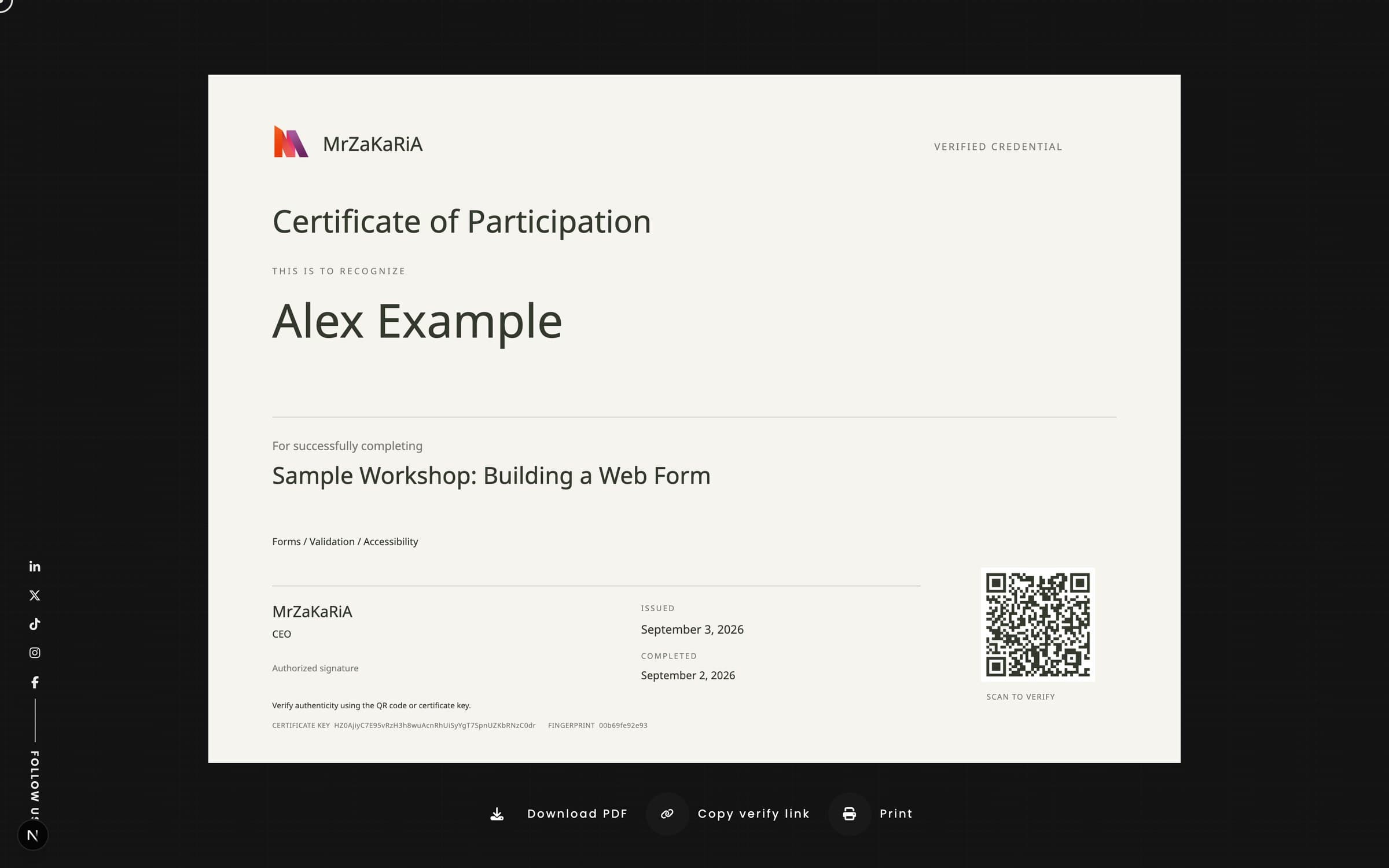
Certificate Registry lives inside your own site and admin. Issue a certificate, print it on A4 landscape with a QR code, and anyone holding the paper can scan it and see on your own page whether it is genuine, revoked or expired. Issue one at a time or up to 100 from a CSV, revoke with a public reason, and read every lookup in the admin.
Every certificate gets its own random key, generated once and never changed. The QR code opens its verify page.
One CSV of up to 100 recipients, checked row by row. If one row is wrong, nothing is saved.
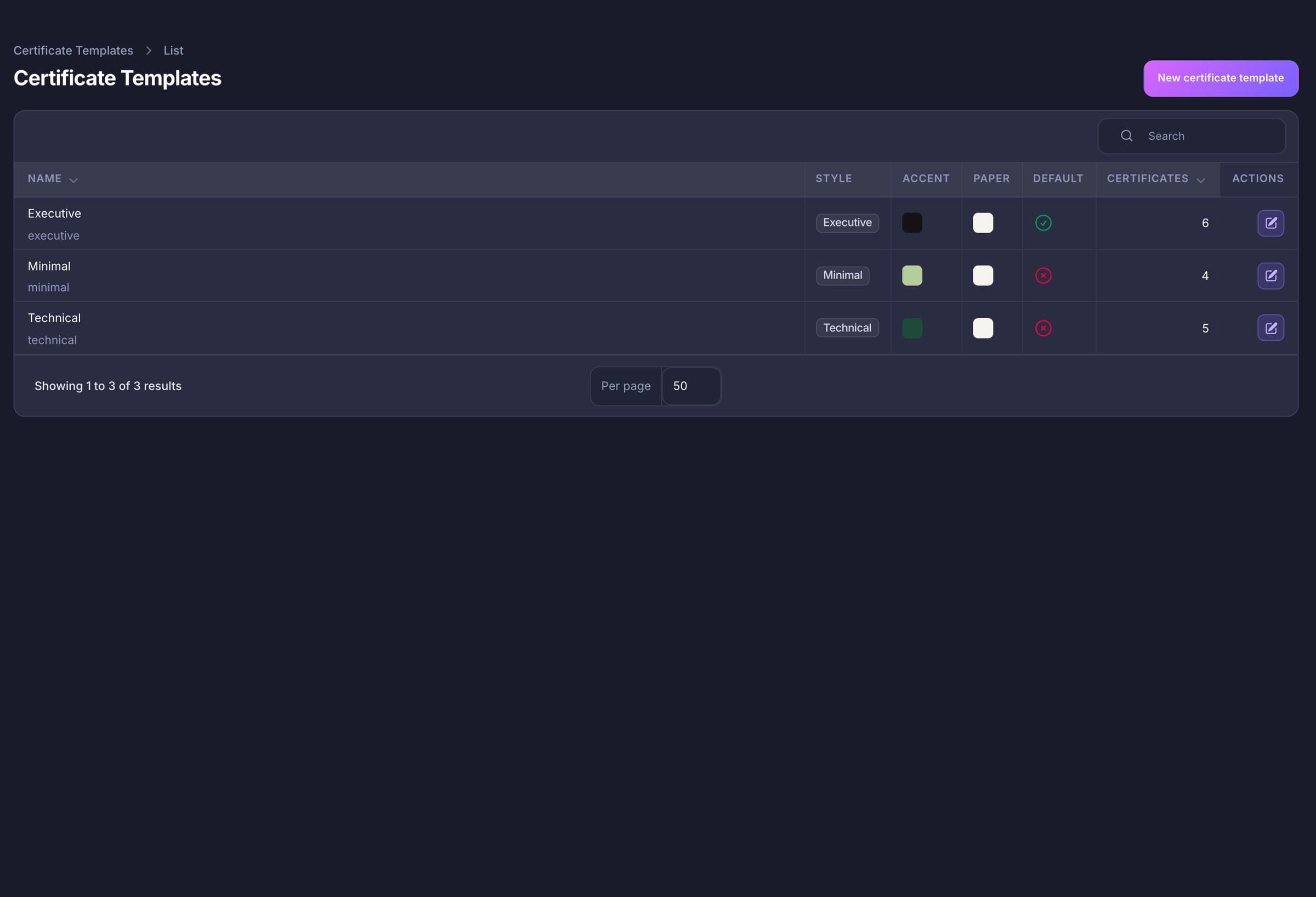
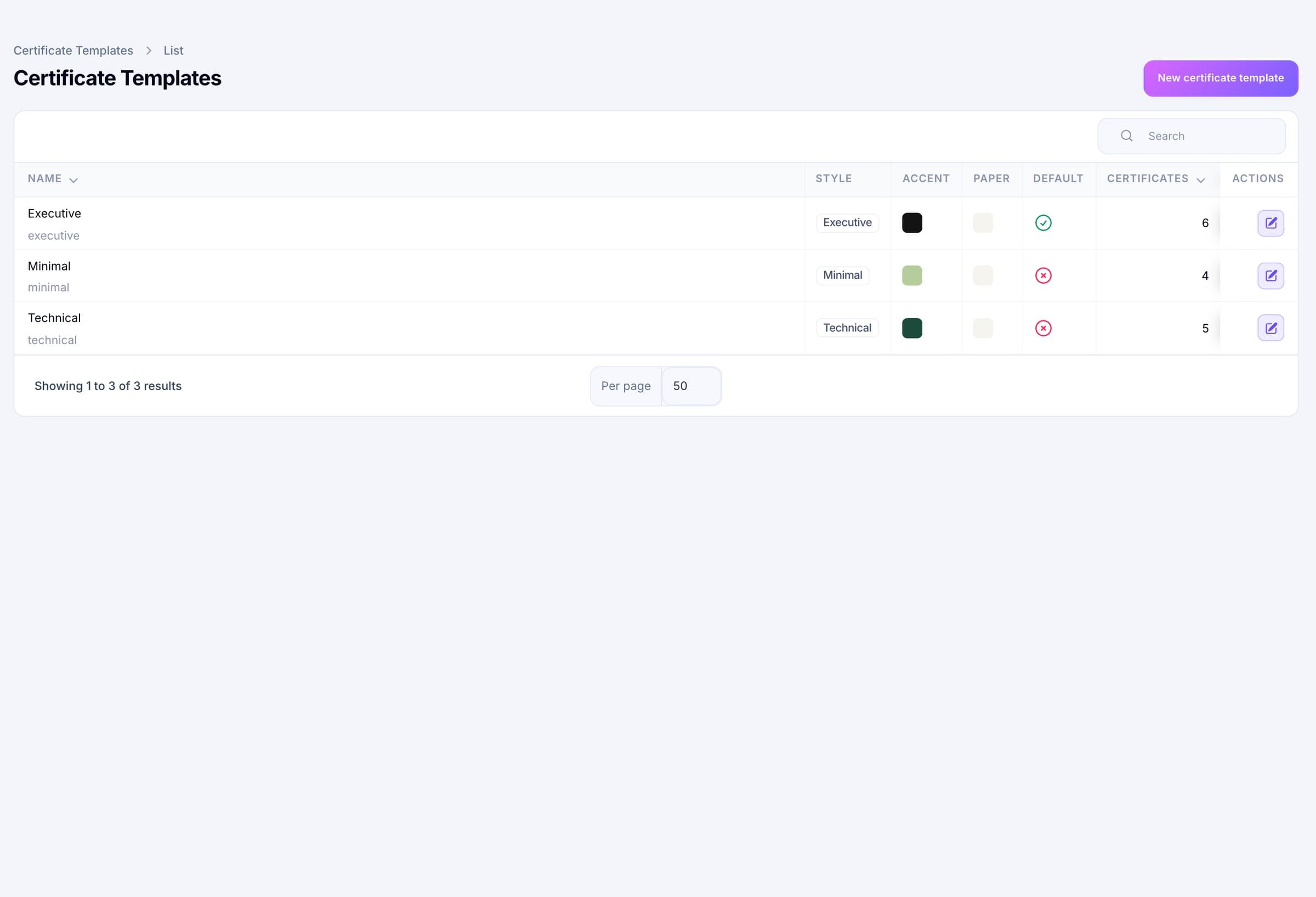
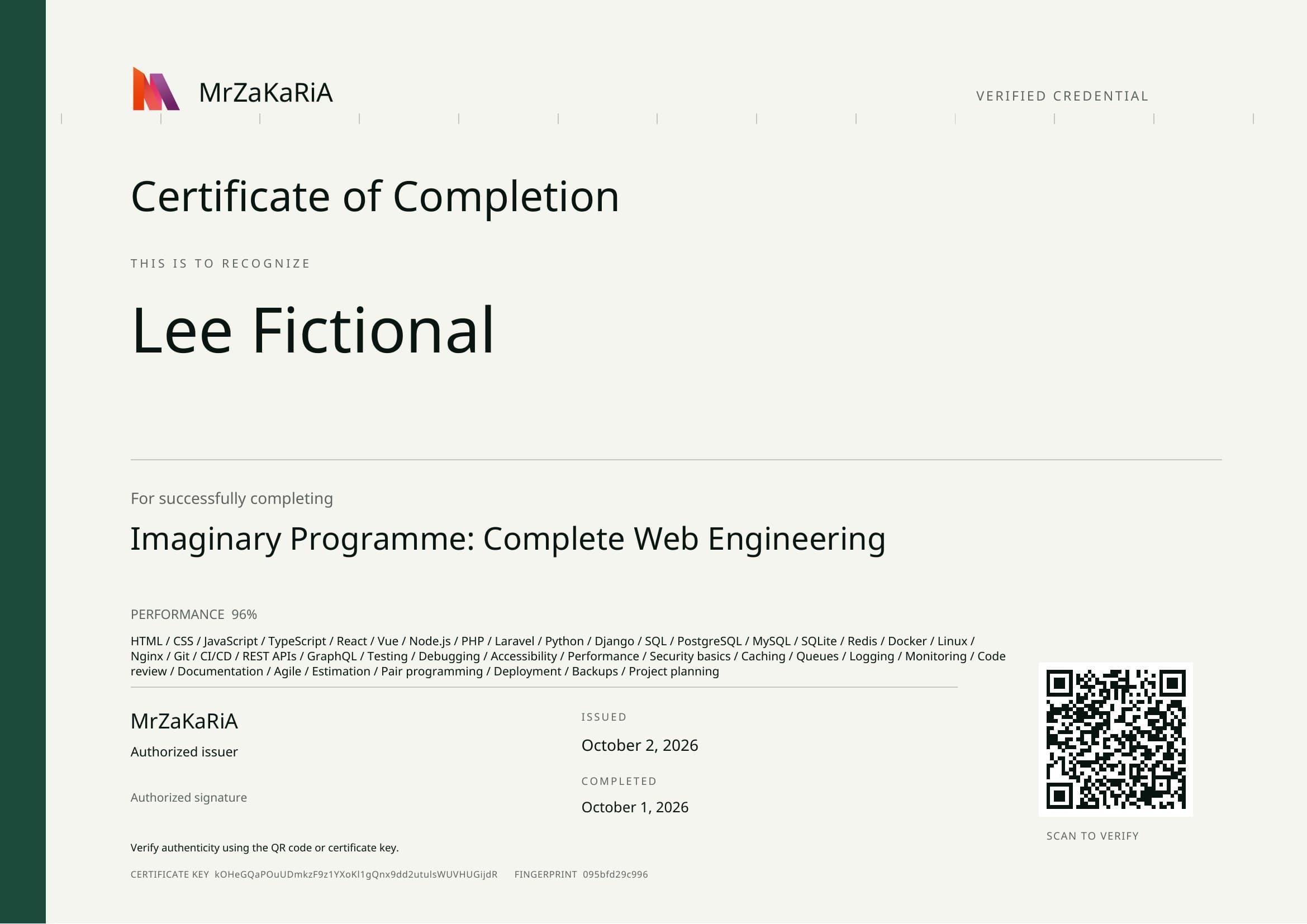
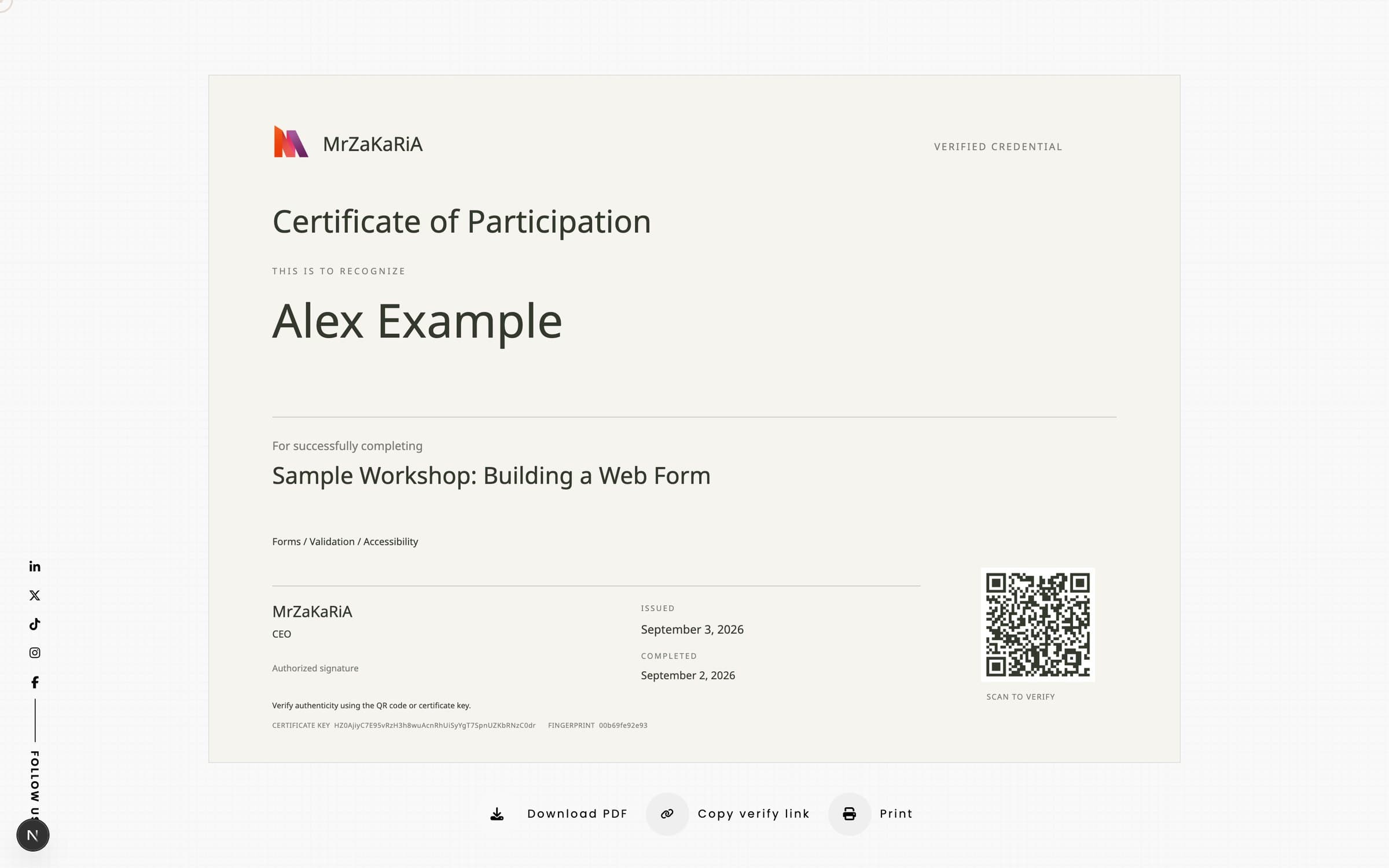
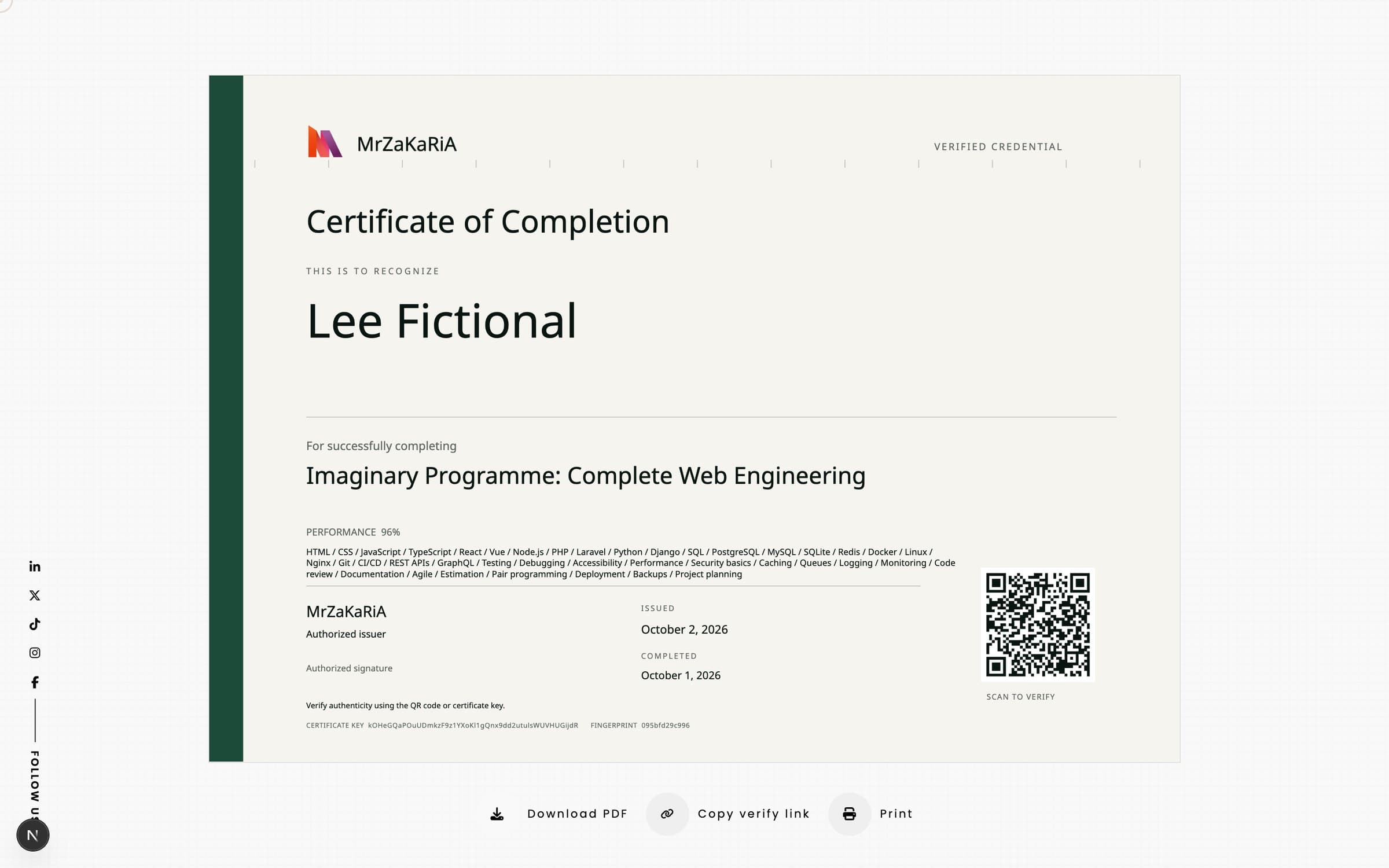
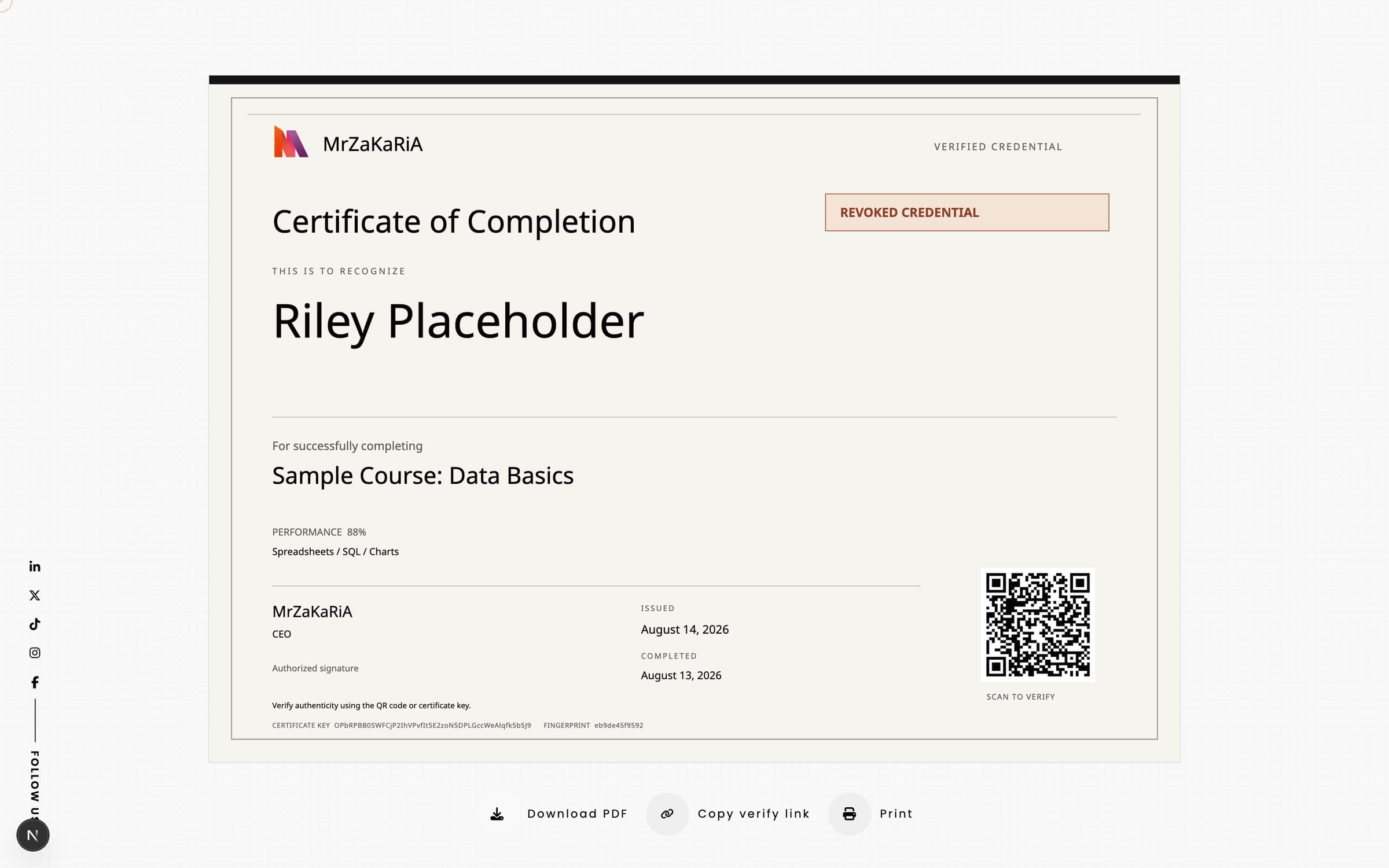
Executive, Minimal and Technical, all A4 landscape, with your accent, paper and ink colours and your own wording.
The public lookup is rate-limited per visitor. The default is 30 a minute, and you can set 5 to 600.
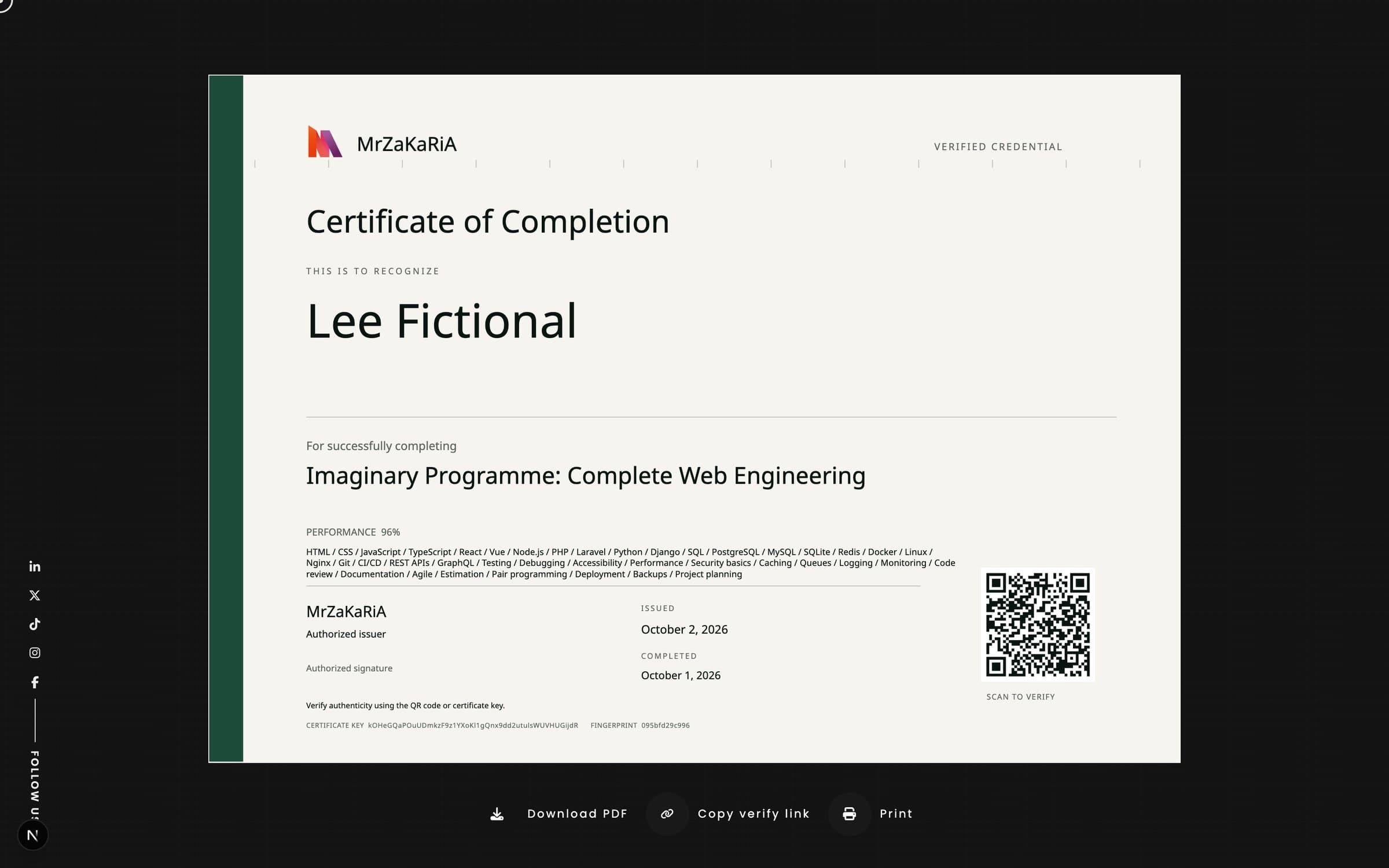
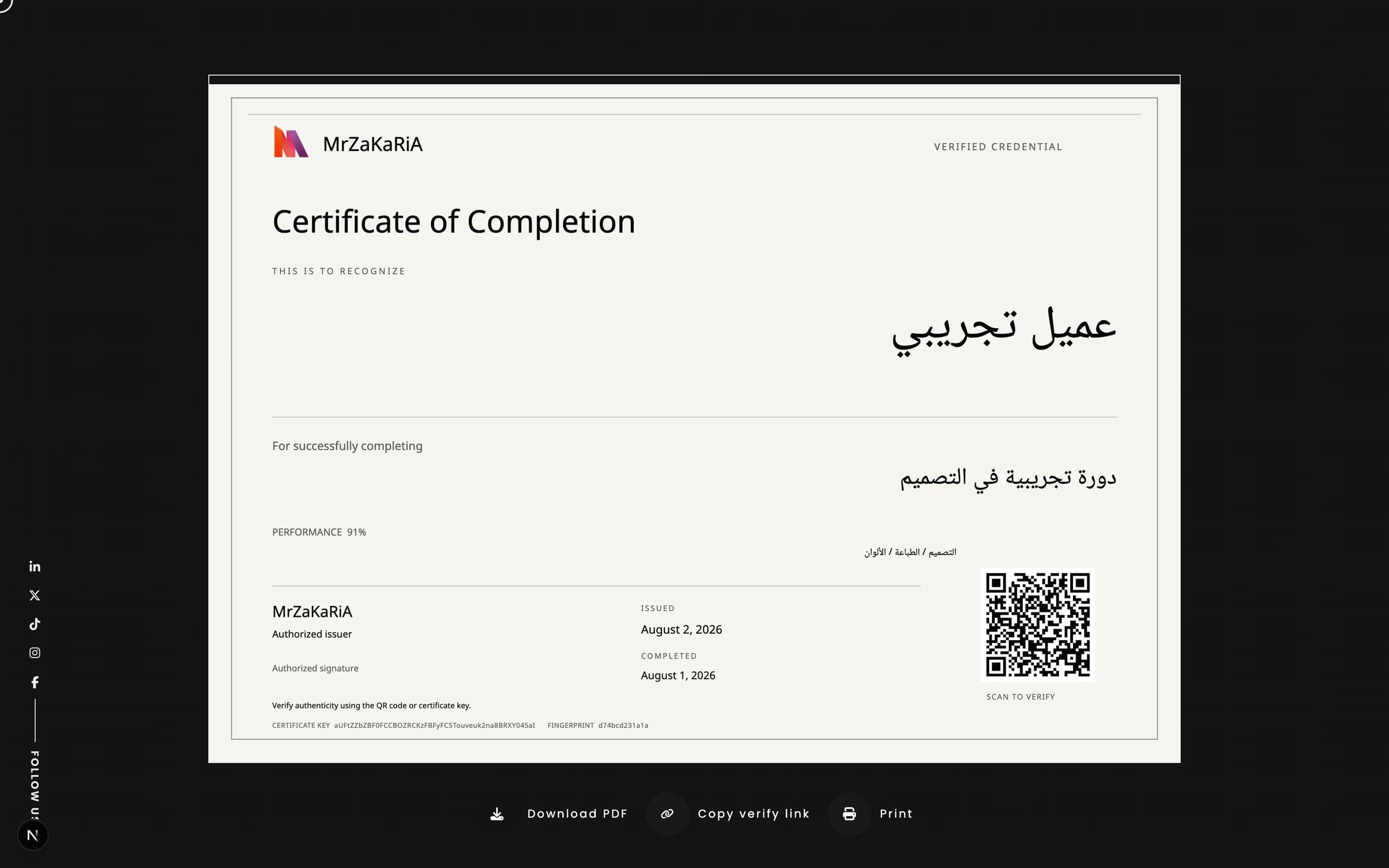
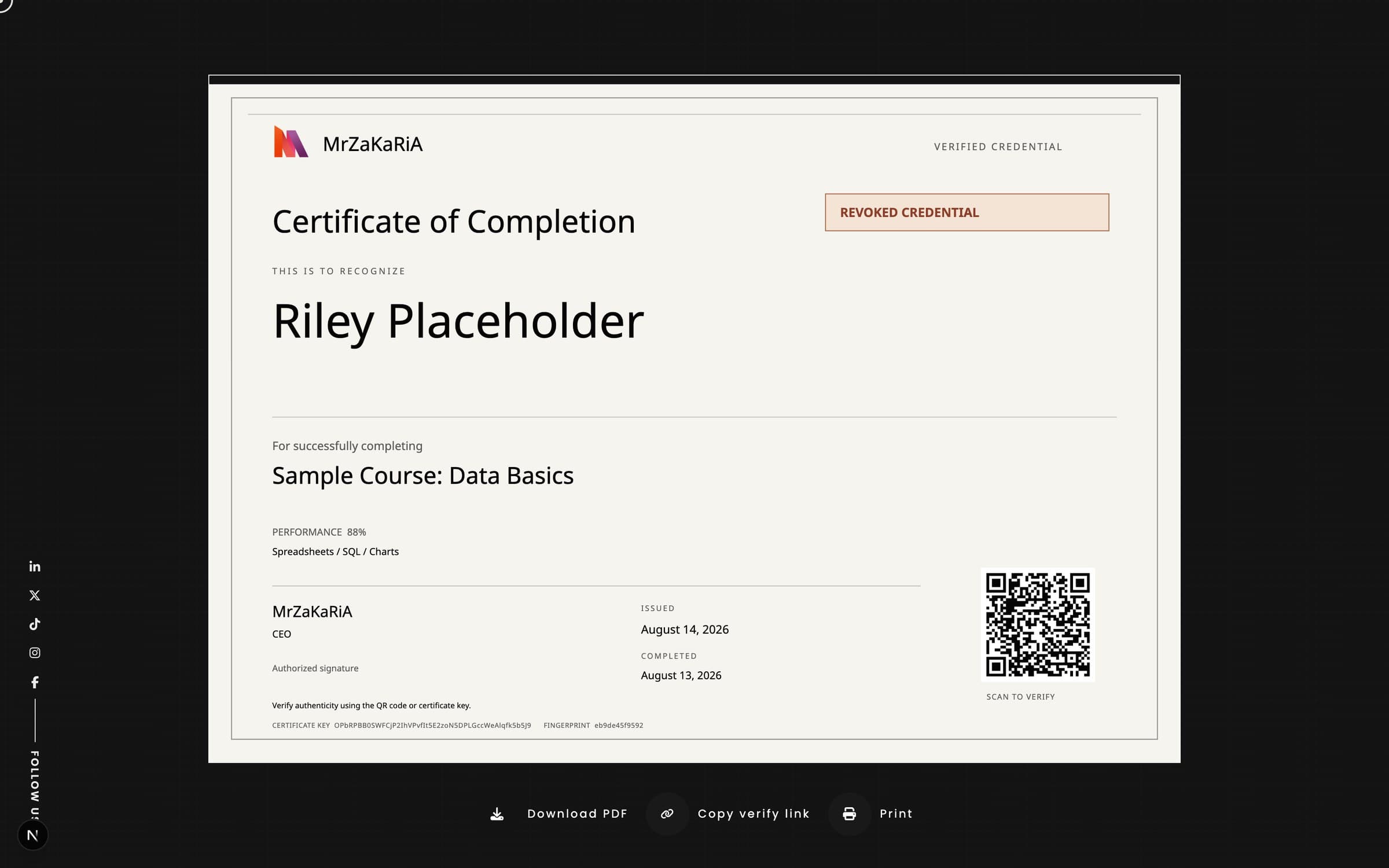
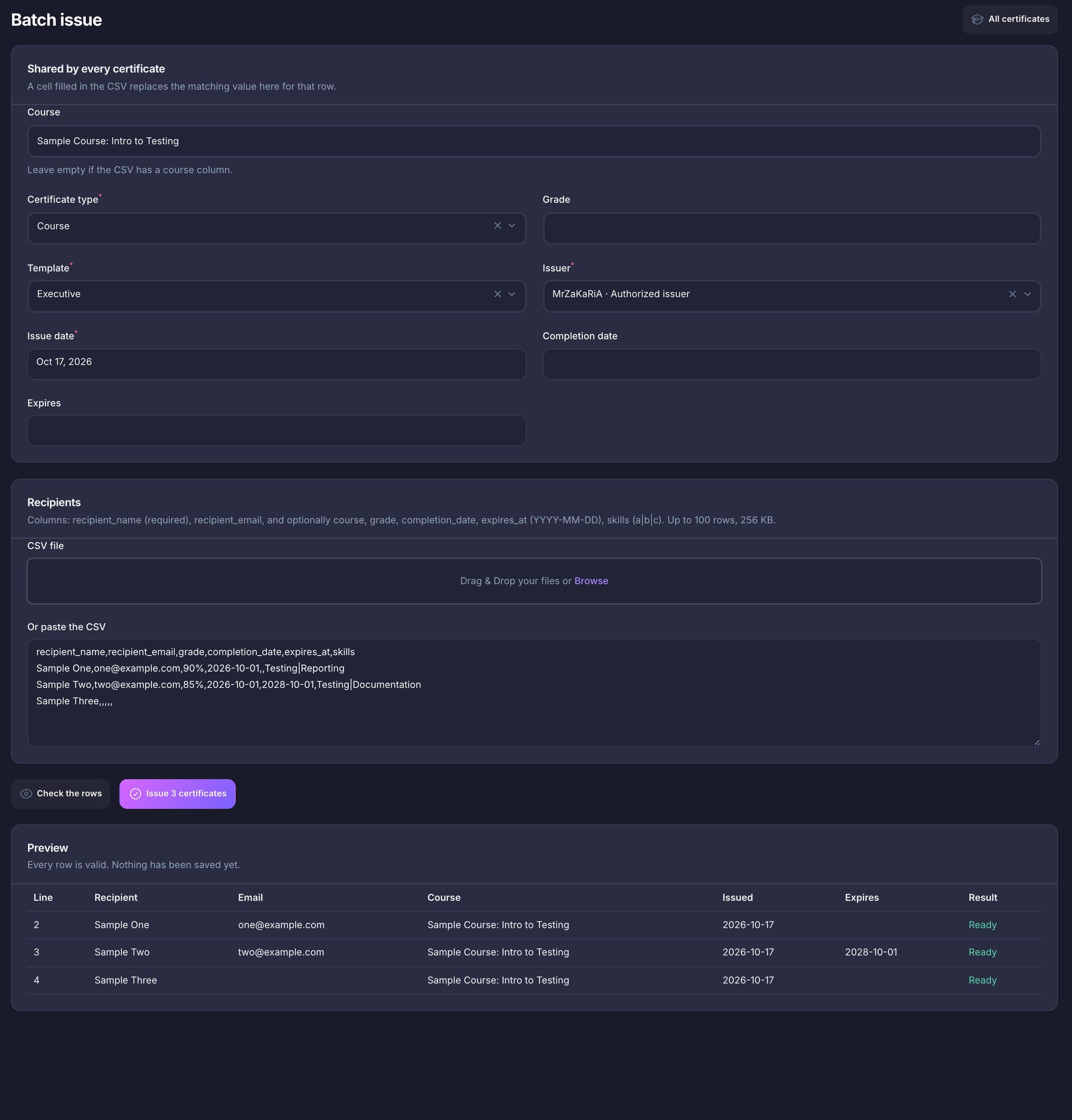
Everything below ships in the one install, with your pages, blog and admin.
Issue
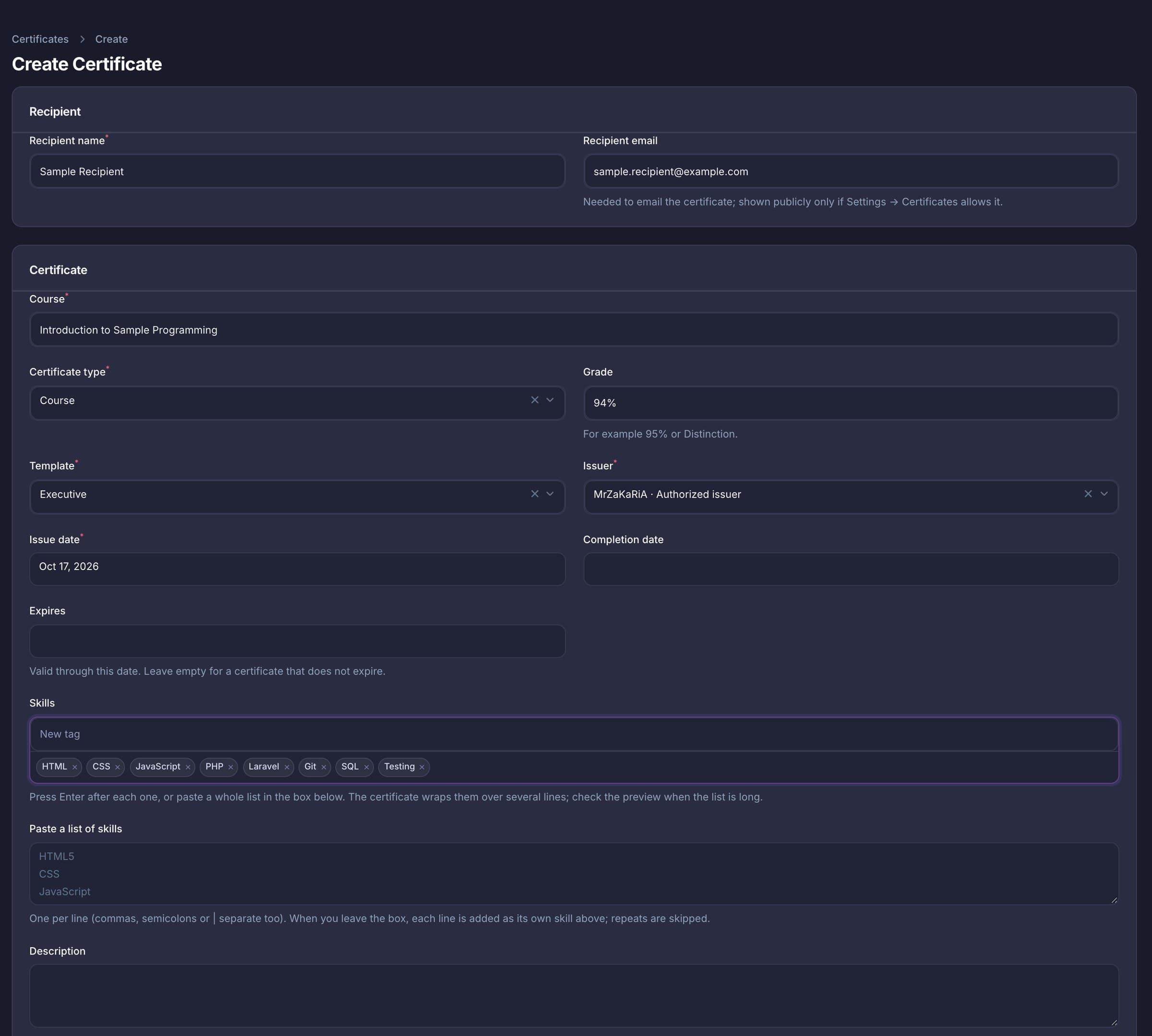
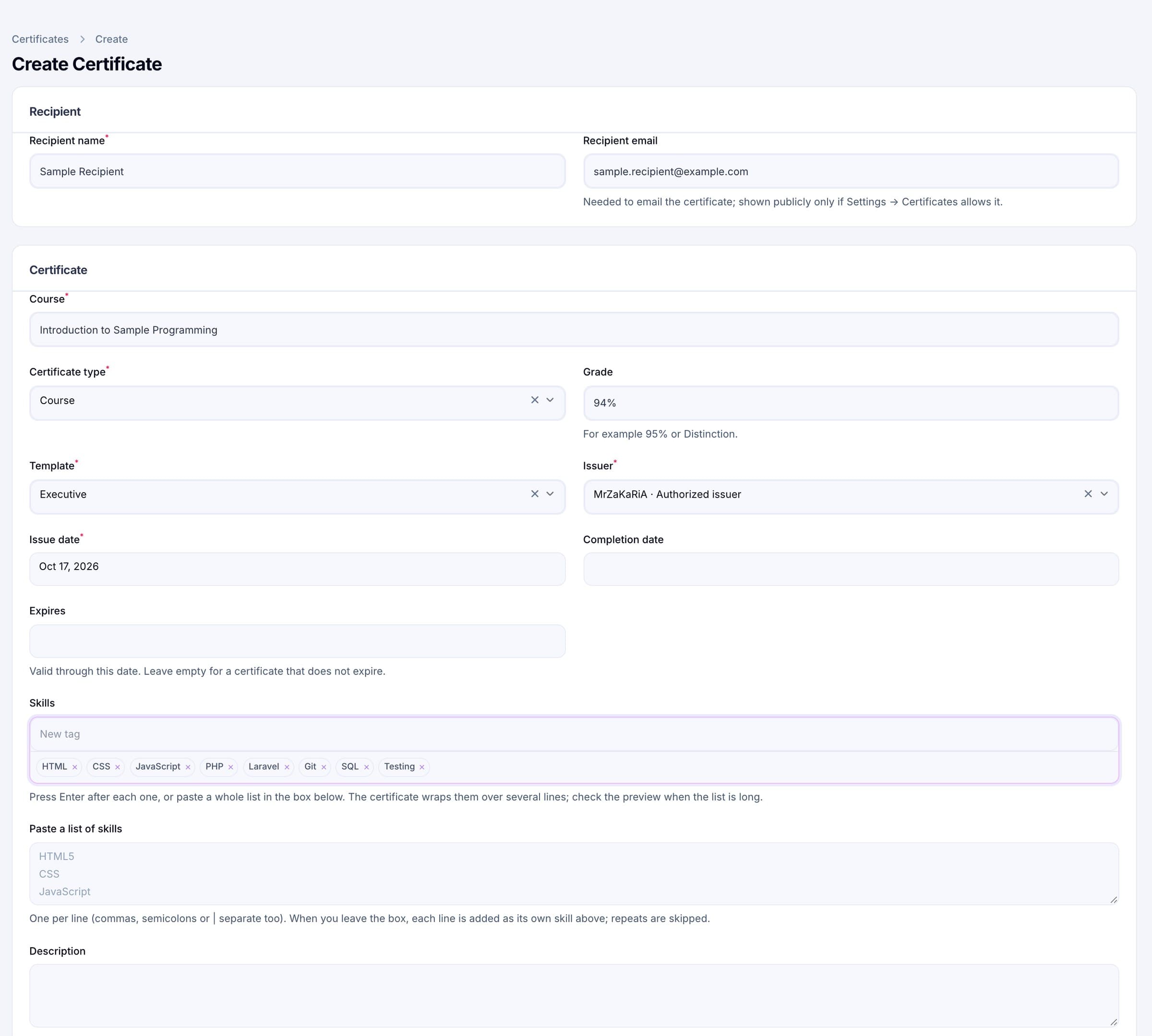
Enter the recipient’s name and an optional email, the course or programme, the type (internship, course, workshop or achievement), a grade such as 95% or Distinction, the dates and a list of skills. Choose a template and an issuer. When you save, the certificate gets a random 48-character key and a SHA-256 fingerprint of what it says. Skills can be pasted one per line; up to 200 are accepted, each up to 80 characters.
Batch
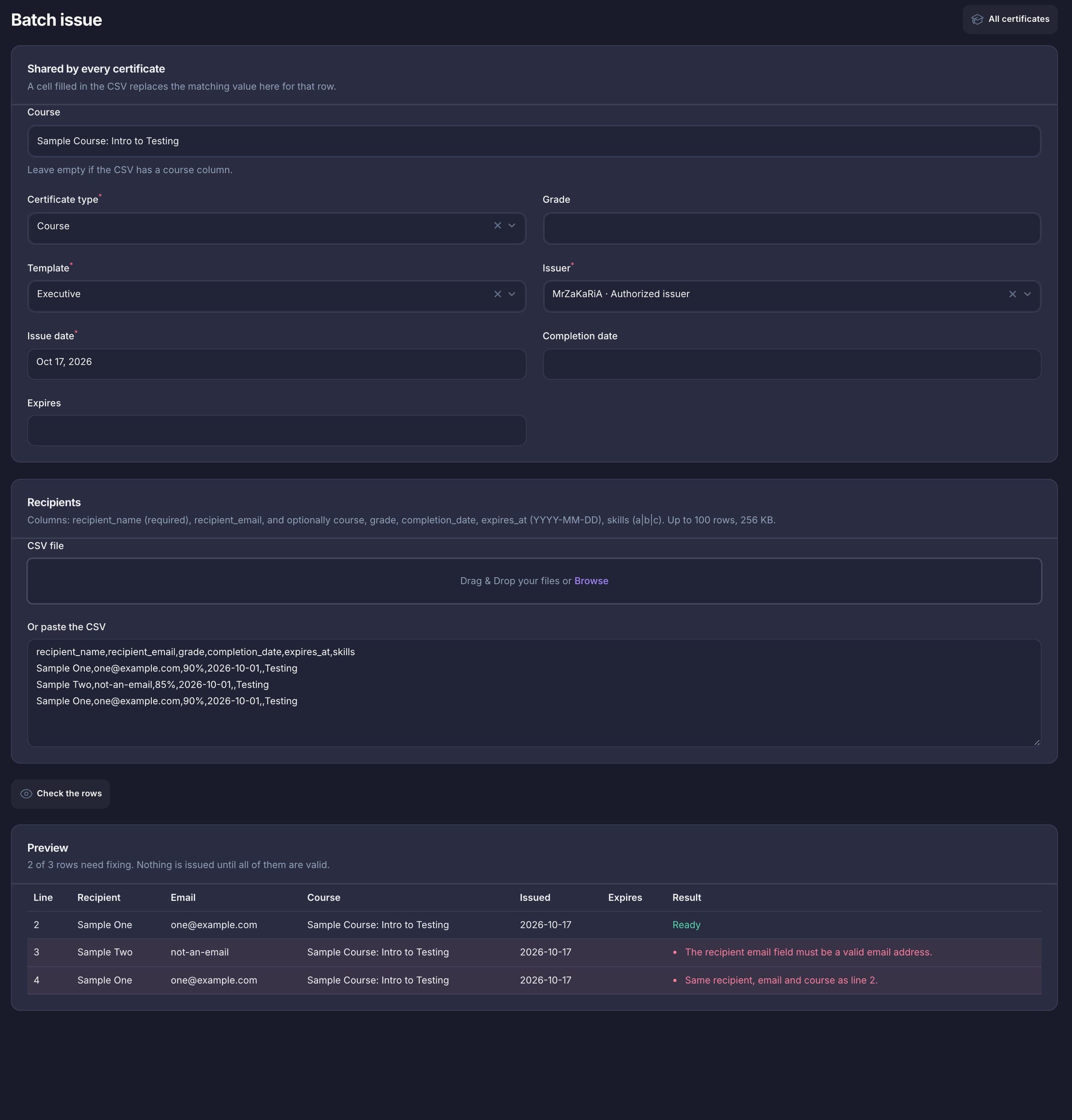
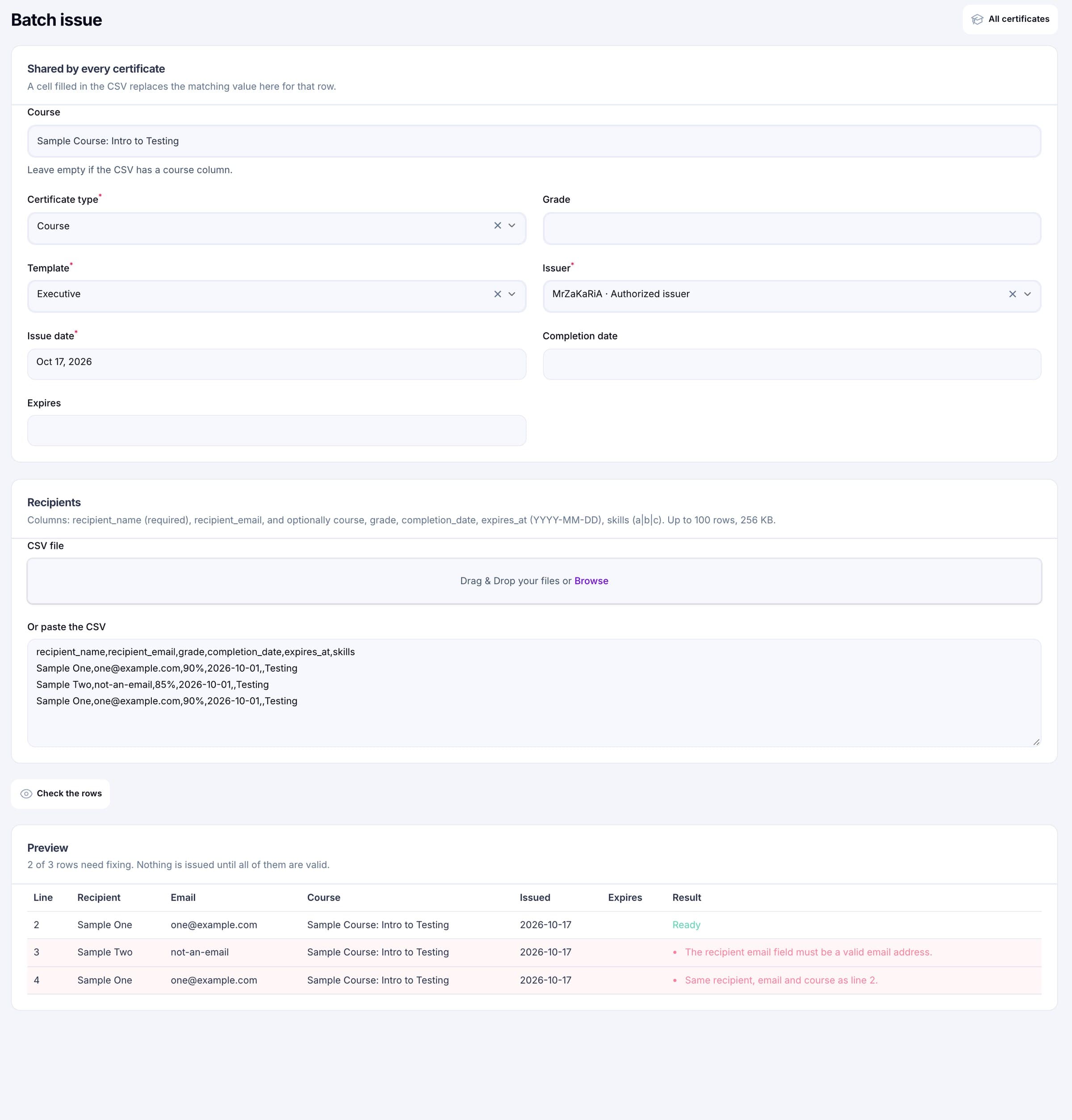
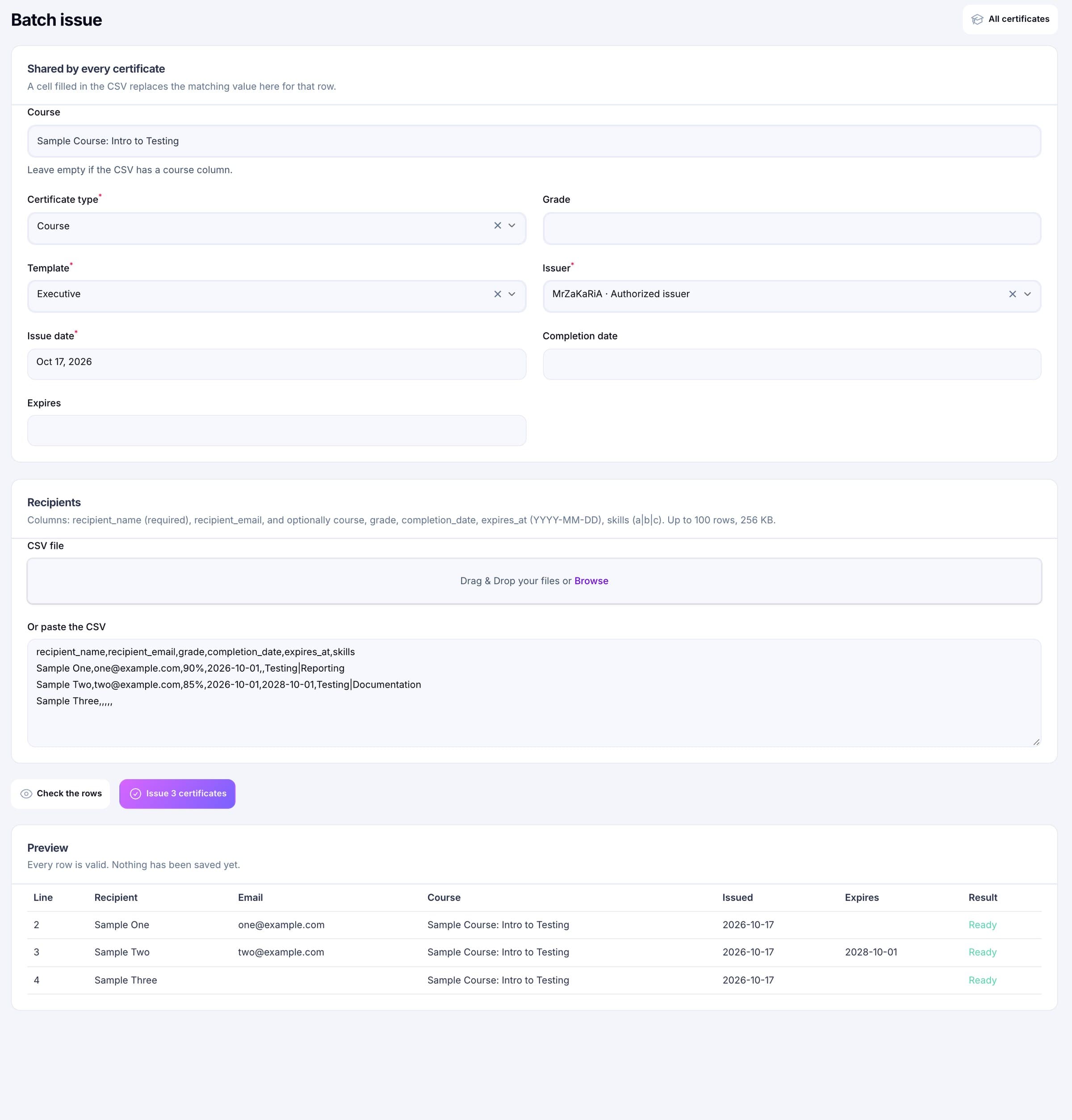
Upload a CSV or paste it. Set the course, type, template, issuer and dates once for everyone, and let any CSV cell override them for its row. The preview validates every row with the same rules as the single form and shows what is wrong on each line. The Issue button stays off until the preview is clean, and issuing is all or nothing in one transaction.
Verify
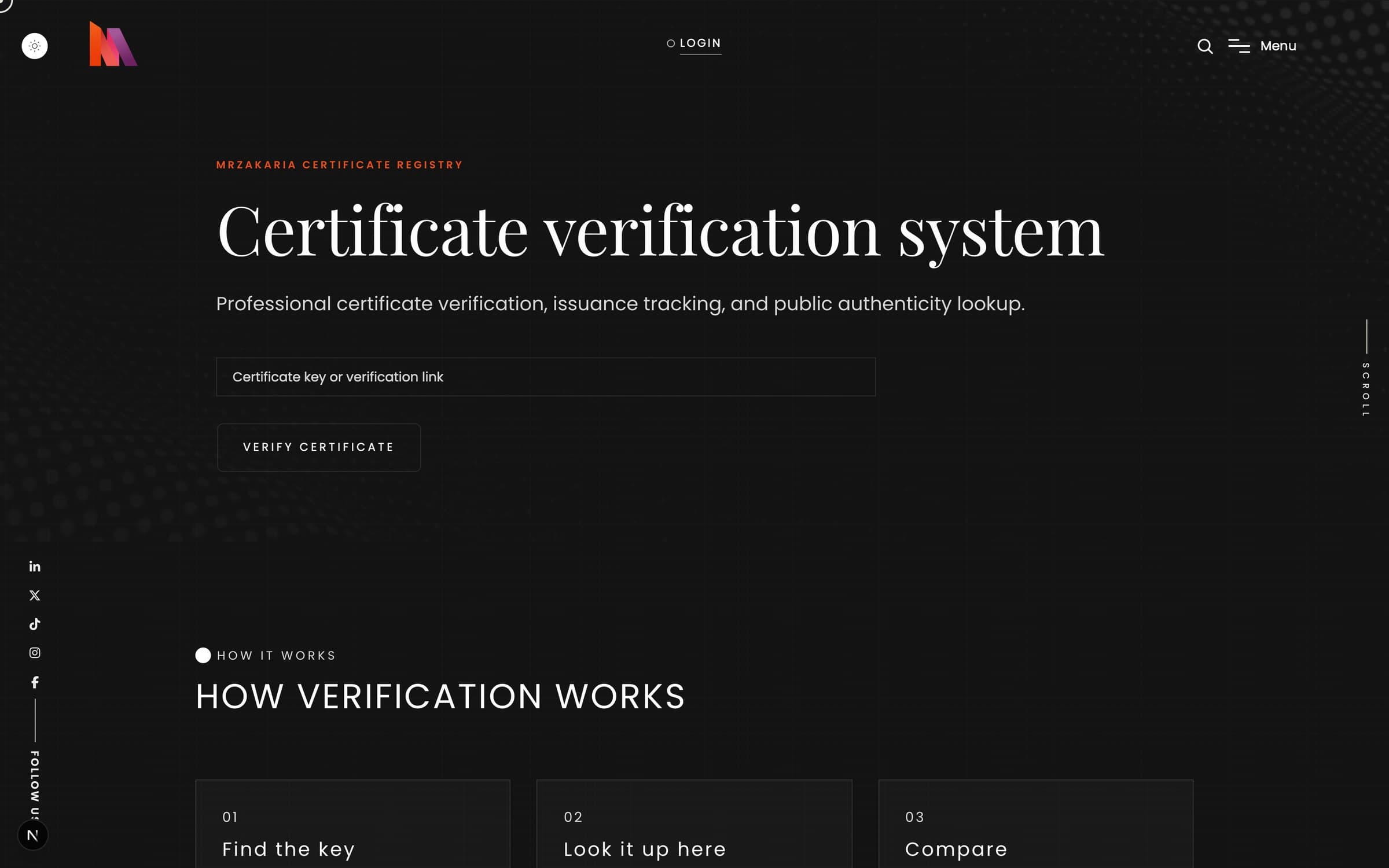
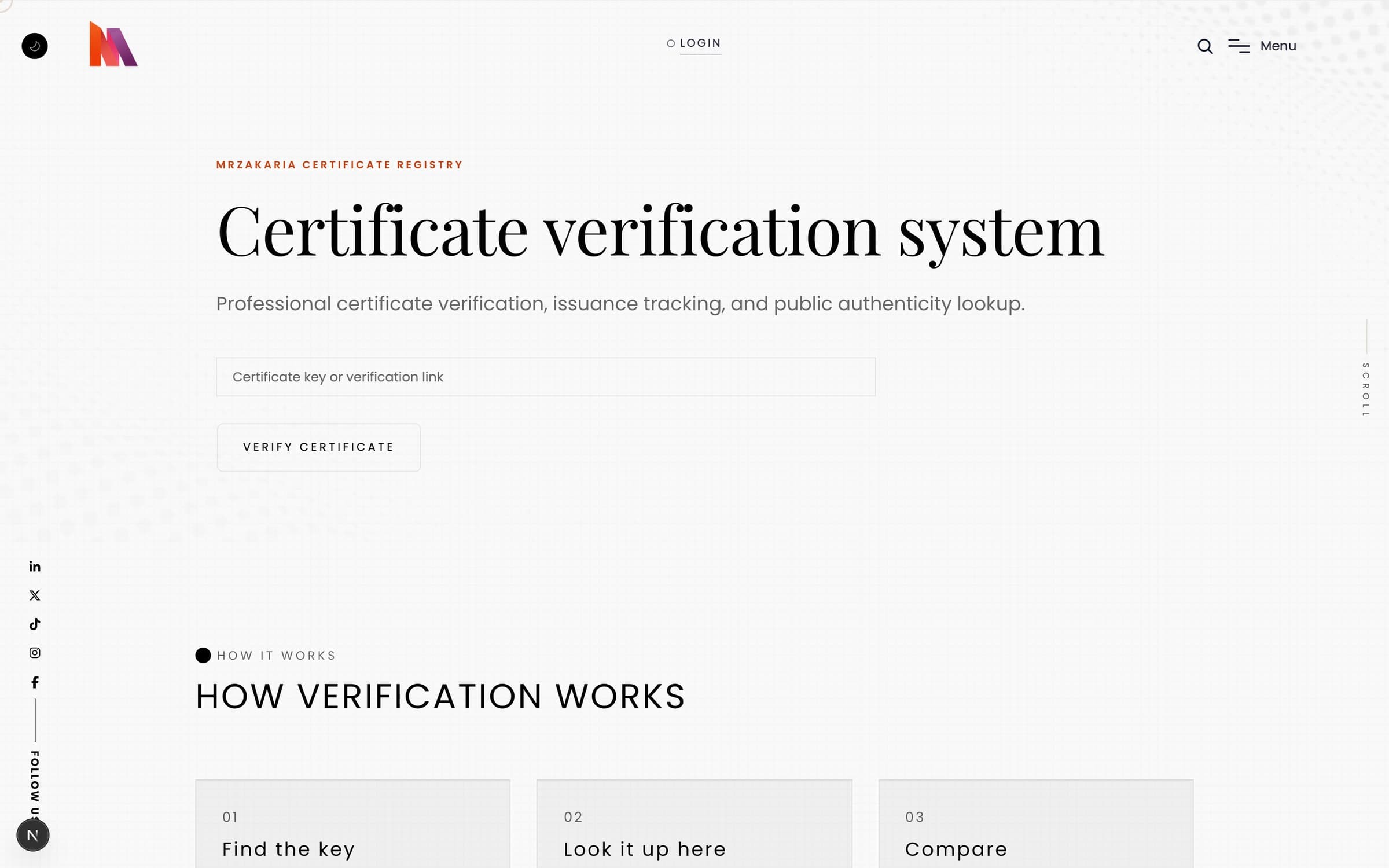
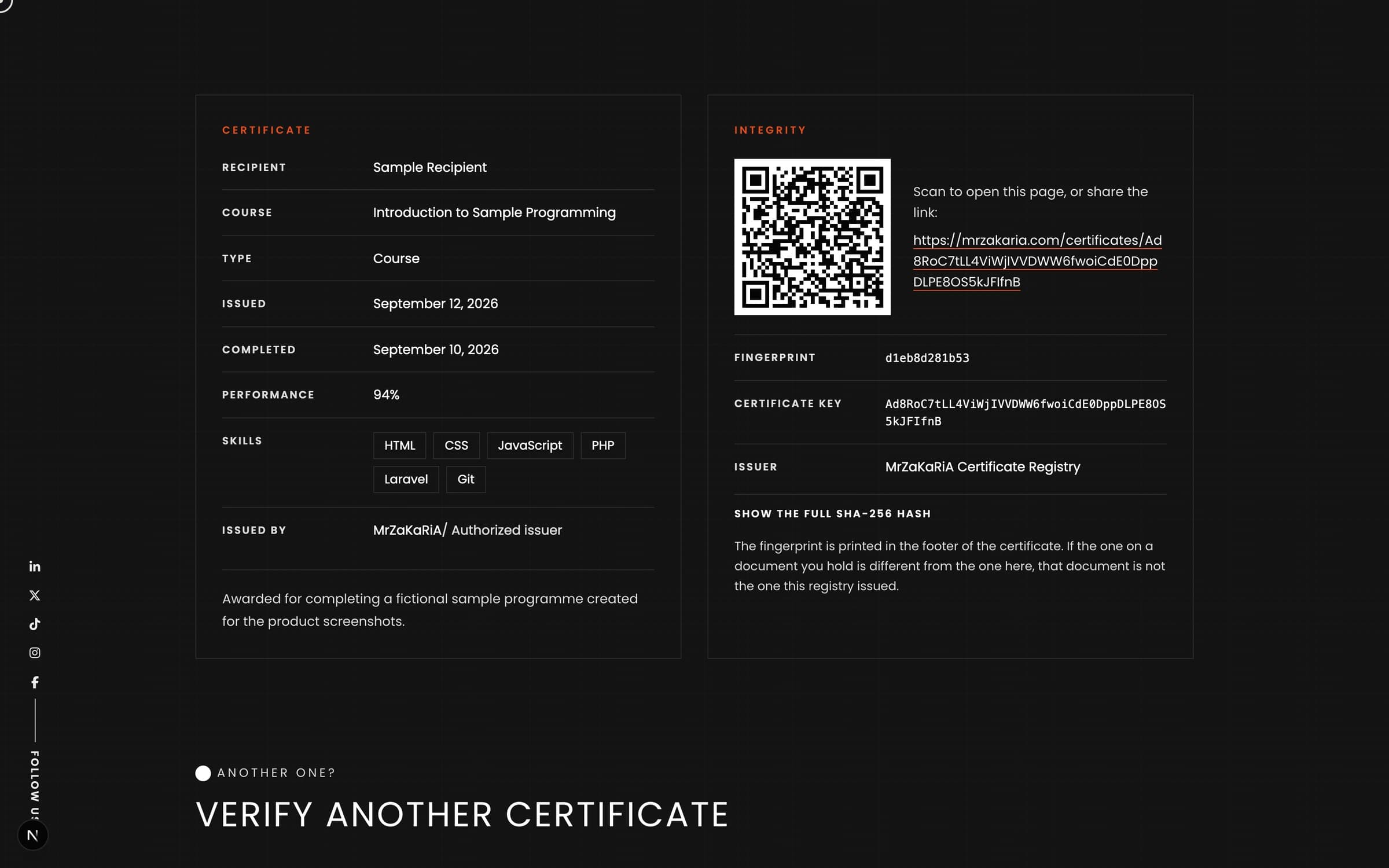
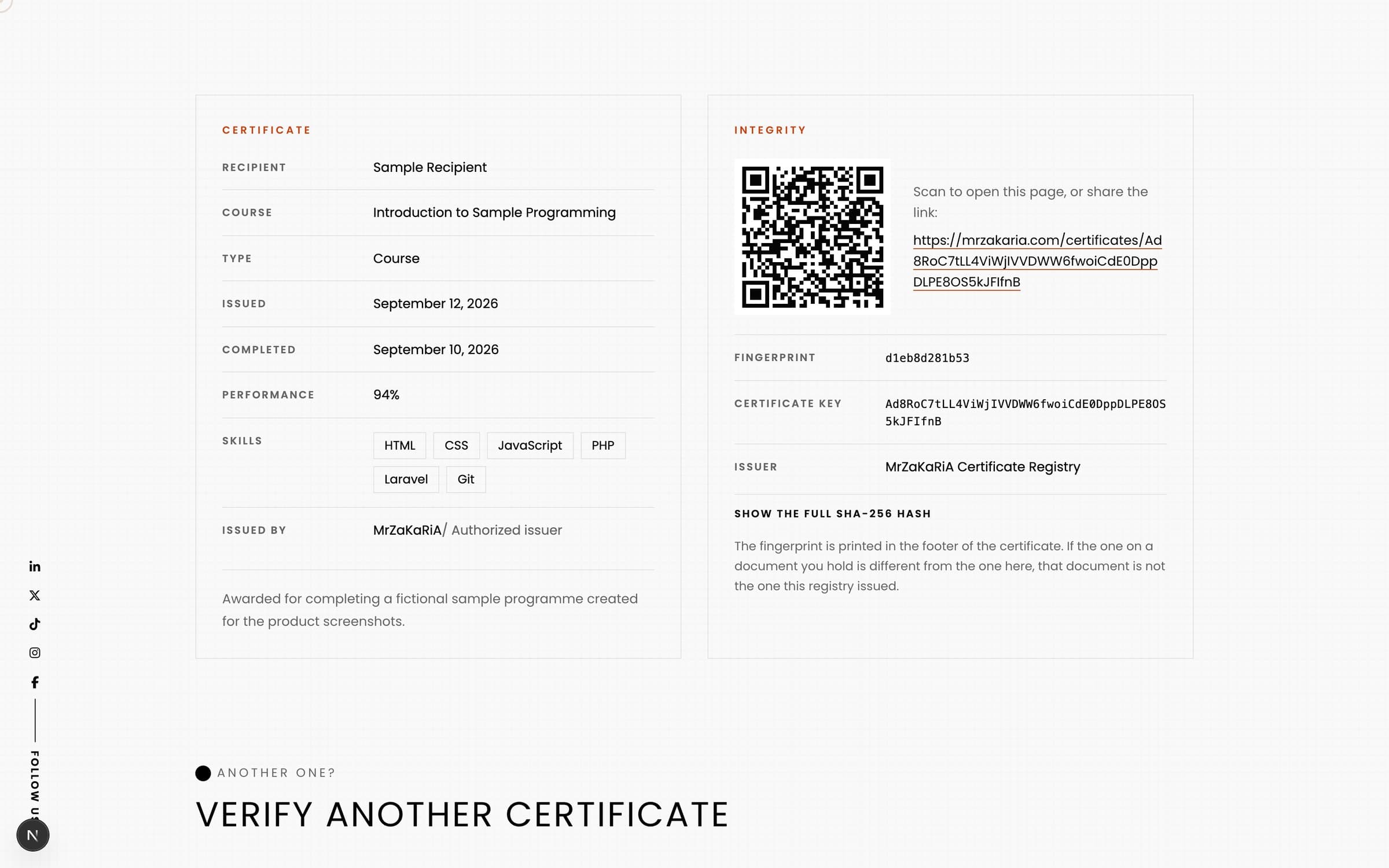
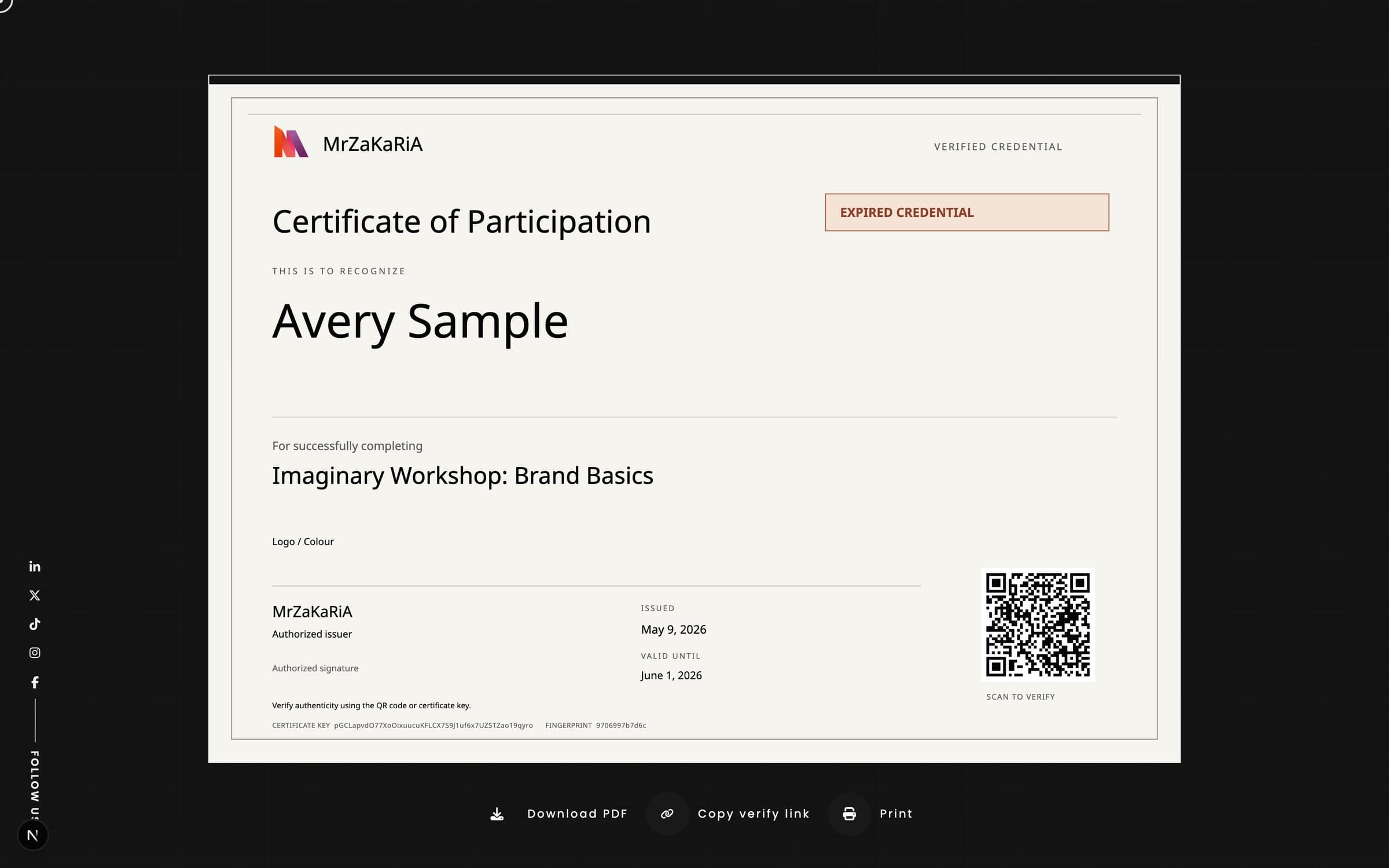
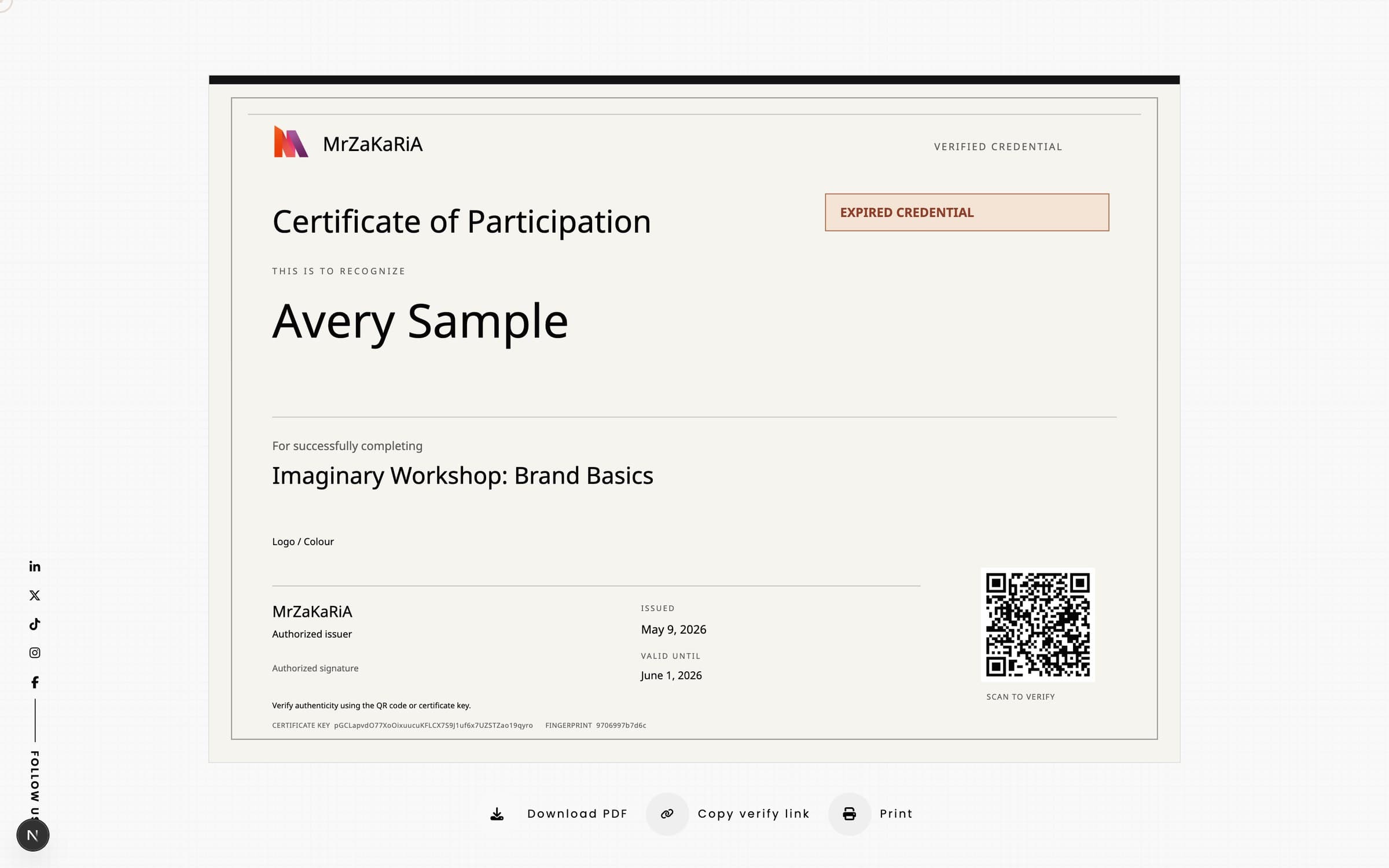
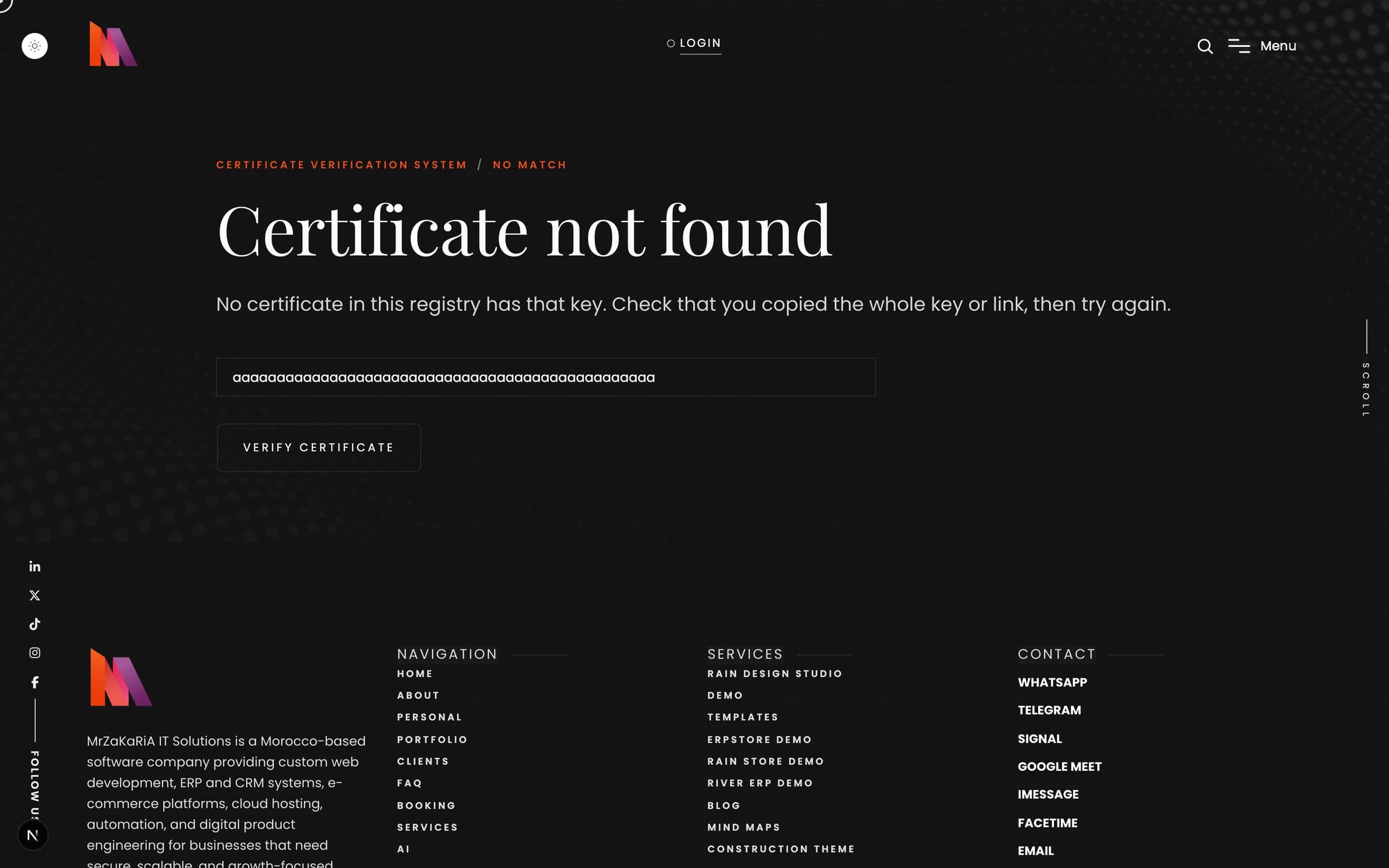
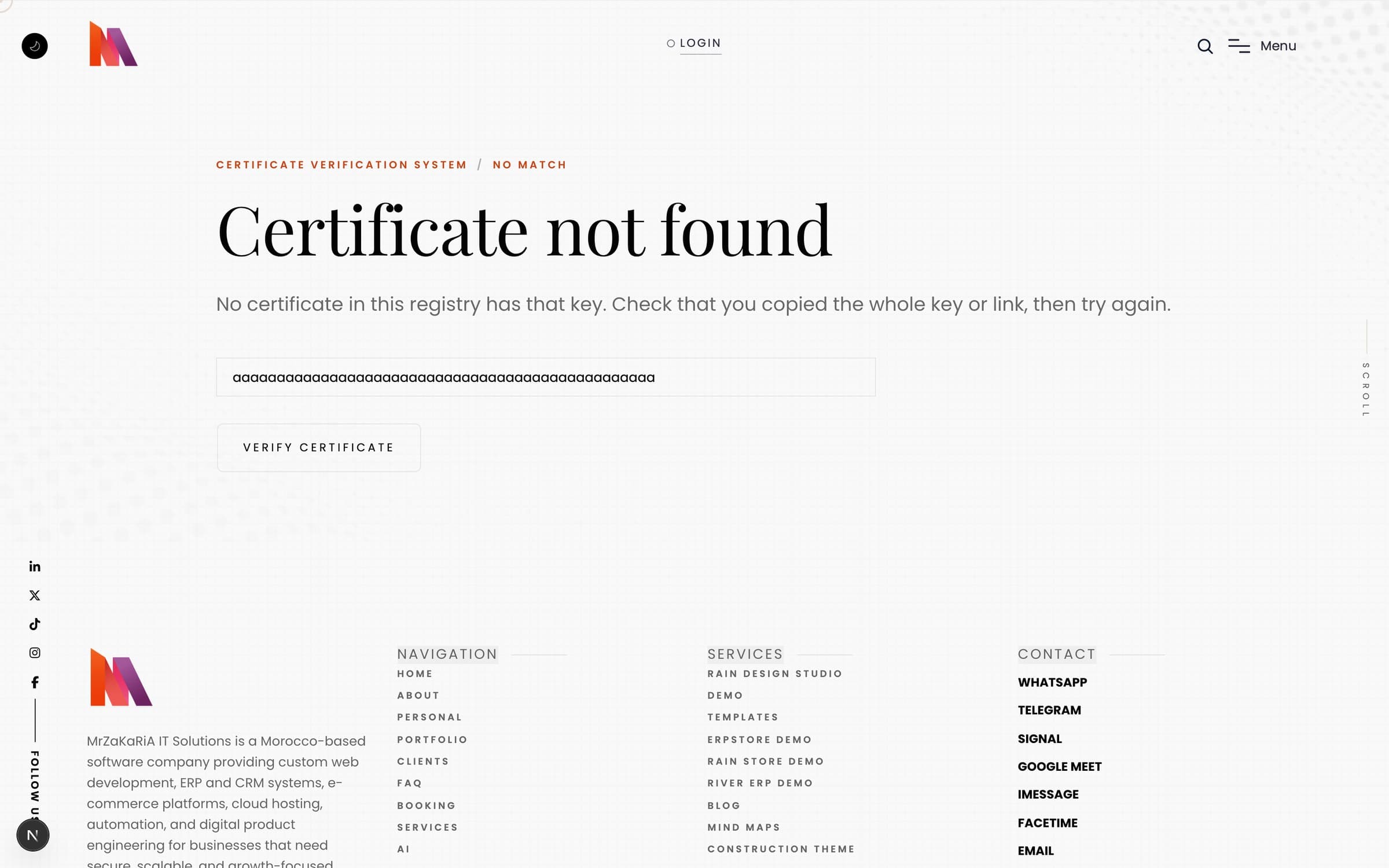
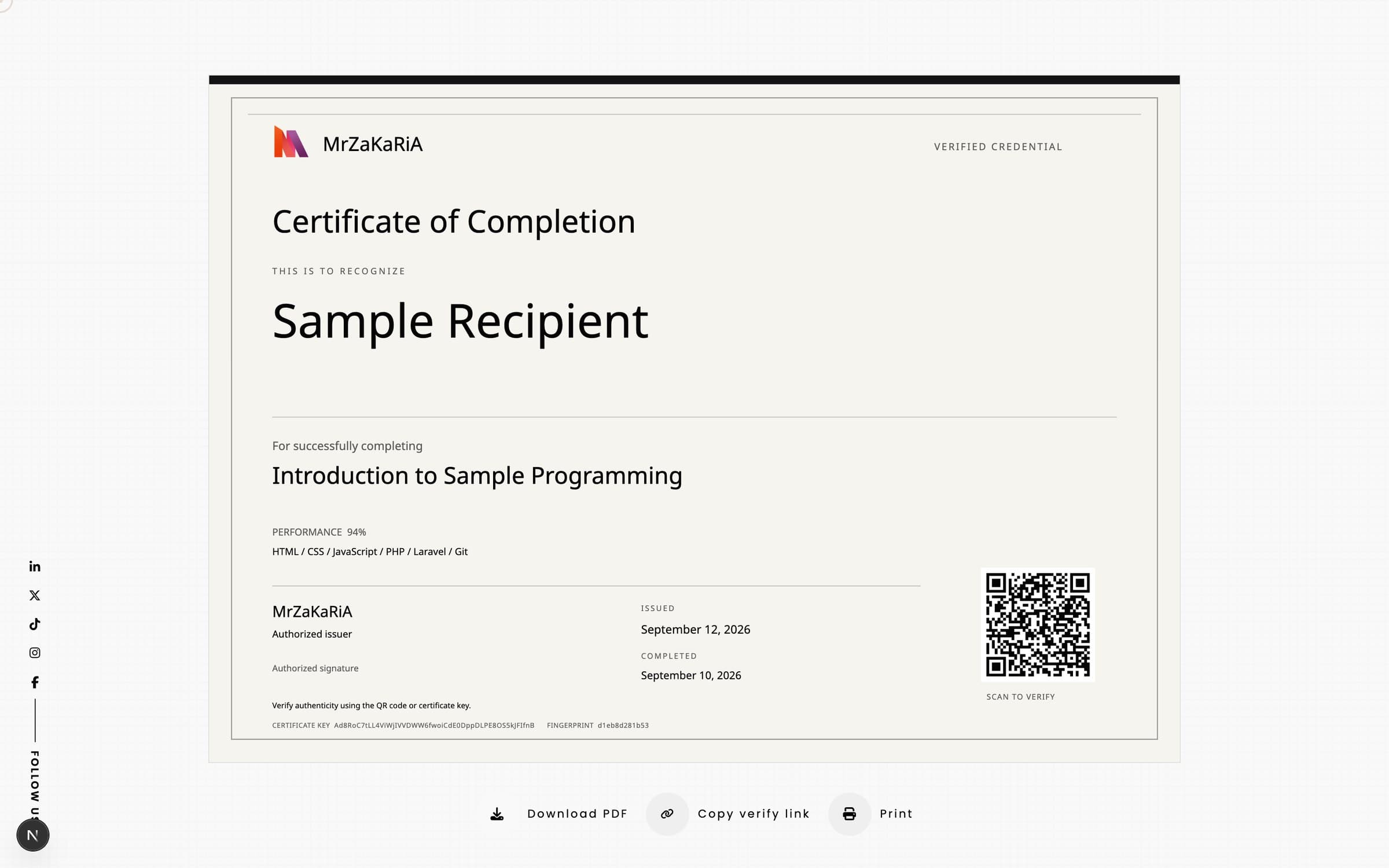
The QR code on every sheet is the certificate’s verify link. The page is rendered fresh on every request, so a revocation shows at once. It says Active, Expired or Revoked, repeats what is printed, and shows an integrity panel with the QR, the key, the issuer and the fingerprint. The page is never indexed by search engines, and a visitor can also paste a key or a link into the form.
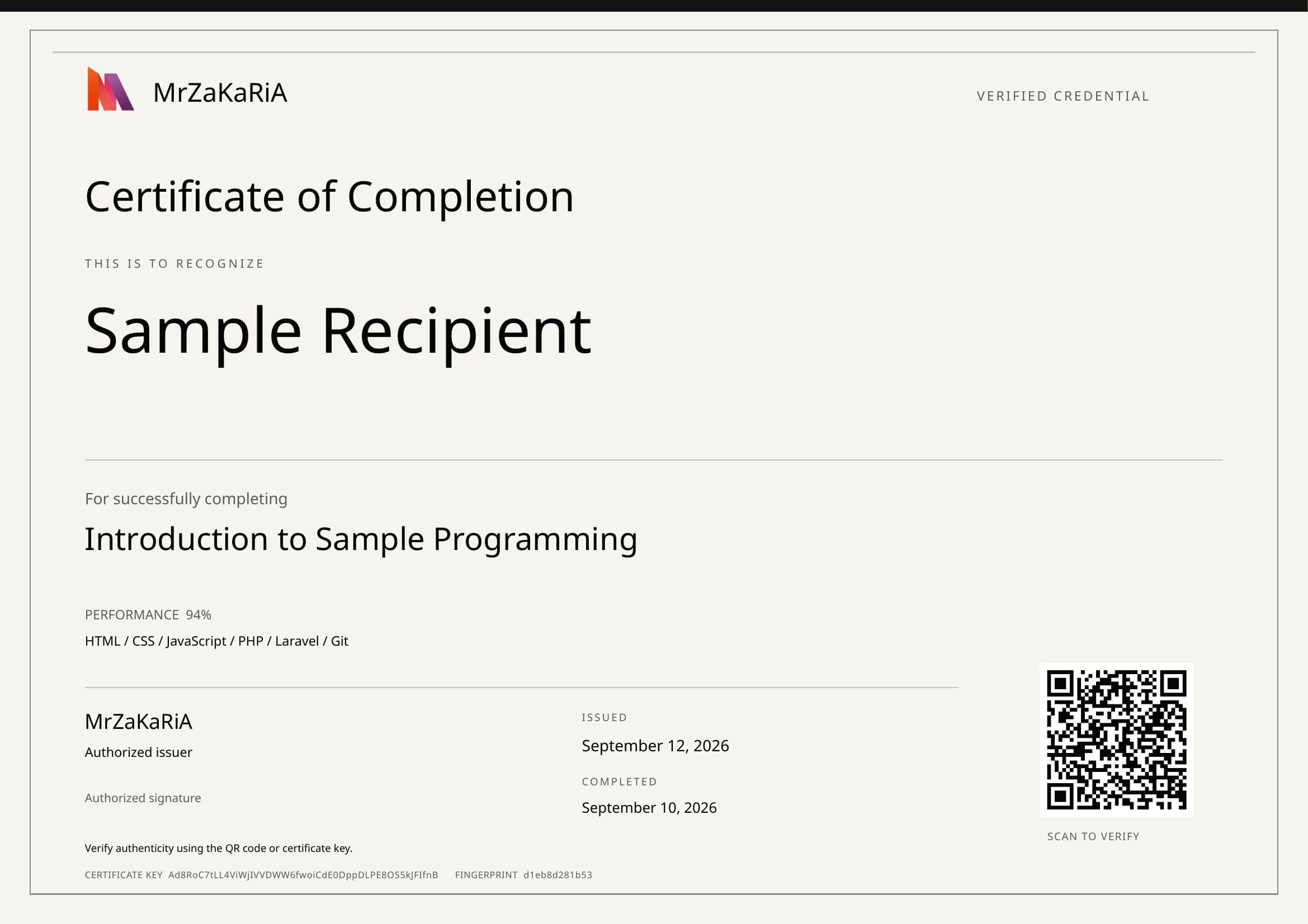
The PDF is built in the visitor’s browser, on A4 landscape, with the QR code as a link, the key and the fingerprint in the footer. The Print button, or the browser’s own print command, shows only the sheet at 100% on one A4 page with exact colours. Long names shrink to fit up to two lines, and long skill lists wrap over up to three lines.
Certificates
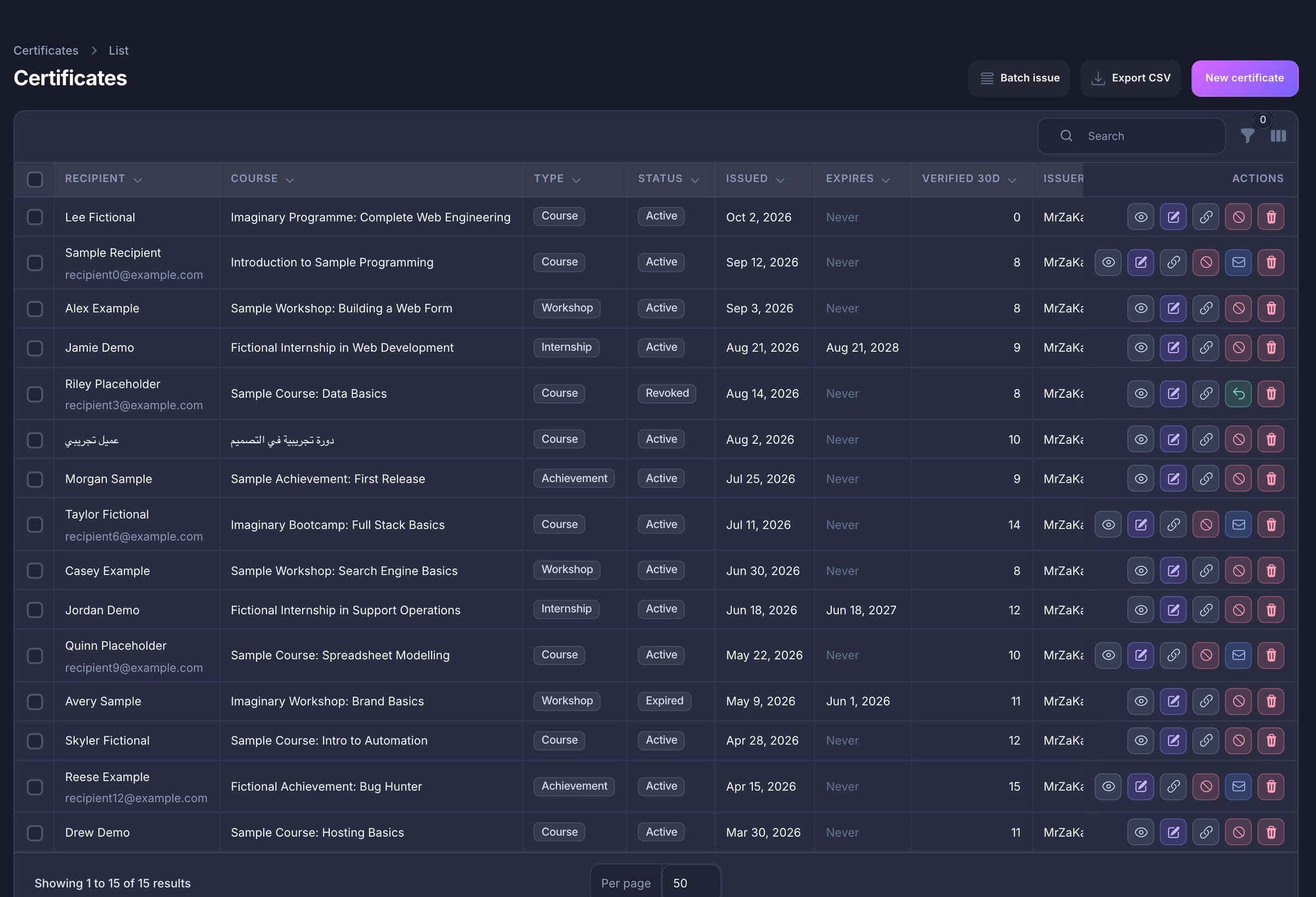
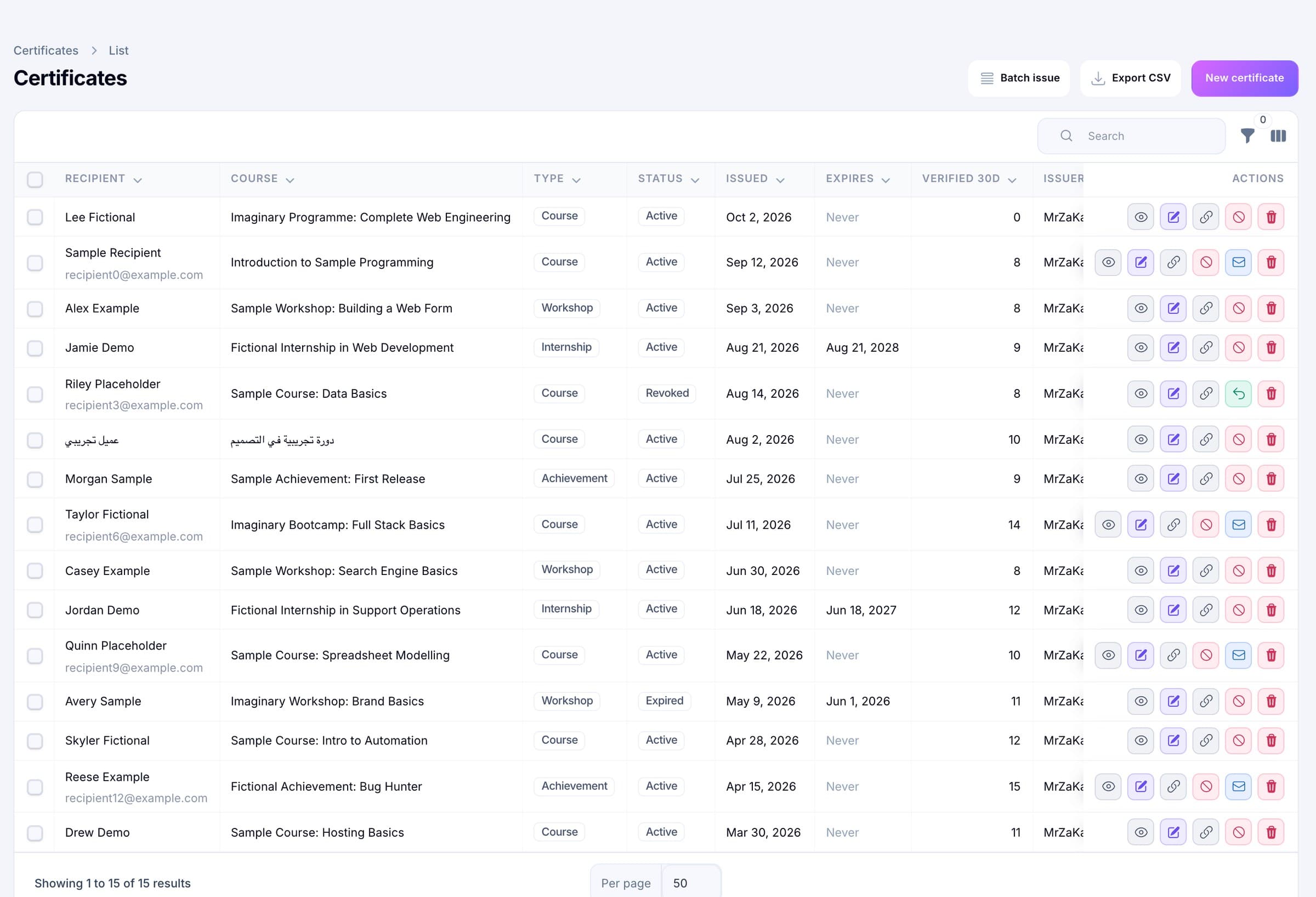
Search by name, email or key. Filter by status, type, template or “expiring in 30 days”. The table shows the effective status (revoked beats expired beats active), the issue and expiry dates and how many times each certificate was looked up in the last 30 days. Row actions view, edit, copy the link, revoke, resend the email or delete. Bulk actions revoke or reactivate up to 100 at a time, and export or delete the selection.
Revoke
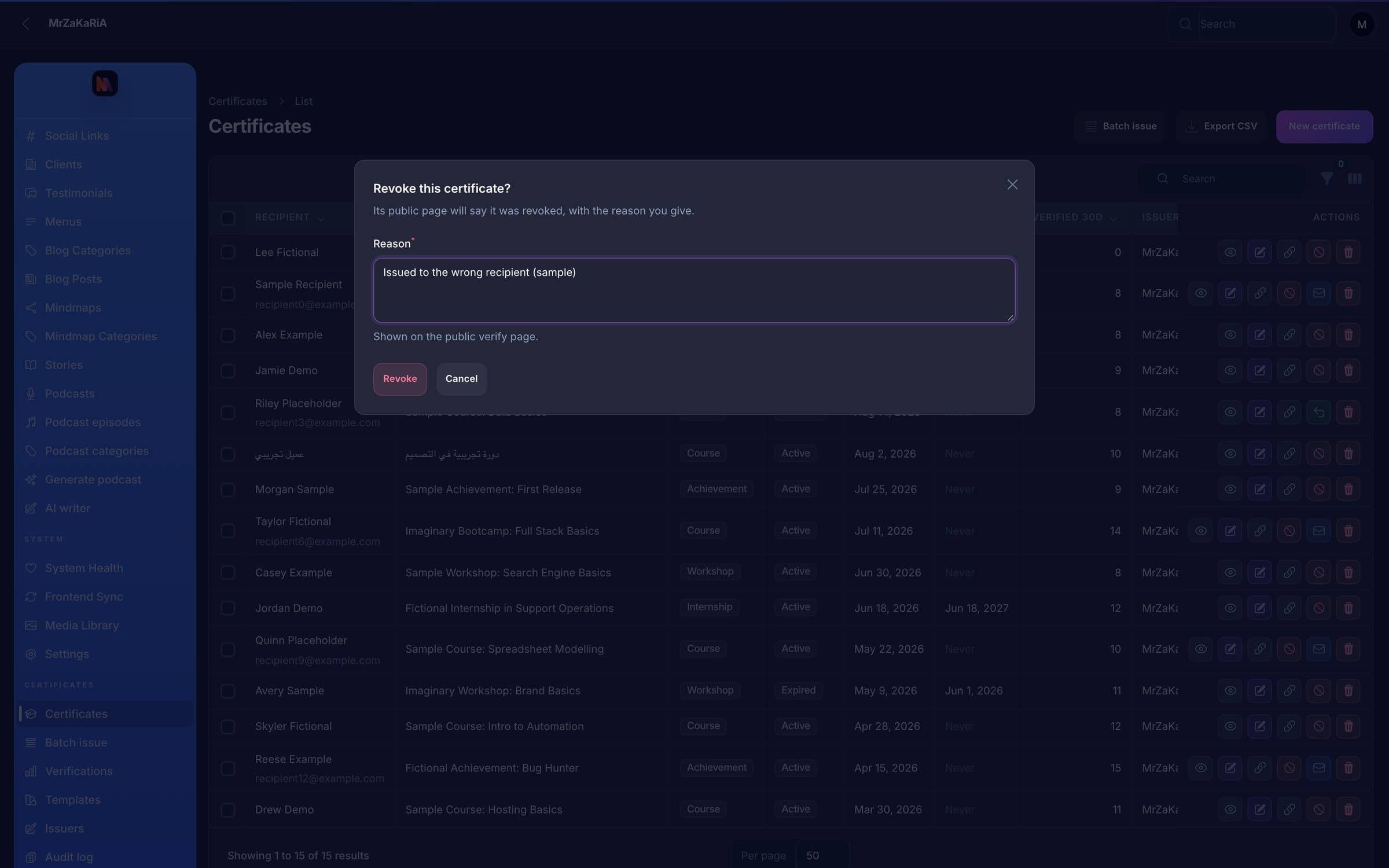
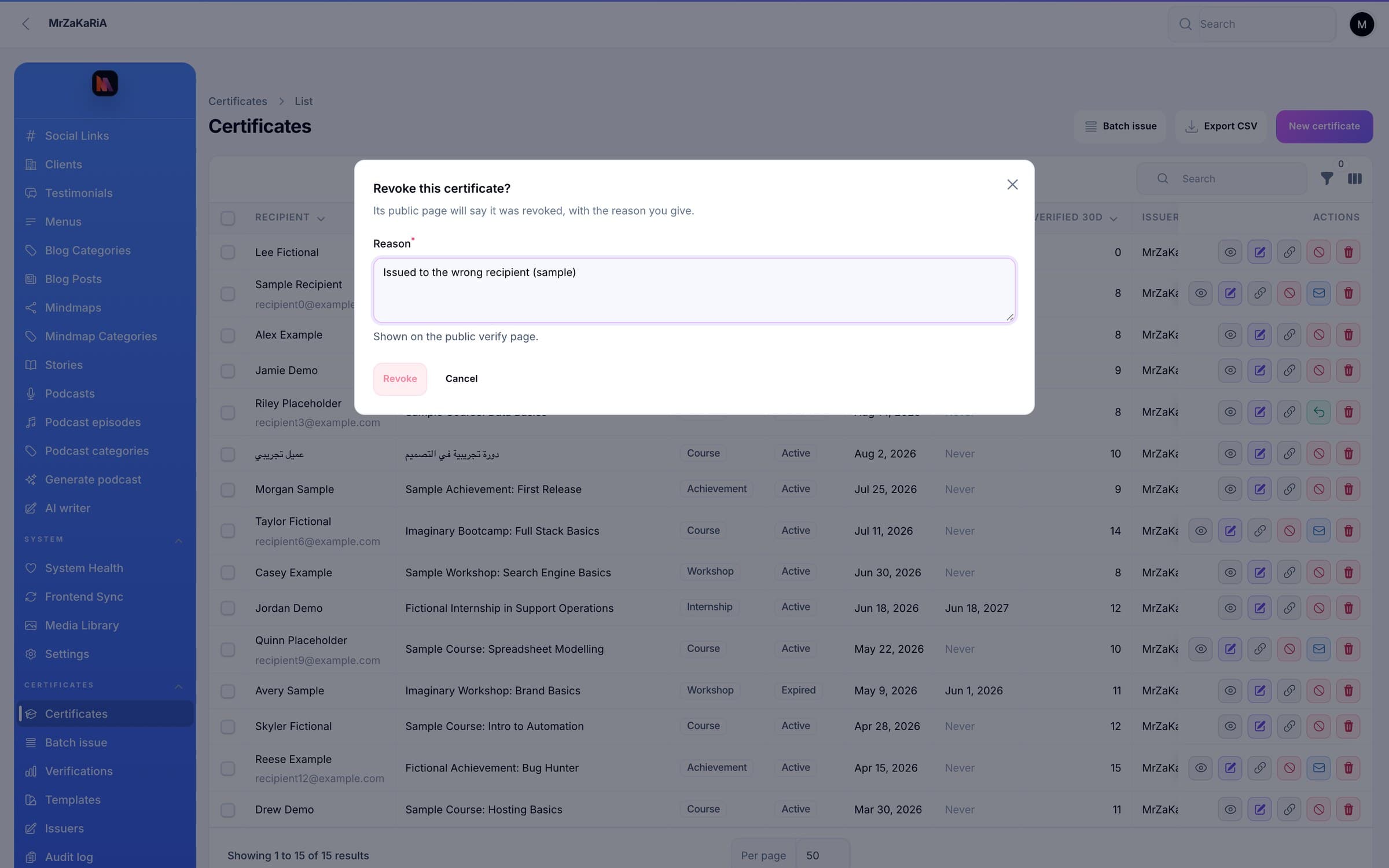
Revoking asks for a reason of up to 500 characters and tells you it will be shown on the public verify page. Reactivating clears it. Revocation does not change what the paper says, so the fingerprint stays the same and the printout can still be compared with the page.
Templates
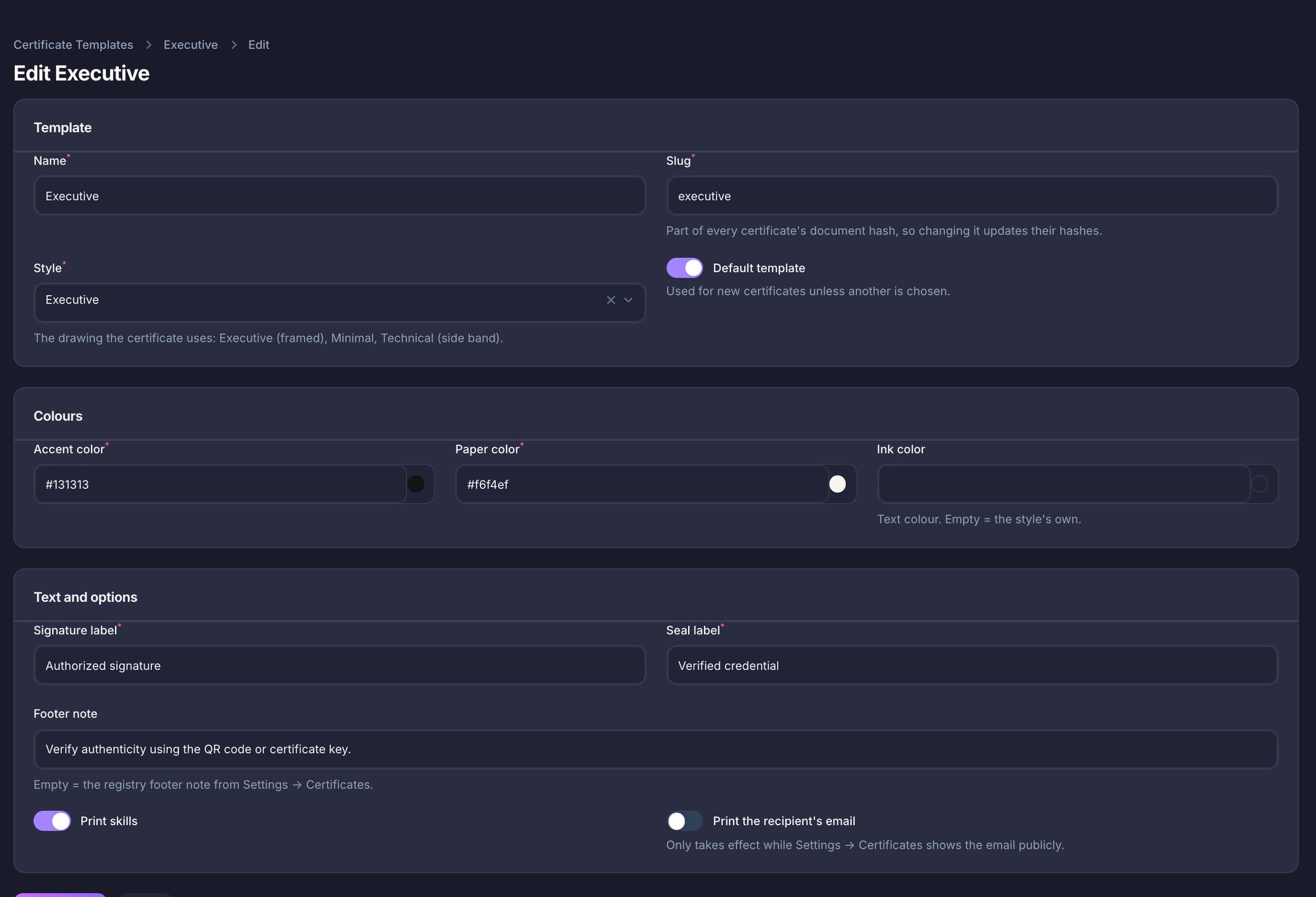
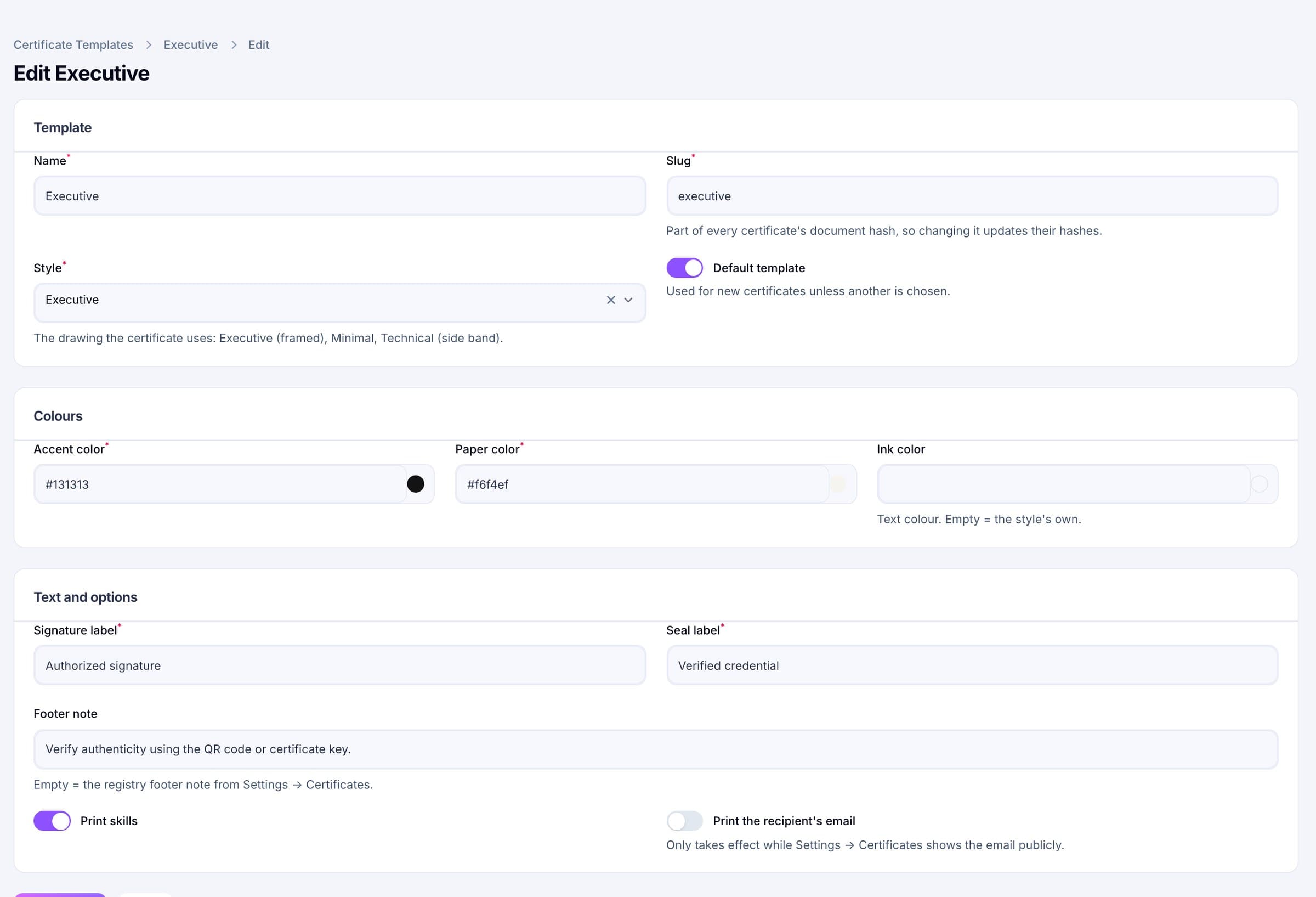
Three built-in templates, and you can add more on any of the three drawings. Each has an accent colour, a paper colour, an optional ink colour, a signature label, a seal label, a footer note and a switch for printing skills. Issuers carry a name, a title and an optional signature image. The default template and any template or issuer in use cannot be deleted.
Lookups
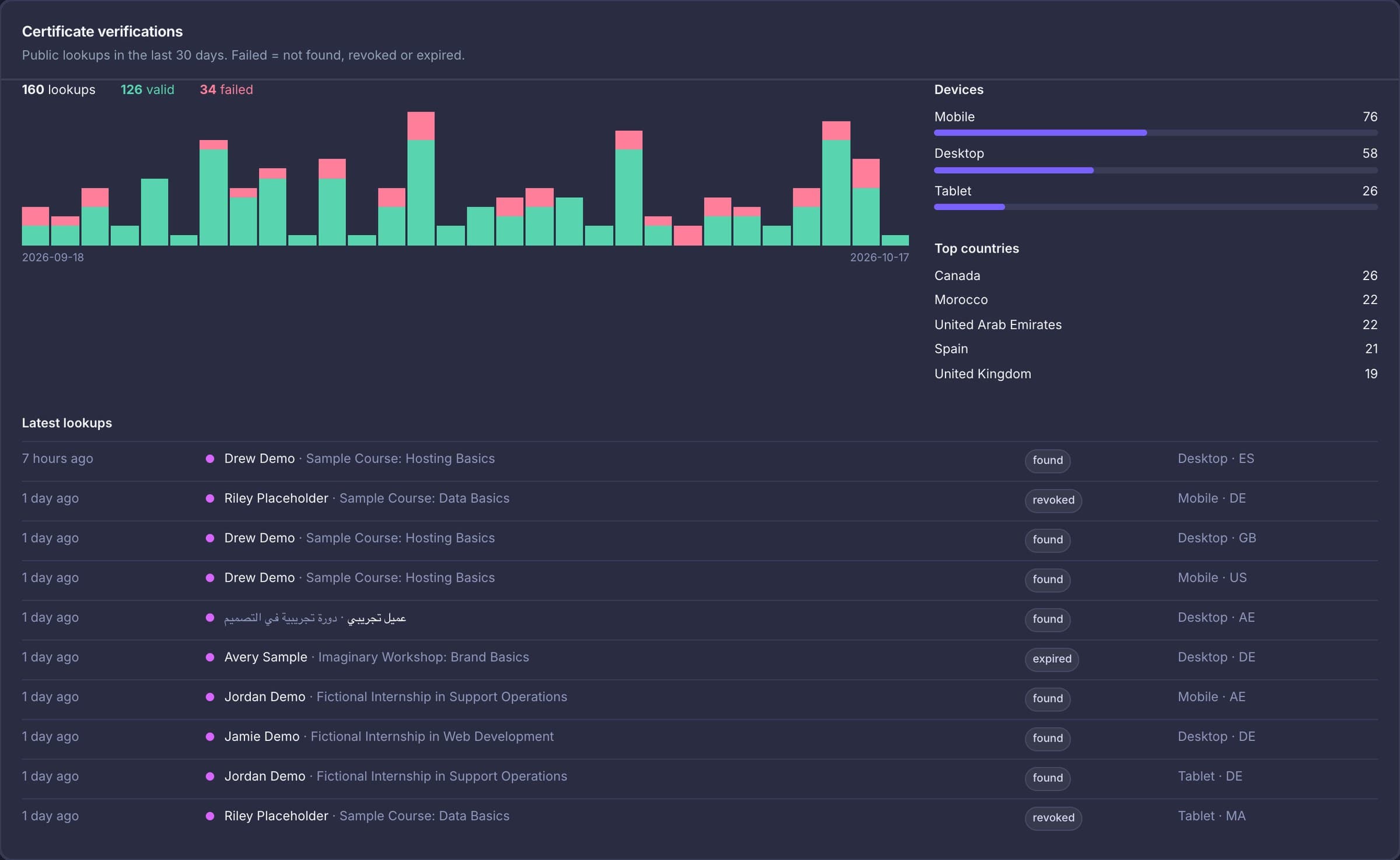
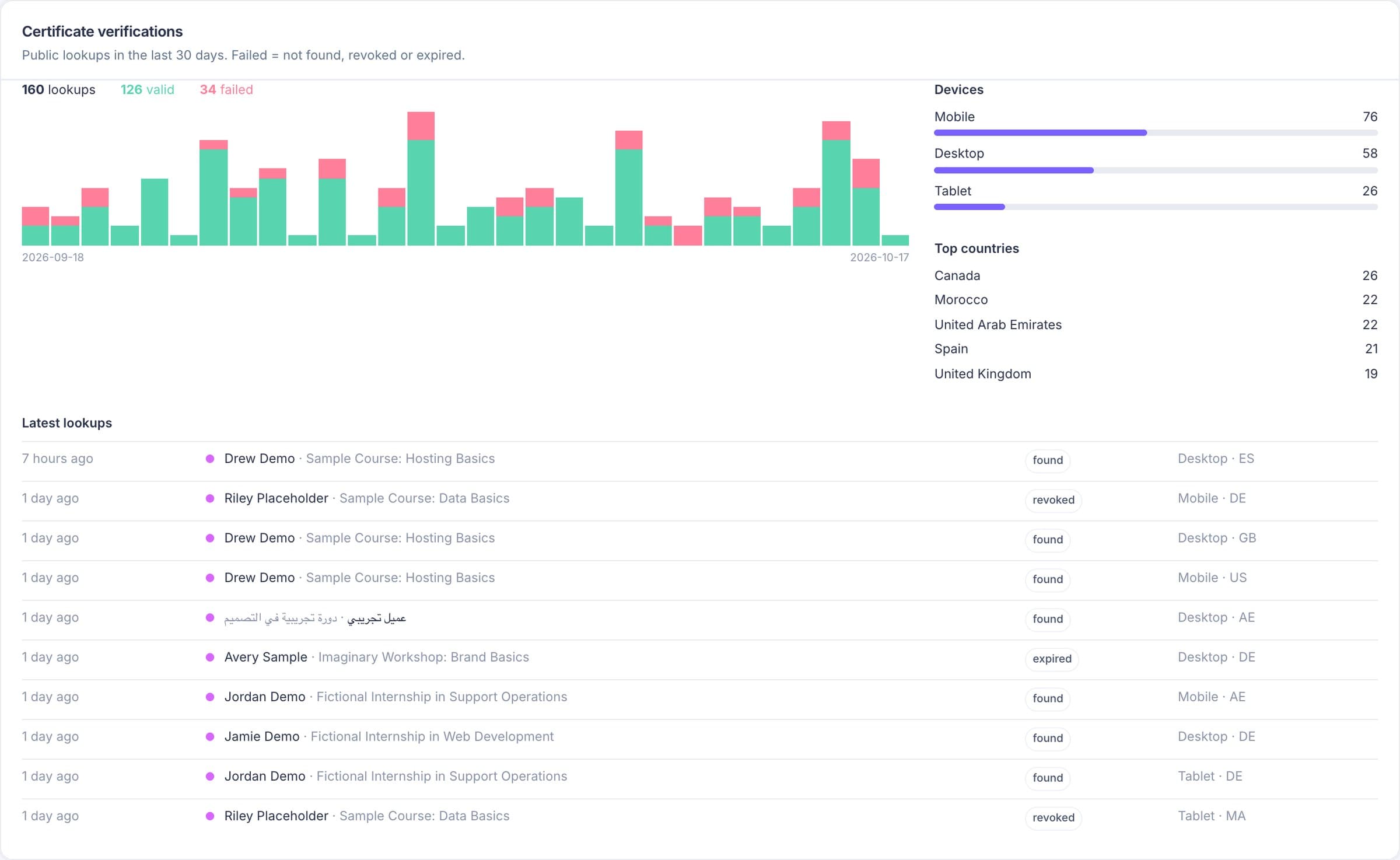
Every lookup of the public endpoint is recorded: the result (found, revoked, expired or not found), the device type, a country code when your CDN sends one, and the IP address as a keyed hash. The admin shows totals, a chart per day for 30 days, devices, the top five countries and the latest ten lookups, with a mark-as-read button.
What is inside
Each card describes what the code does today. The limits are listed further down.
Certificates
Internship, course, workshop or achievement, with a free-text grade, completion date, issue date and optional expiry date.
Skills
Entered as tags or pasted one per line. The sheet wraps them over up to three lines; the verify page lists every one.
Keys
Generated once, checked for collisions, never changeable and never chosen by hand.
Fingerprint
The first 12 characters are printed in the footer; the full hash is on the verify page. It changes if the printed facts change.
Batch
Shared fields, per-row overrides, a preview with errors by line, and one transaction.
Verify
Rendered on every request, so revoking takes effect at once. Not indexed by search engines.
Status
A certificate is valid through its expiry date. Revoking needs a reason that the public page shows.
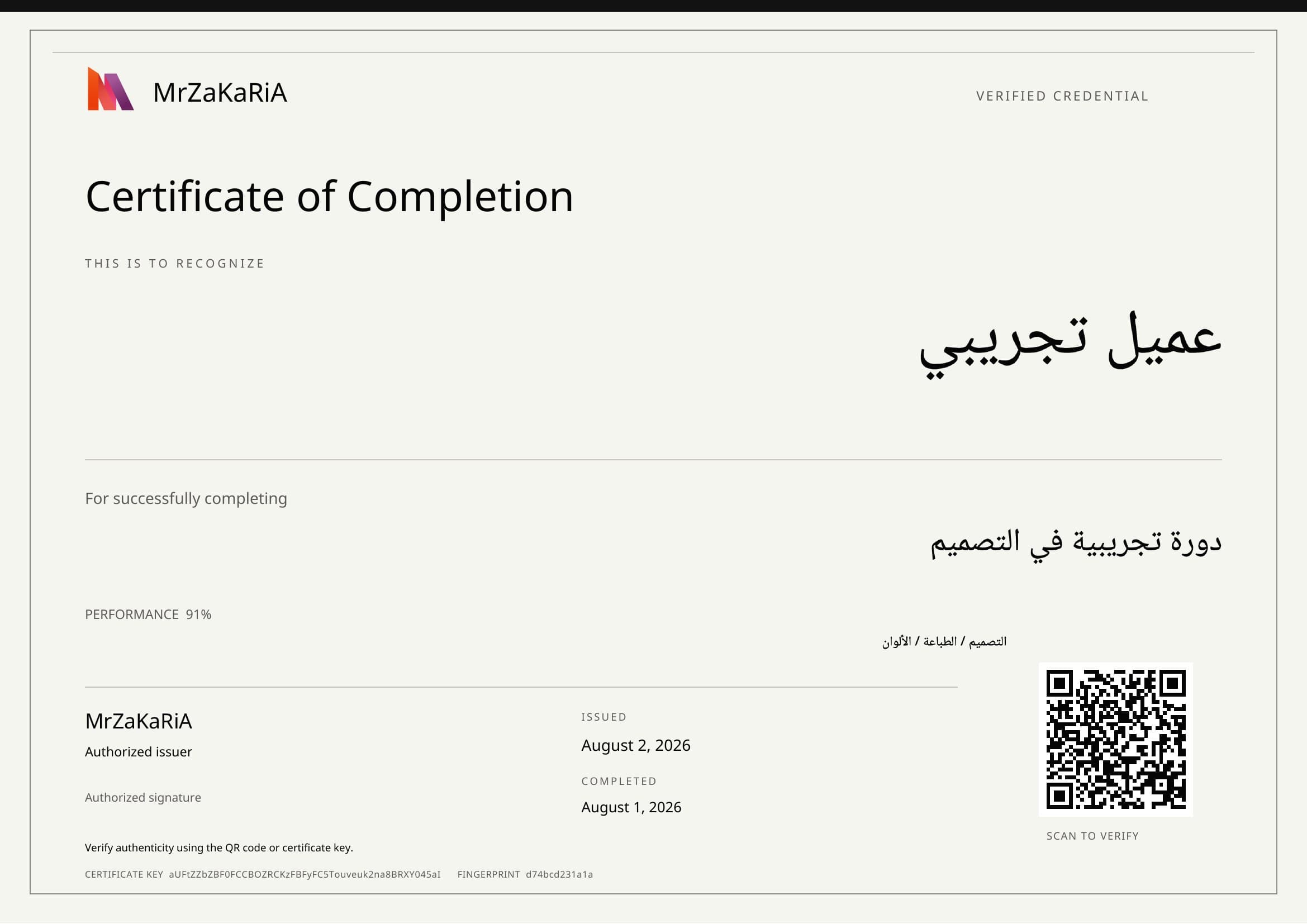
Built in the browser. Arabic and other right-to-left names are supported.
Off by default. The email carries a short summary and a button to the verify page; it has no attachment.
Analytics
Result, device type, country code and a hashed IP, charted per day for 30 days.
Audit
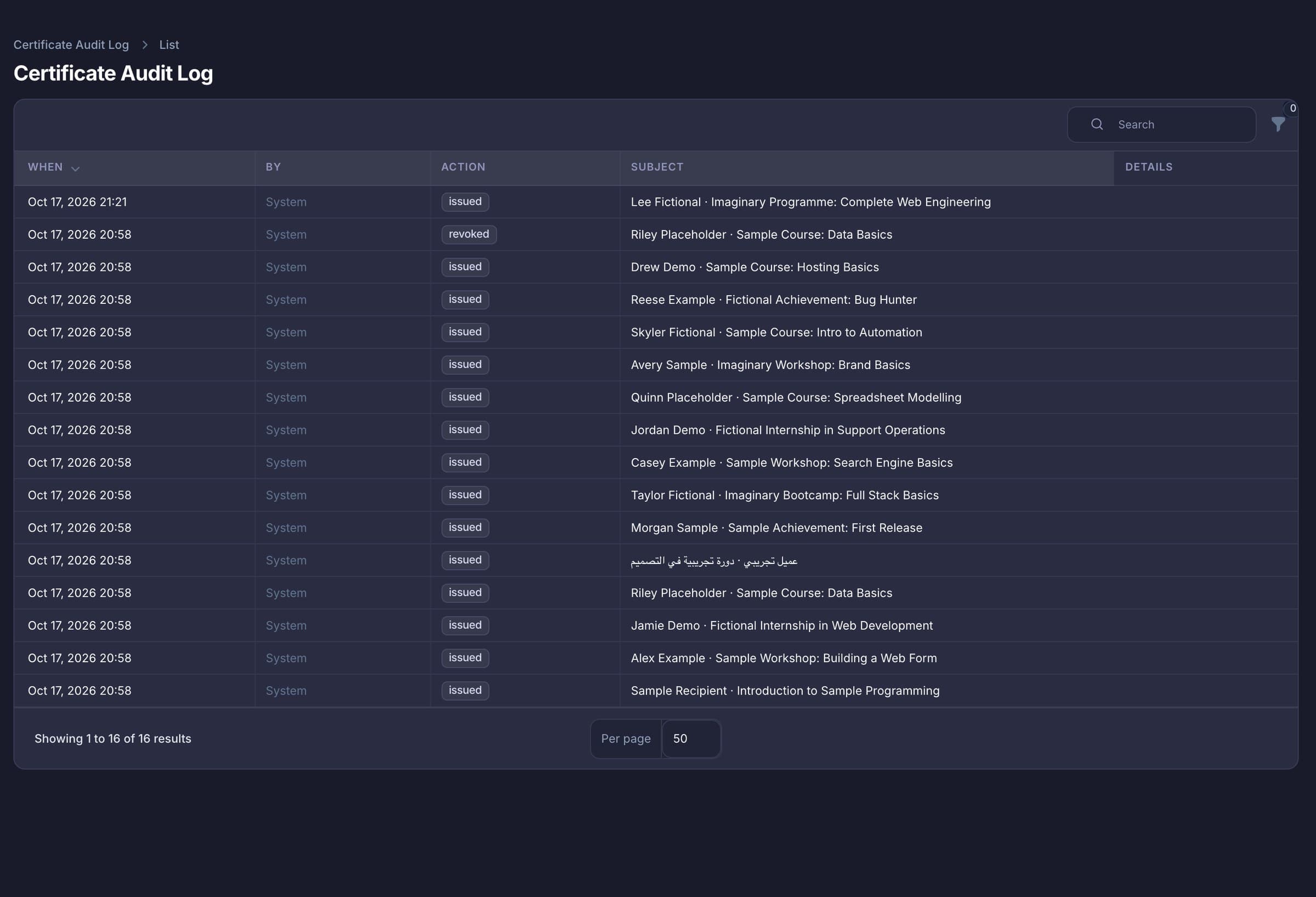
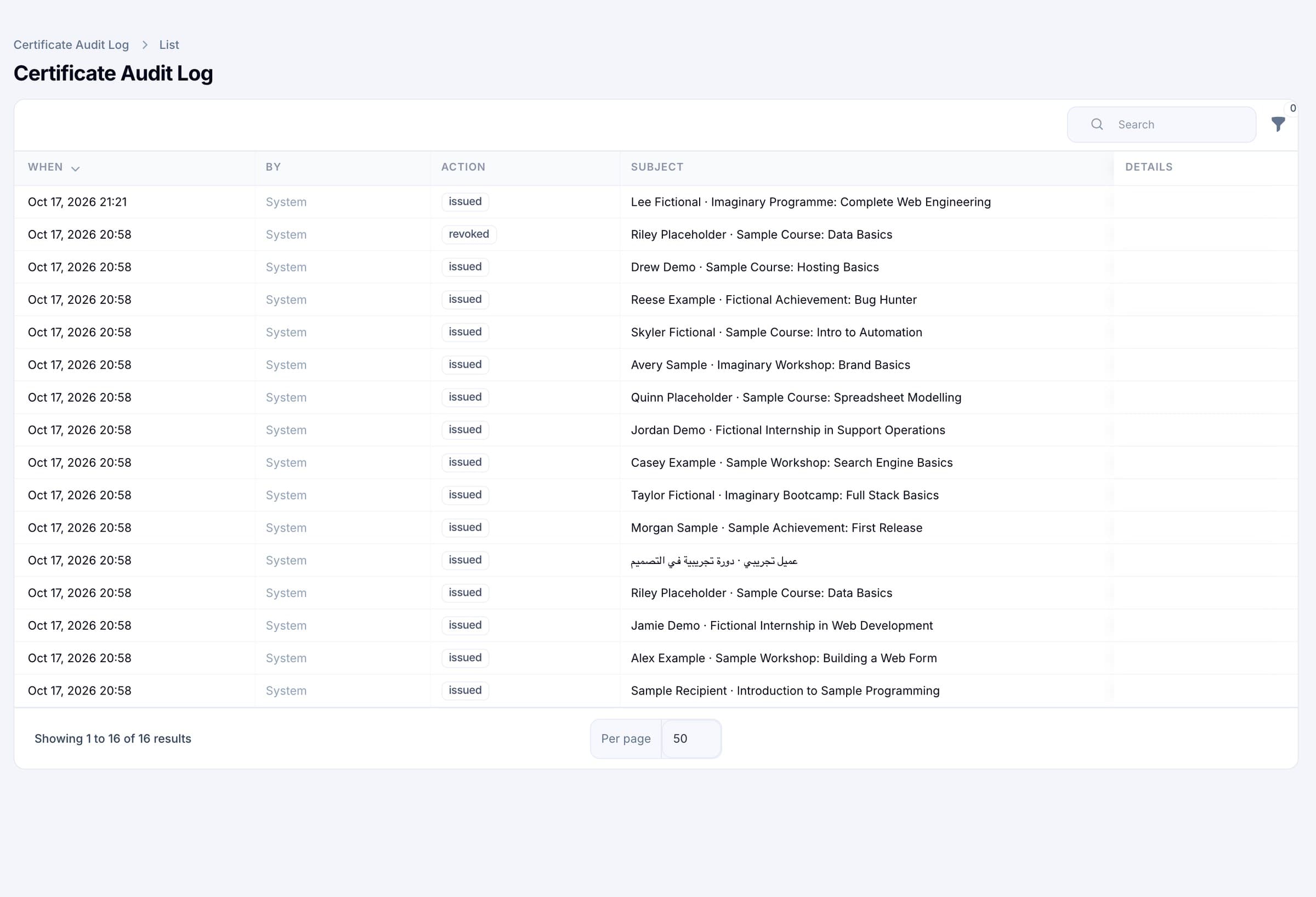
Issued, updated (field names only), revoked with reason, reactivated, email sent, deleted, restored and imported.
Export
17 columns including the verify link and the fingerprint, with a guard against spreadsheet formula injection.
Foundations
A certificate is only as good as the page that answers for it. These are the rules behind that page.
A SHA-256 of the key, name, course, type, dates, issuer, grade, skills and template. A person compares the first 12 characters on the paper with the page. The PDF itself is not cryptographically signed.
30 a minute per visitor by default, 5 to 600 by setting. Found or not, every request counts. The visitor’s address is forwarded so the limit counts the visitor, not our server.
Updates record field names only, never values. Each entry names the acting user, the time and “recipient · course”.
Issuing happens only in the admin, which supports authenticator-app or email-code sign-in. There is no public issuing interface.
Run it at your-site/certificates or on a host of its own such as cert.mrzakaria.com. The QR links follow that choice, or a public address you set.
Certificates imported from the original app keep their old keys, so codes that were already printed still resolve.
Measured, and dated
Counted in the code on 18 October 2026: 76 automated PHP tests cover keys, fingerprints, status rules, the public lookup and its rate limit, the admin, batch issue and the importer. There are no automated tests for the front-end pages, the PDF, printing or Arabic rendering yet; we checked those by hand.
Every certificate in the screenshots on this page is a sample made for the pictures, with invented names and courses, in a copy of the system created for that purpose.
What protects you
No third-party registry sits between you and the people checking your certificates.
Next step
Send us a sample CSV of your recipients and we will load it through the preview with you, so you see exactly how the checks work and what a certificate from your template looks like.
How it works
Most of the work is in the first step, and you only do it once.
Name, short name, logo, footer note, public address and the lookup rate limit, in Settings.
Choose Executive, Minimal or Technical, set your colours and labels, and add the people who sign.
One at a time on a form, or up to 100 from a CSV after the preview is clean.
The recipient prints the sheet or downloads the PDF, or follows the link in an email if you switch that on.
They scan the QR code or paste the key, and your page says Active, Expired or Revoked.
Read the lookups in the admin, and revoke with a public reason if a certificate was wrong.
The catch, in our words
FAQ
Short, specific answers taken from what the code does.
A certificate issuer and verifier built into your own website and admin. You issue certificates, each sheet carries a QR code and a key, and anyone can check it on a public page of yours that says Active, Expired or Revoked.
They scan the QR code, open the link, or paste the key or the link into the form on the registry page. The page is generated fresh each time and shows what was issued, who issued it and the current status.
Yes. You give a reason of up to 500 characters, and the verify page shows Revoked with that reason. The sheet carries a revoked stamp, and reactivating clears it.
No. The PDF is not cryptographically signed. Each certificate has a SHA-256 fingerprint of what it says; the first 12 characters are printed on the sheet and the full hash is on the verify page, for a person to compare.
Up to 100 rows in one CSV of up to 256 KB. Every row is checked in a preview, and if any row has a problem, nothing is issued.
Yes. Right-to-left names and courses are right-aligned on the sheet and on the page. The interface and fixed sheet wording are English.
You see each lookup’s result, device type and, when your CDN supplies it, a country code. The IP address is stored only as a keyed hash, so you cannot see who the visitor was.
Yes. A command imports them with their old keys, so printed QR codes keep working. It can be run twice safely.
Start here
A walkthrough is a working session: your template, a batch from a sample CSV, and a straight answer on whether Certificate Registry fits how you issue.