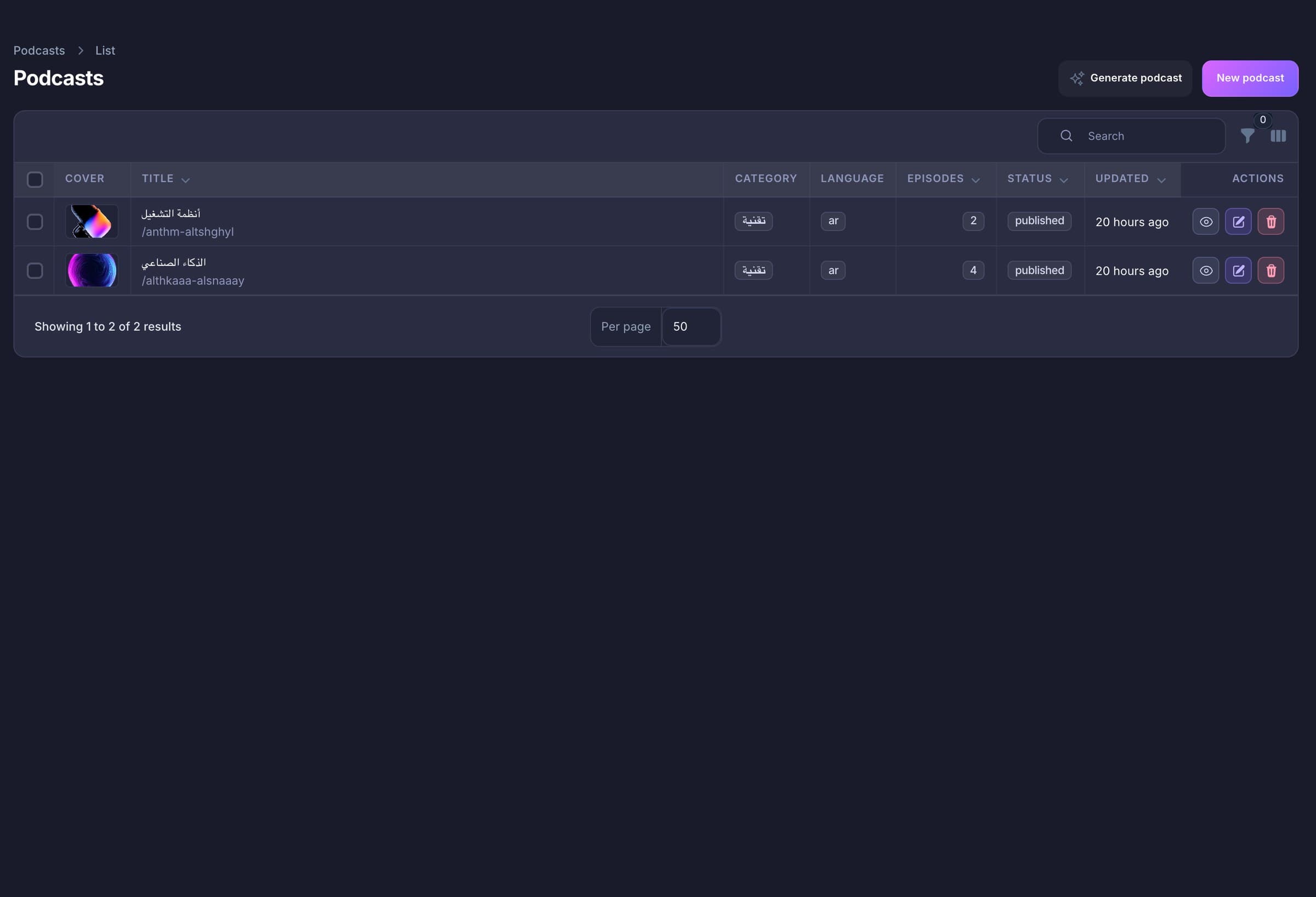
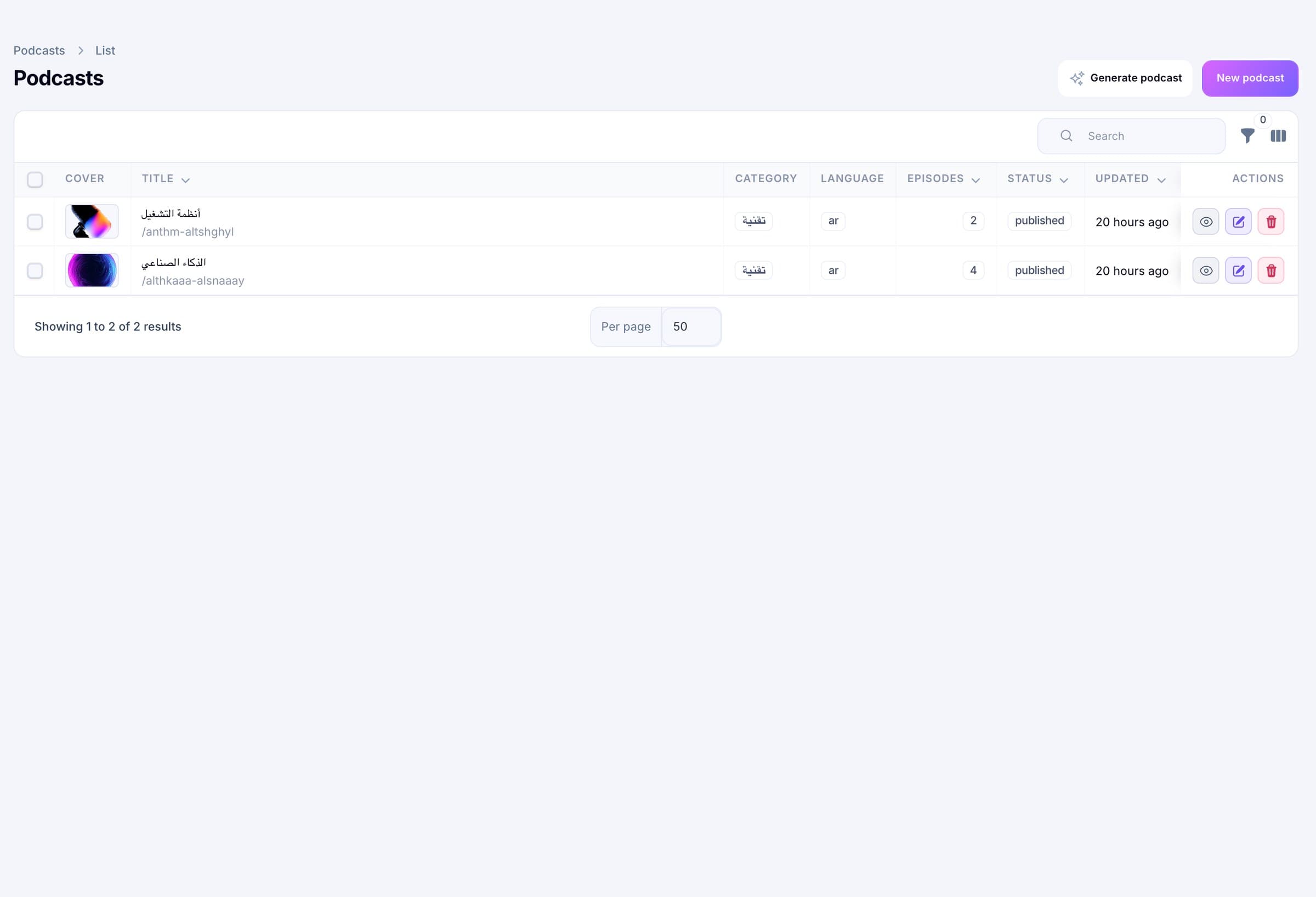
Shows
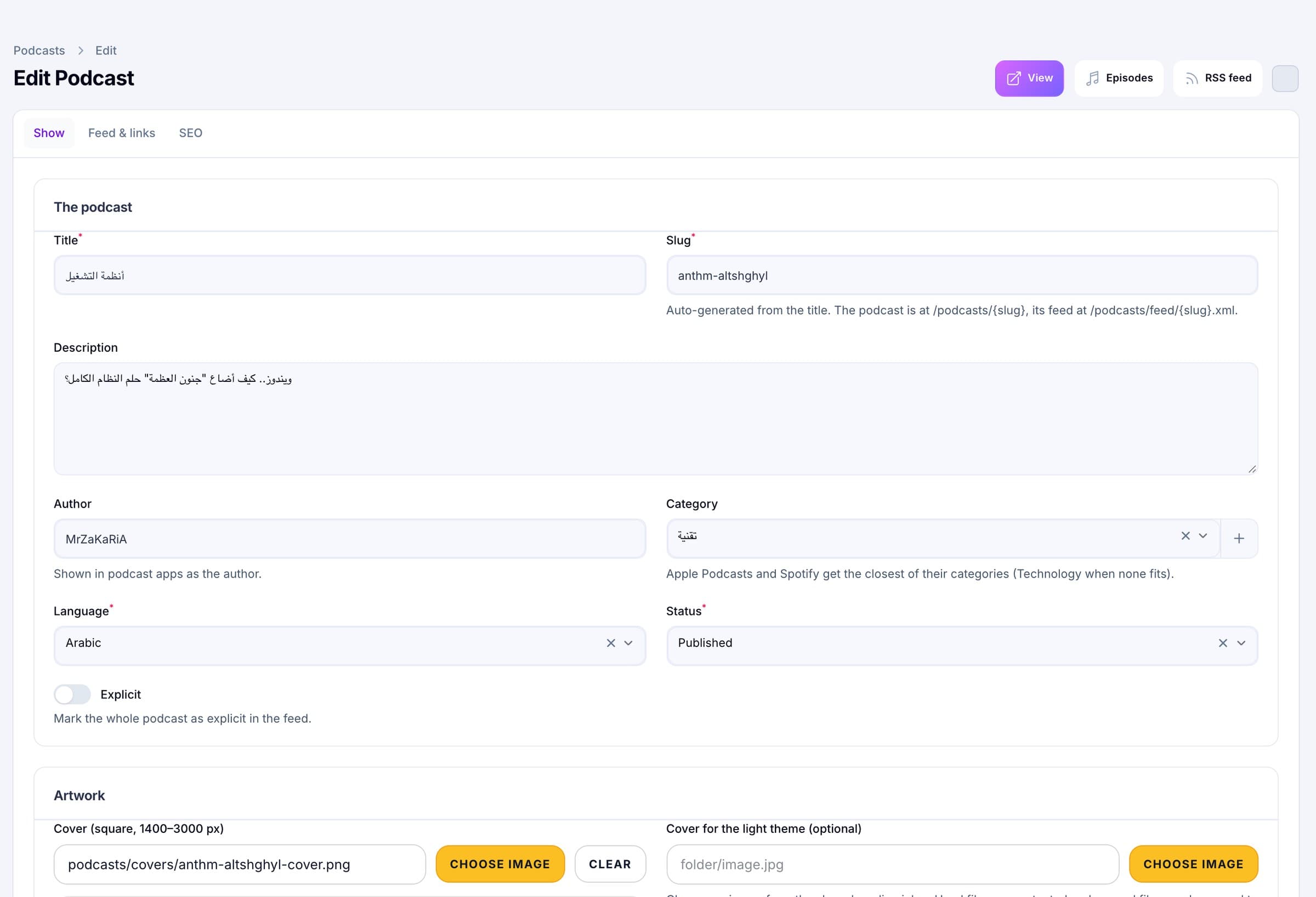
Title, author, category, language and links
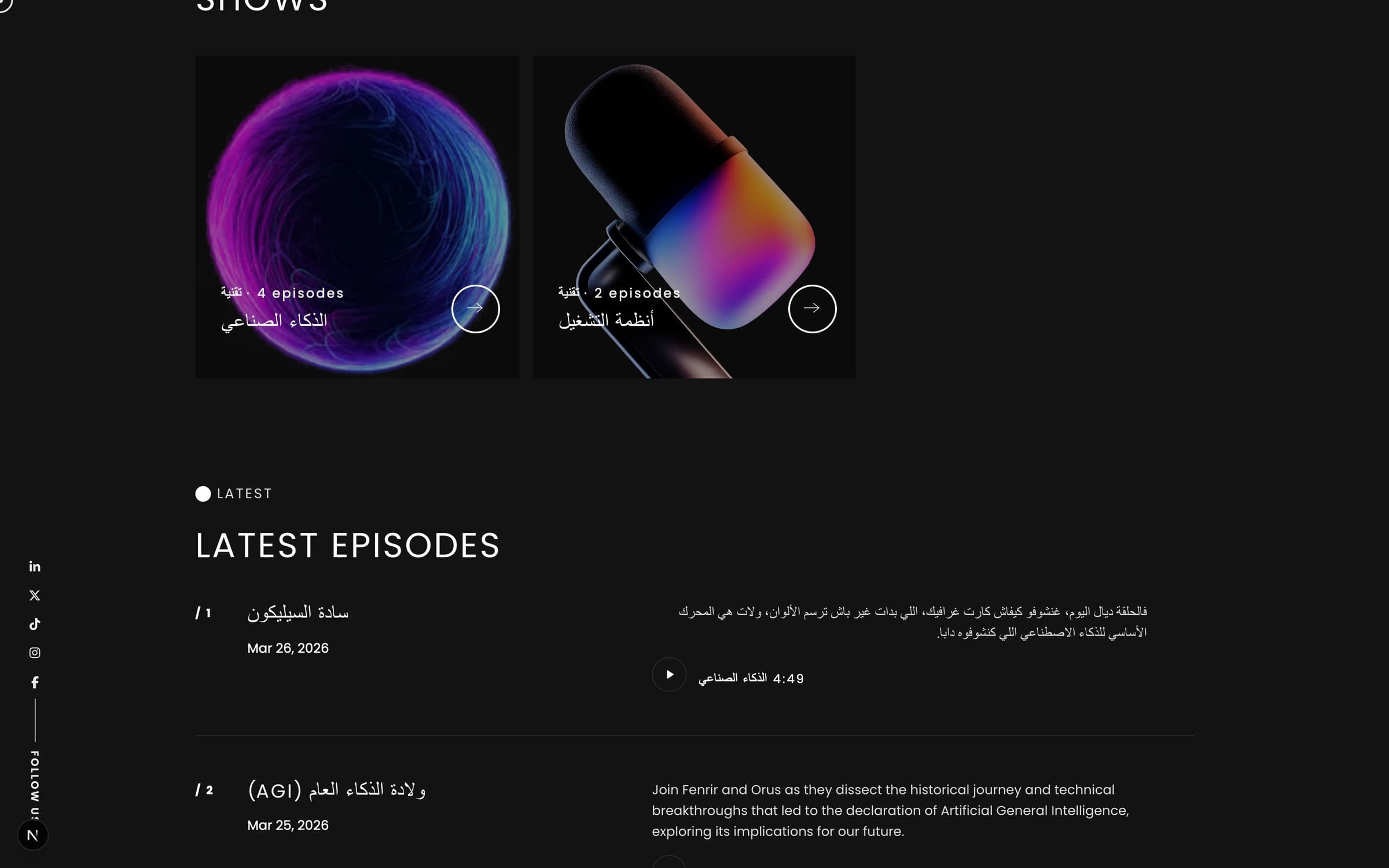
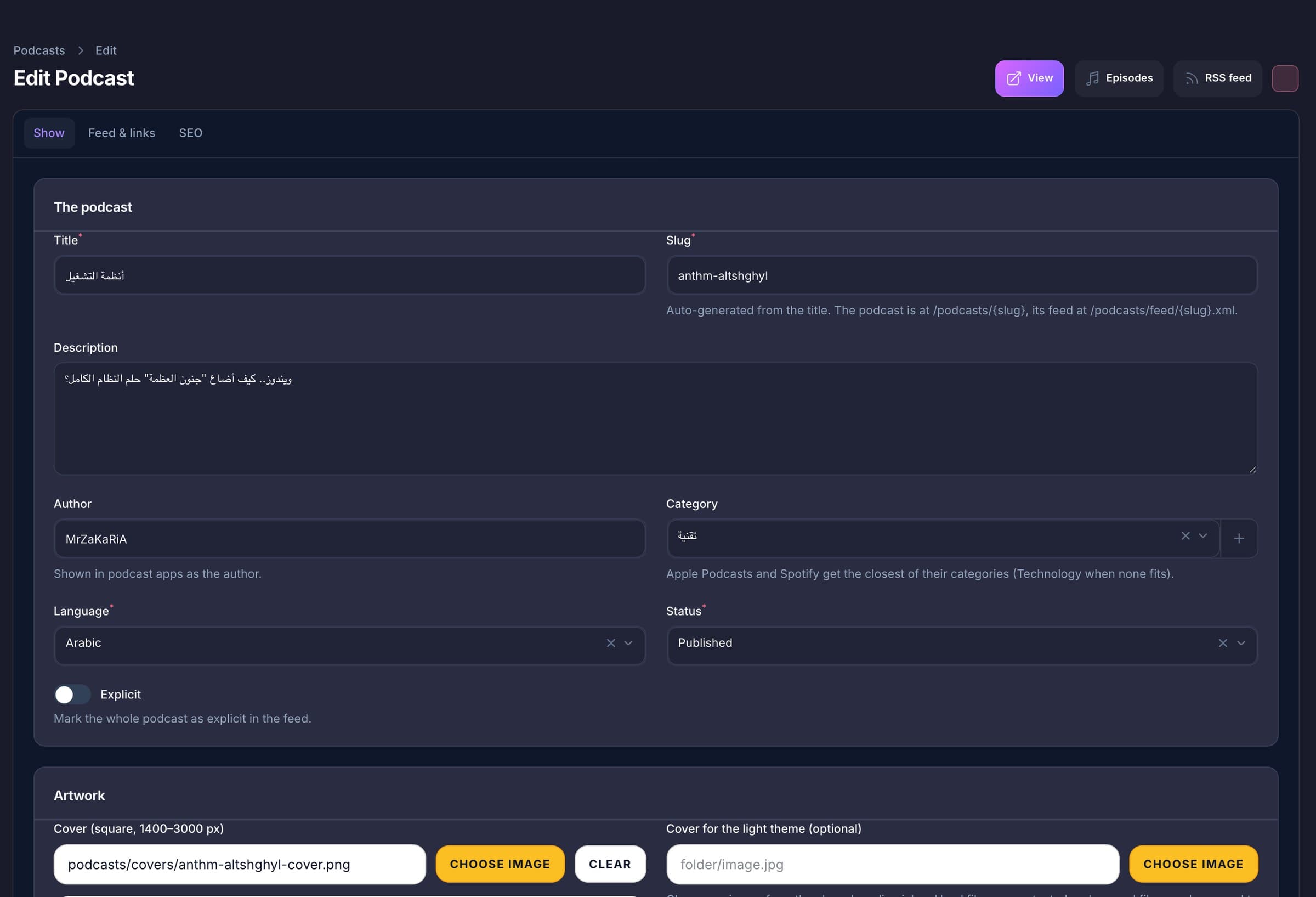
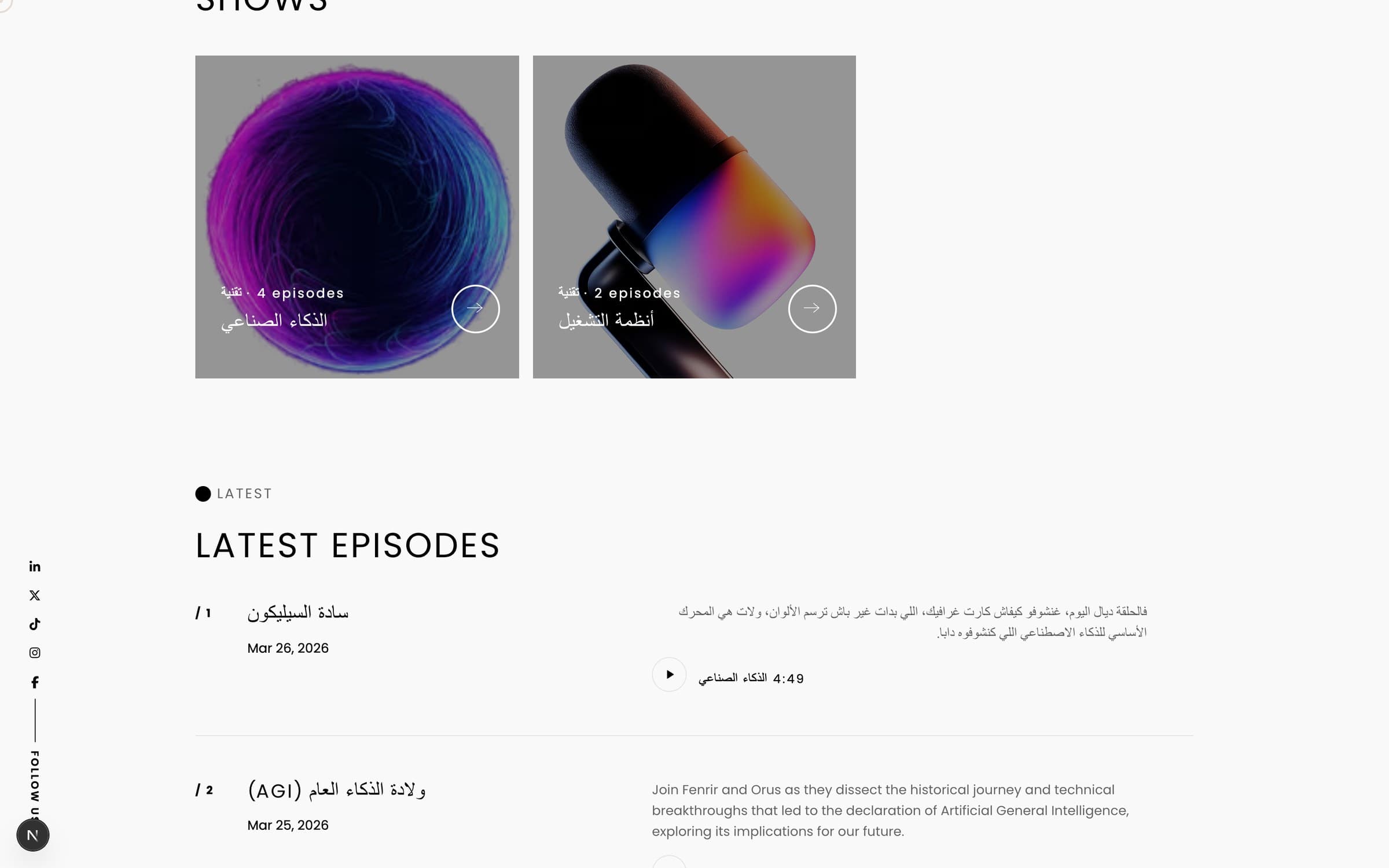
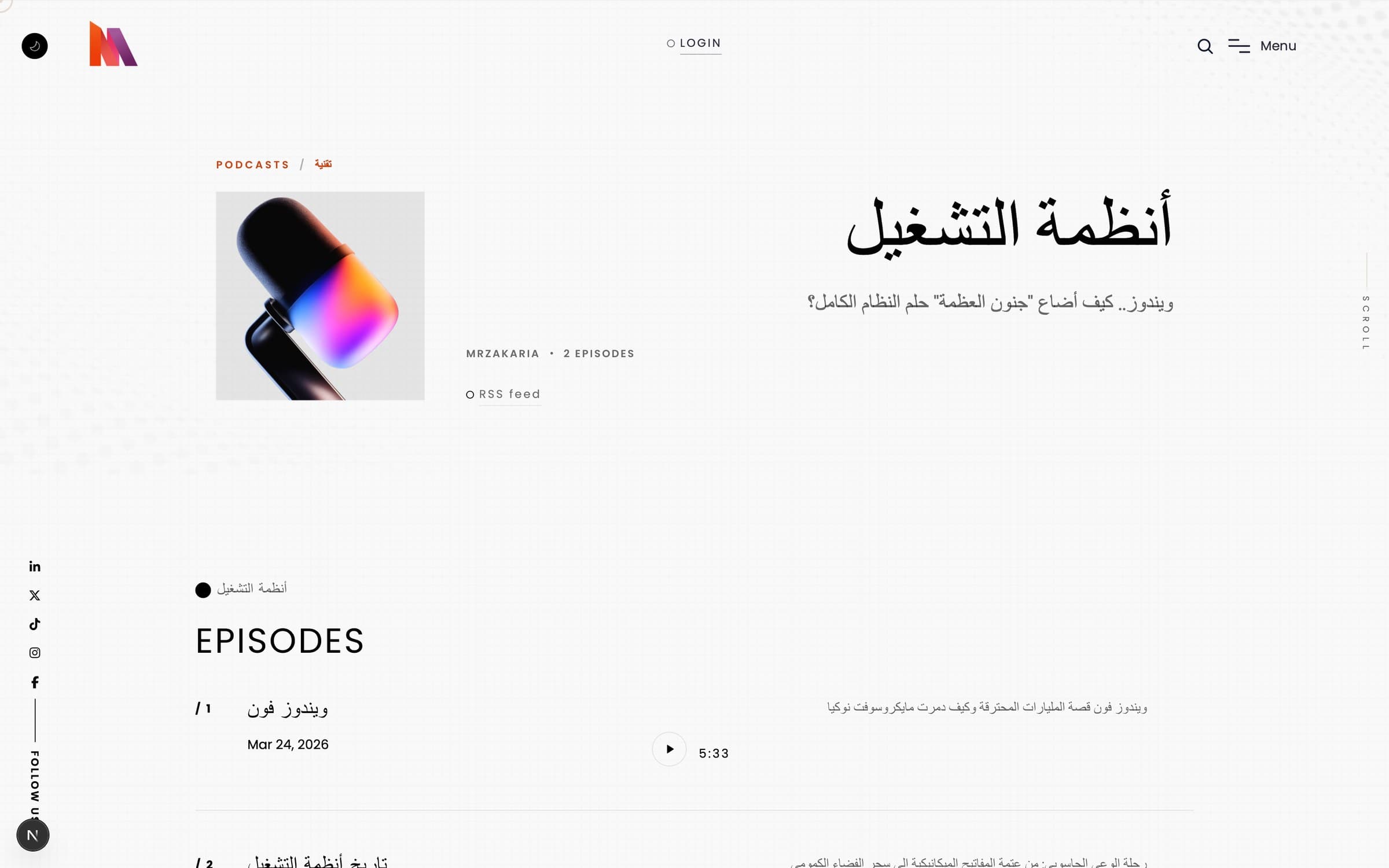
Each show has a cover and an optional light-theme cover, a language (English, Arabic or French), an explicit flag, RSS owner details, Apple, Spotify and YouTube addresses and its own search settings.

0
Pods — by MrZaKaRiA IT Solutions
Pods is a podcast platform that lives inside your own website and admin. Publish shows and episodes with an RSS feed that carries the Apple Podcasts and Spotify tags, play them in one player that keeps going while visitors browse, and turn an article or a story into a two-voice episode with AI. You read and edit the script before a single word is spoken.
A host and a guest, each with a voice you choose. Gemini speaks both in one take; OpenAI and Groq voice each turn.
Claude, OpenAI, Gemini, Groq, Hugging Face, NVIDIA NIM or a local Ollama, with a fallback order if one fails.
0.75x to 2x, 15-second skips, and the player remembers where each listener stopped.
No sign-in and no cookie. Resume spot and speed stay on the listener’s device; an IP address is stored only as a hash.
Everything below ships in the one install, next to your pages, blog and admin.
Write
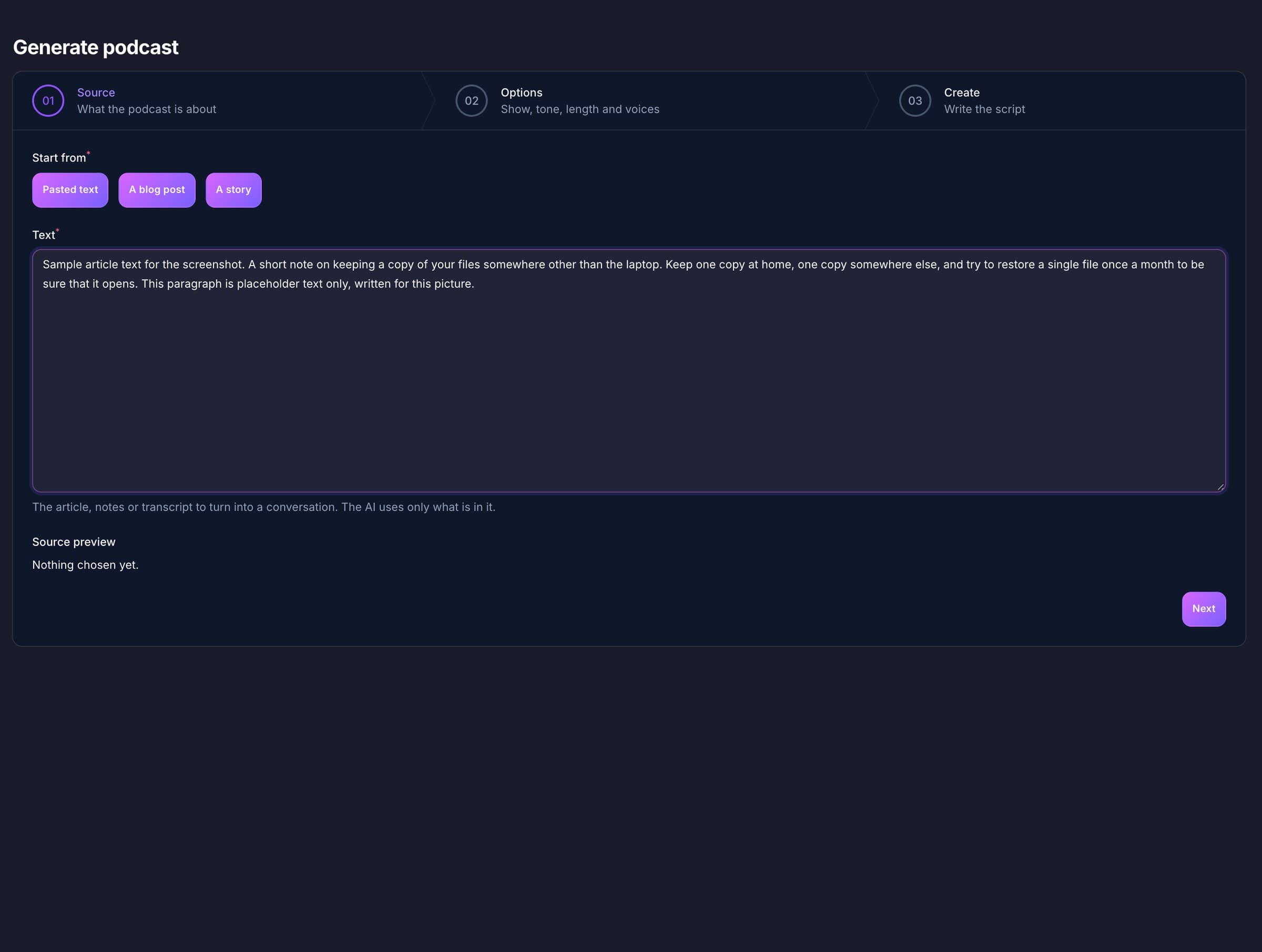
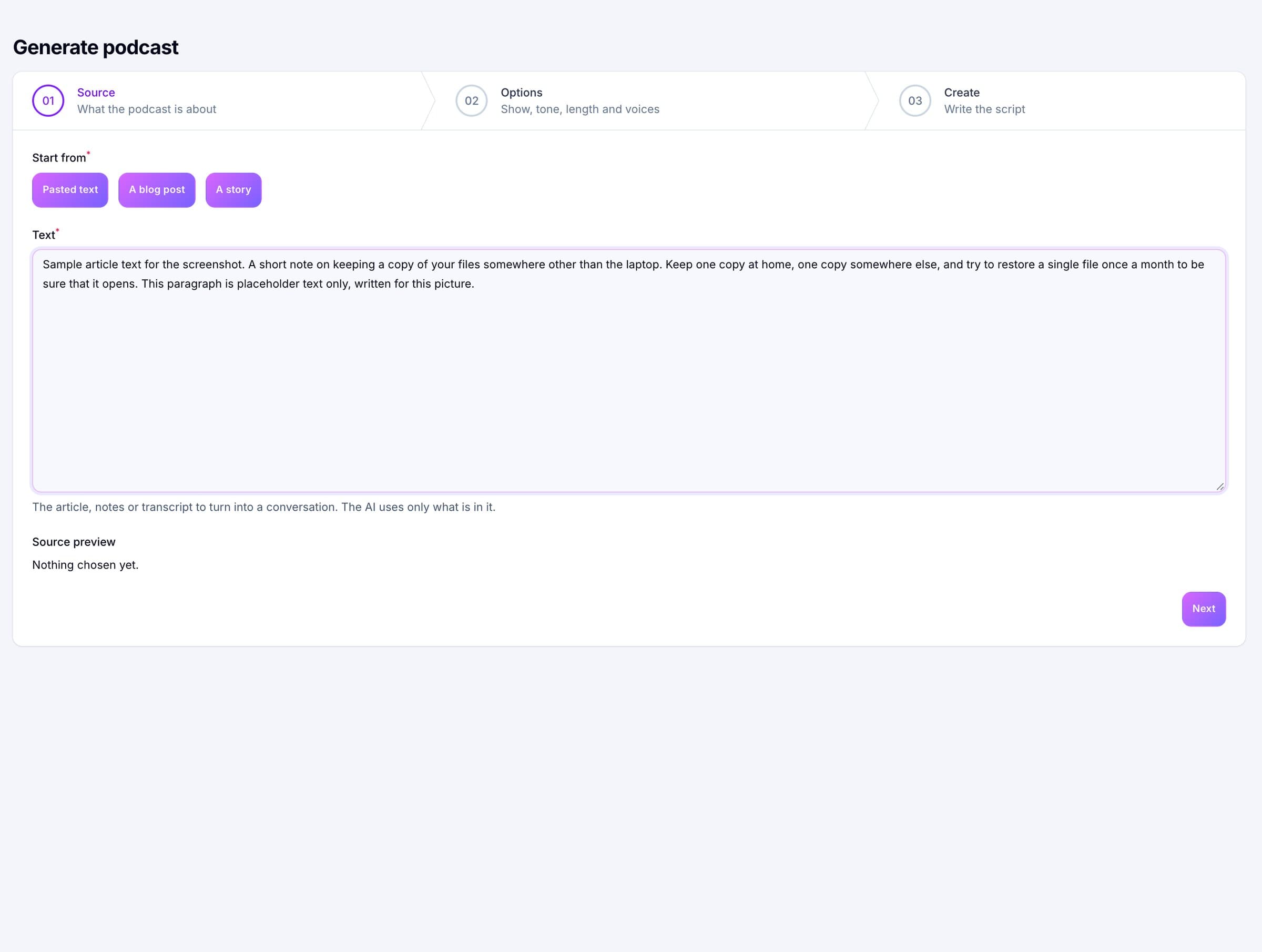
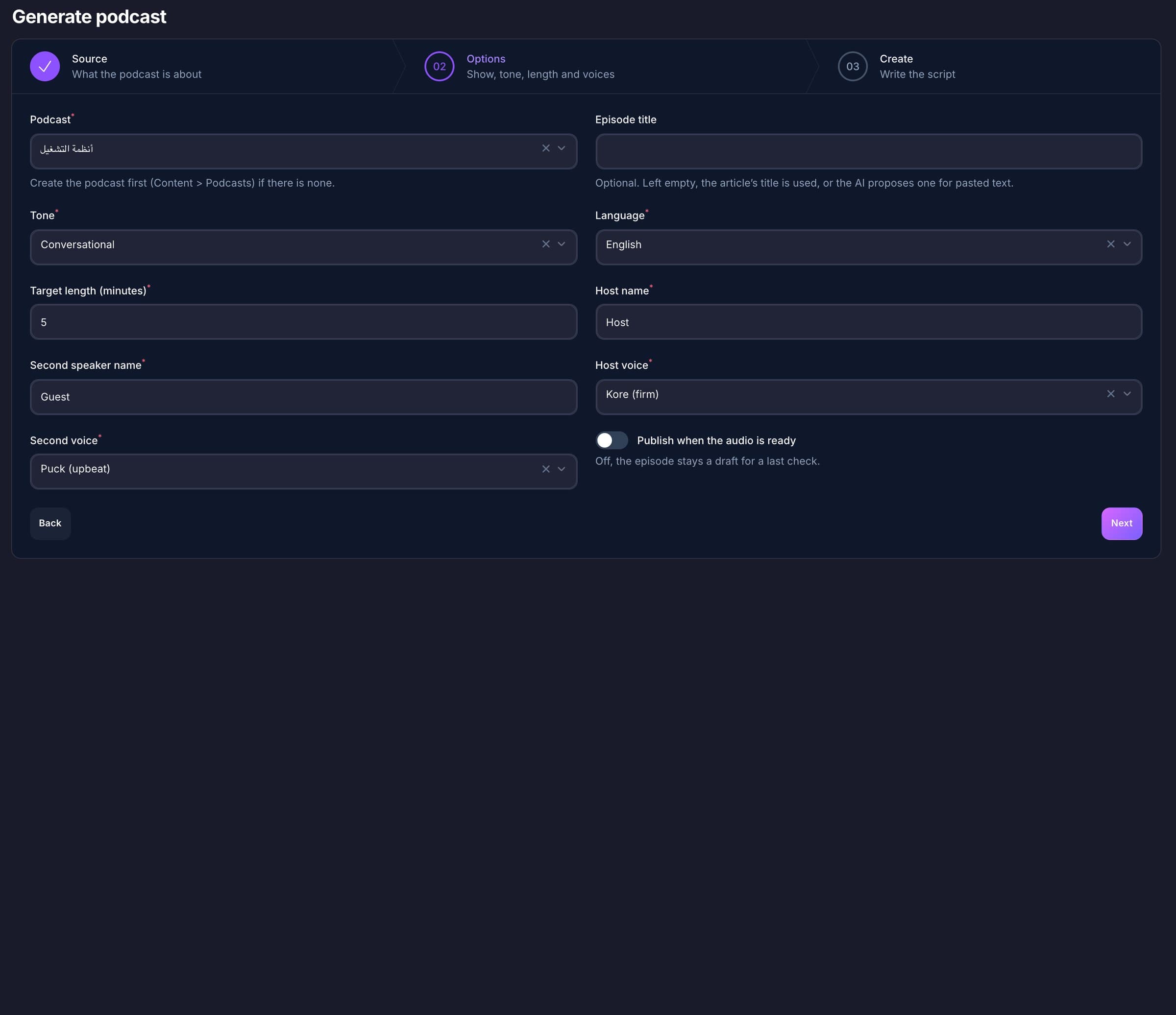
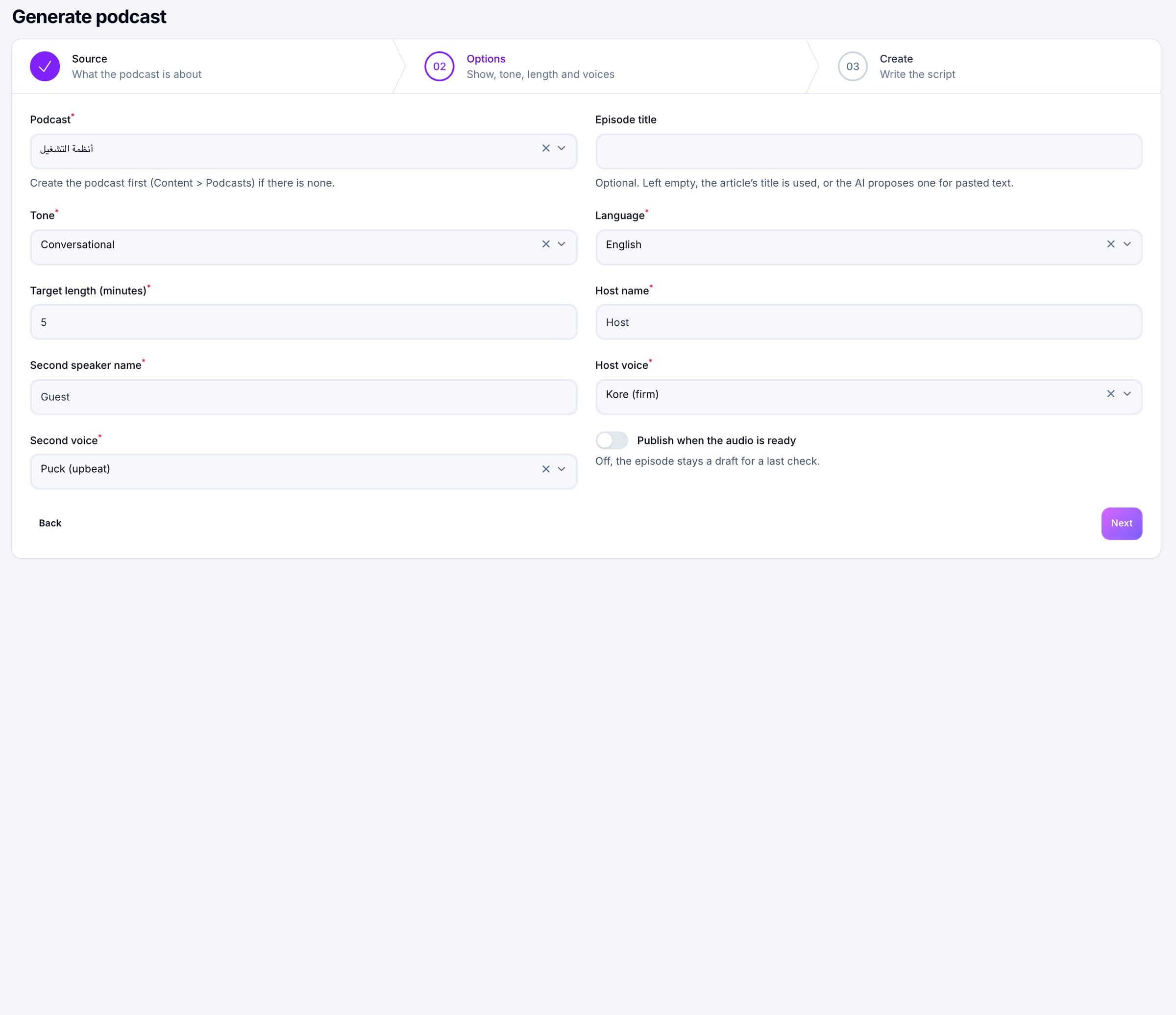
Start from pasted text (at least 100 characters), a published blog post or a published story. The writer is told to use only what the source says and not to invent facts, numbers, quotes or names. You pick the tone, the language, the names of the two speakers and a target length from 1 to 30 minutes. The result lands in the episode’s Script tab as plain “Speaker: line” text. Nothing is spoken, and no speech credit is spent, until you press Generate audio.
Speak
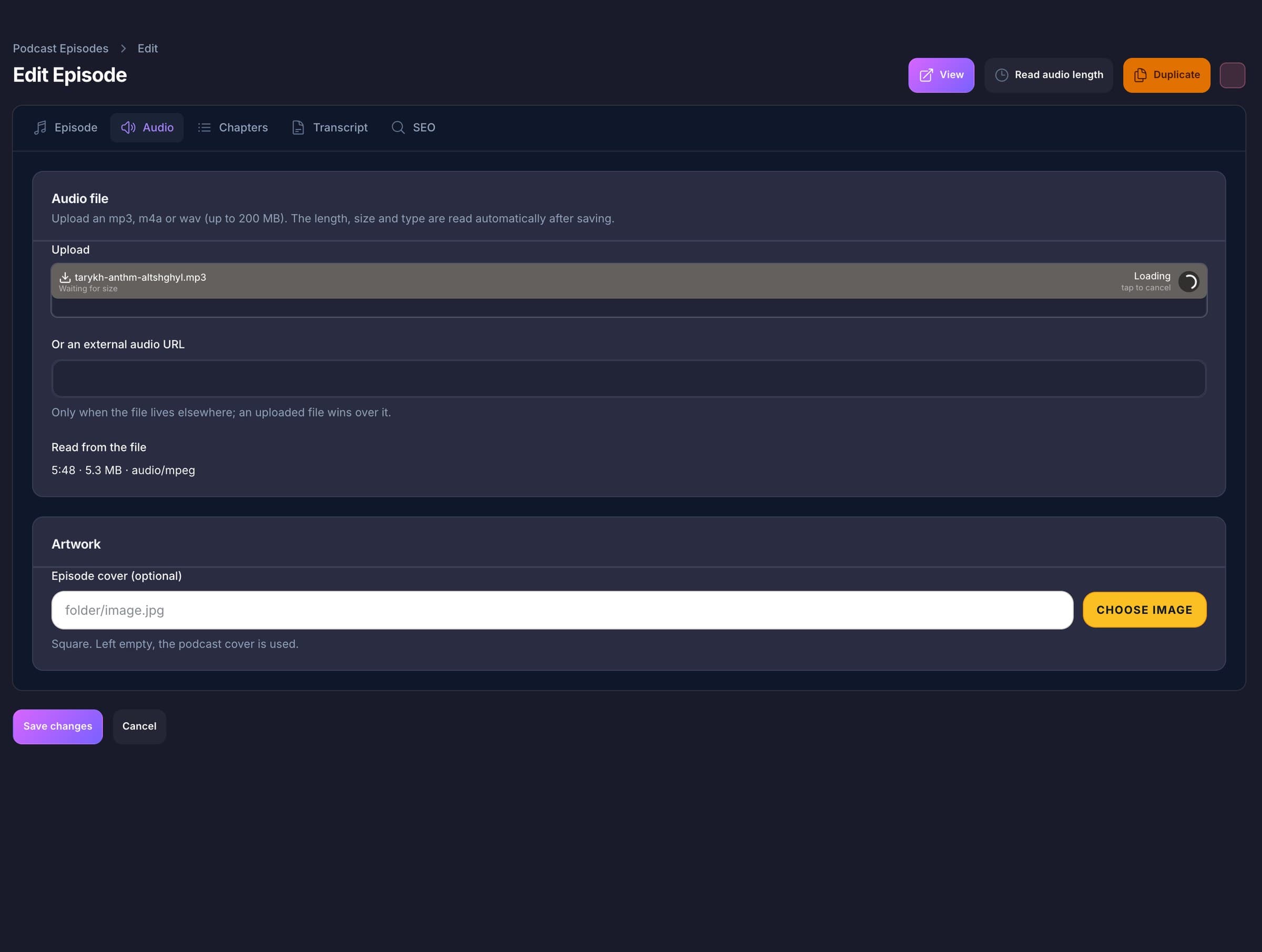
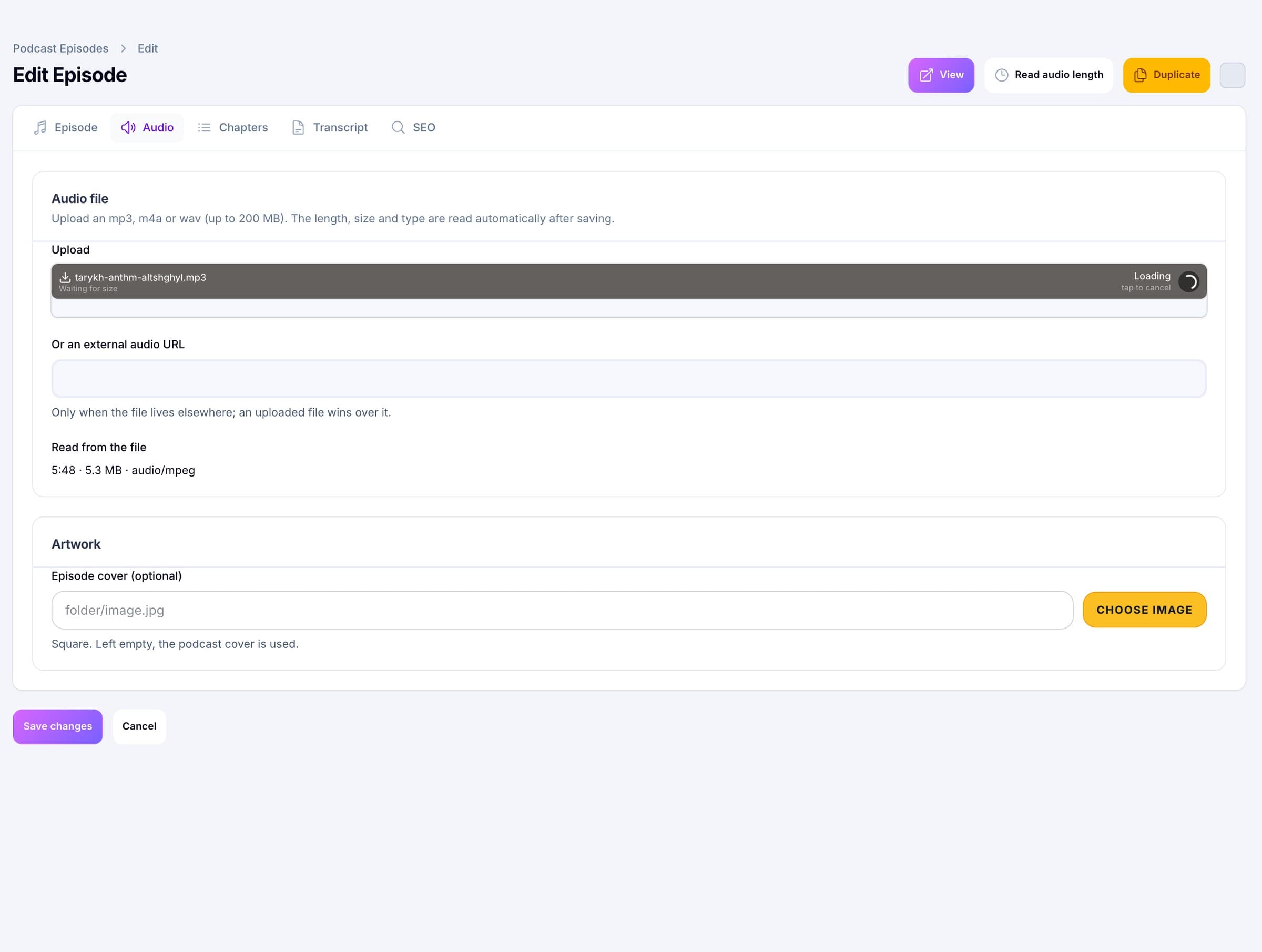
Voices come from Google Gemini (30 voices, both speakers in one take), OpenAI (13 voices) or Groq Orpheus (6 English and 6 Arabic voices, each turn spoken separately). The parts are joined by ffmpeg into one MP3 at 128 kbit/s, mono, 44.1 kHz, and ffprobe reads the length. ffmpeg is checked before any paid request is made, and the temporary working folder is always deleted afterwards.
Listen
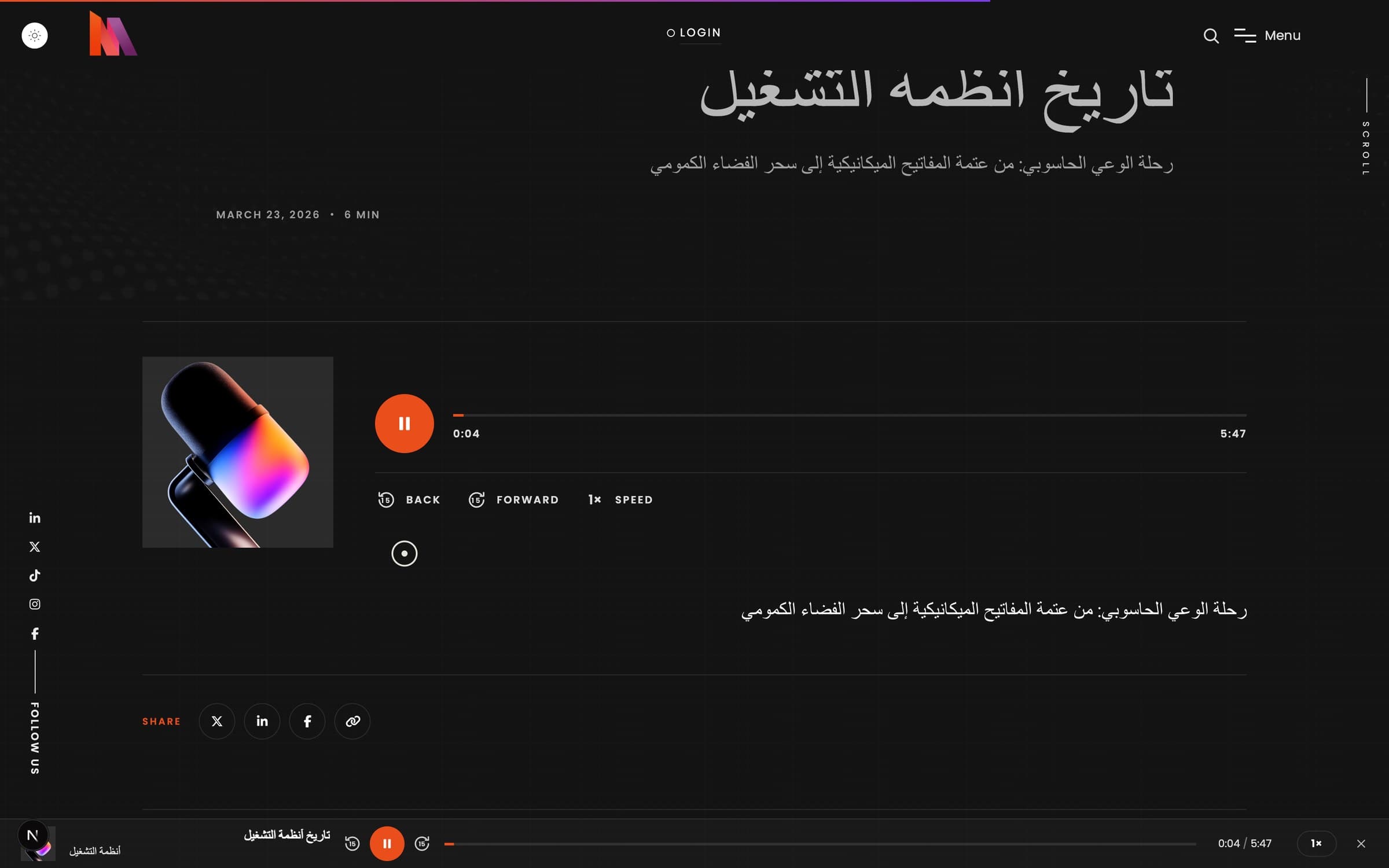
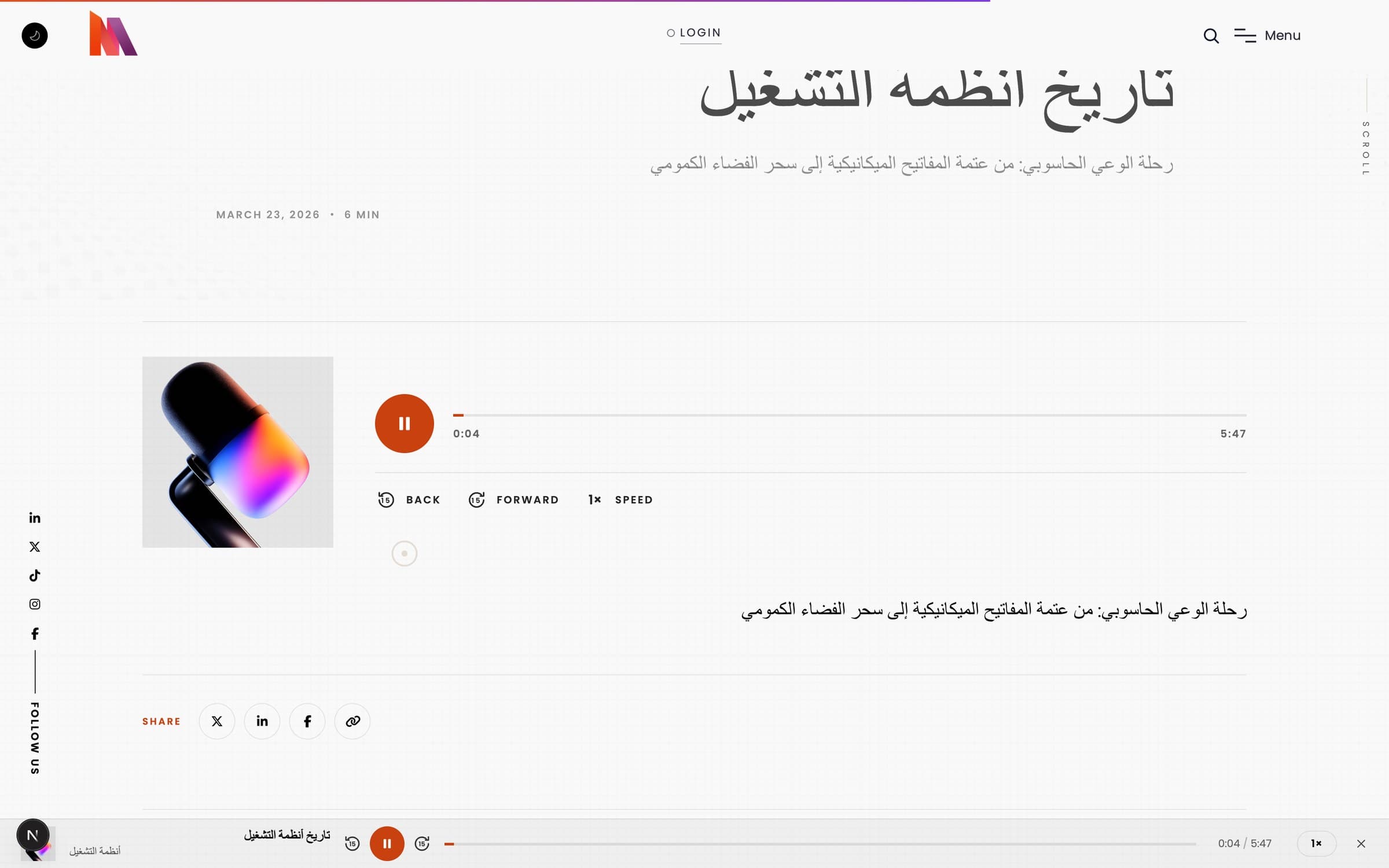
A single audio element is created once for the entire site, so the docked mini player keeps playing while a visitor moves from page to page. It shows the cover, the title, the current chapter, back and forward 15 seconds, a scrubber and the speed. Lock-screen and headphone controls work through the browser’s Media Session, and the last position of every episode is remembered on that device.
Publish
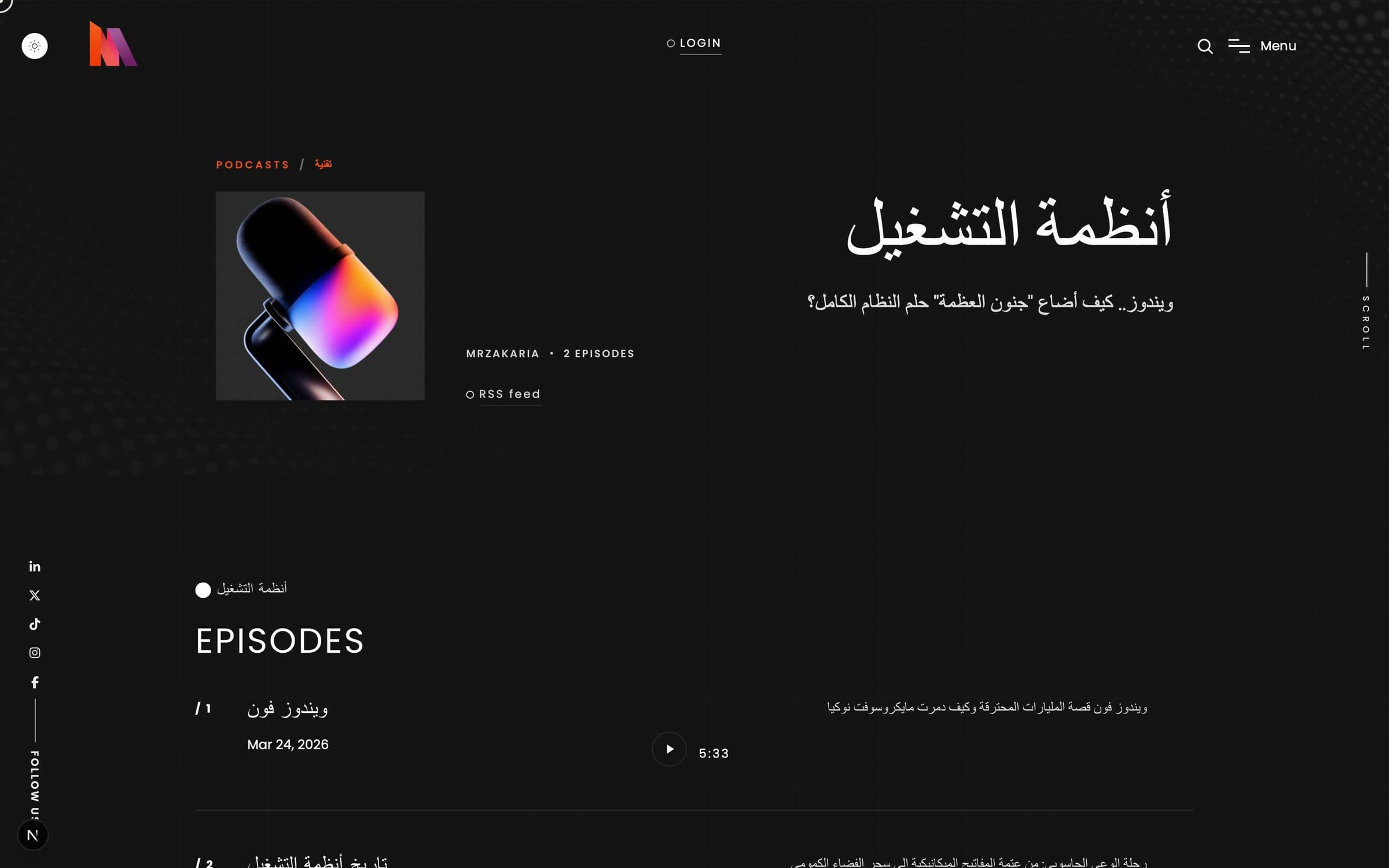
Each show has its own feed at a stable address. It is RSS 2.0 with the iTunes tags, show notes as content, an enclosure with its size and type, and the episode, season and duration fields. The show page lists the feed and, wherever you have typed their addresses, buttons for Apple Podcasts, Spotify and YouTube. Episodes can be scheduled: set a go-live time and the scheduler publishes it on the minute. Pages carry PodcastSeries and PodcastEpisode structured data.
Episodes
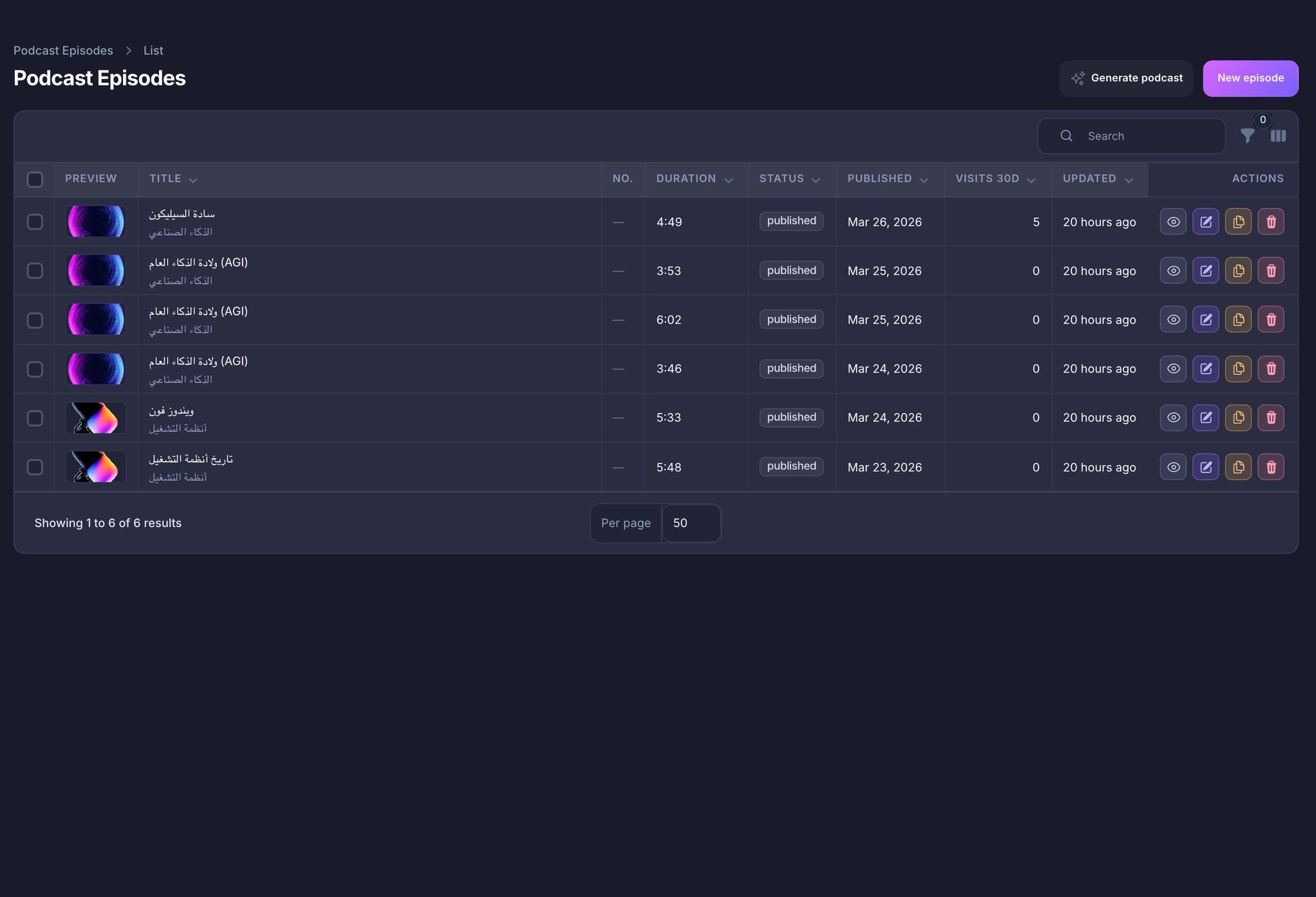
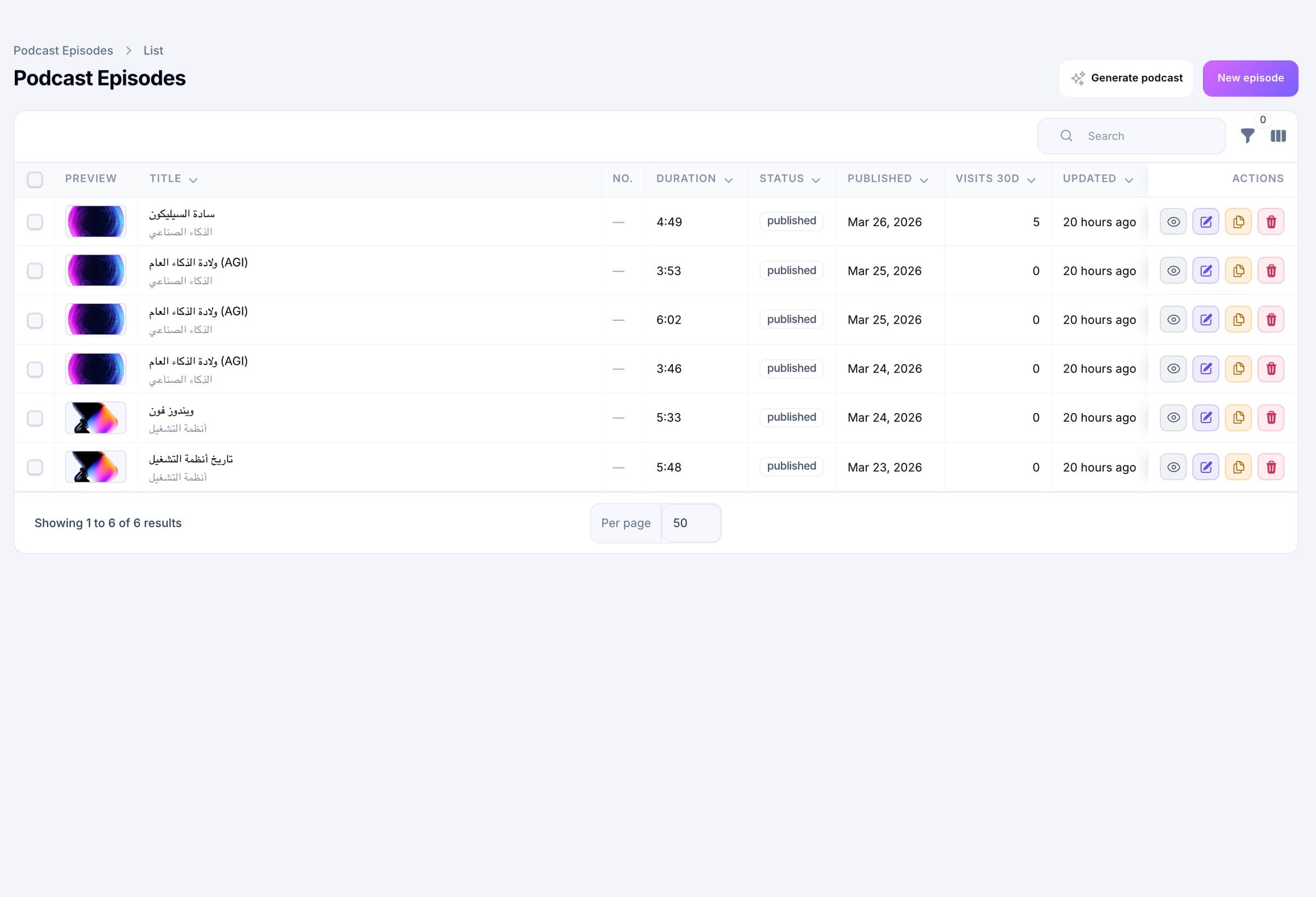
The episode list shows the cover, season and episode number, length, status, how it was made, the publish date and page visits for 30 days and in total. Filter by status, show, whether it came from an article, whether it has audio, or a date range. Duplicate an episode as a draft, with its chapters. Deleting an episode clears the link on its blog post or story.
Editor
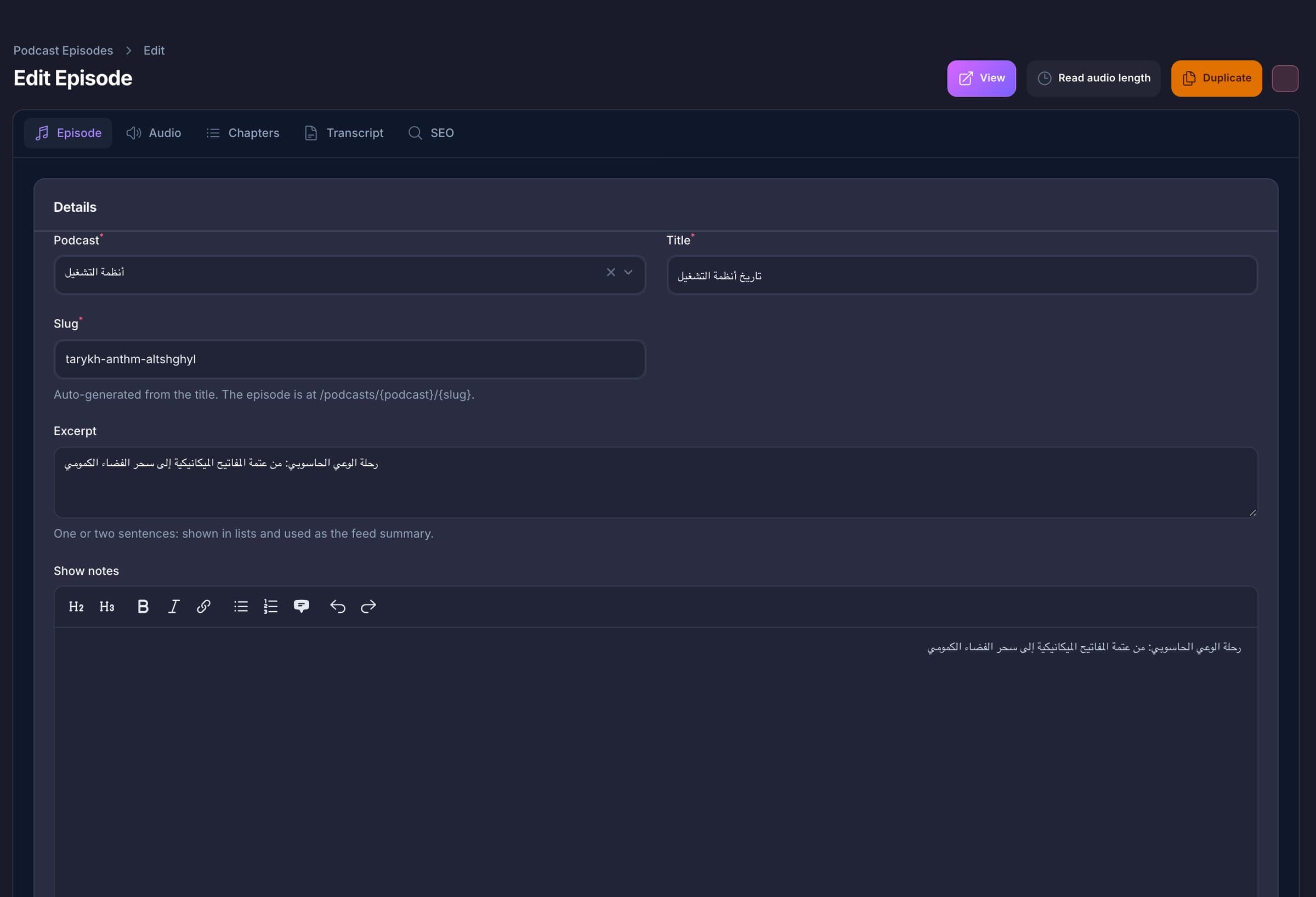
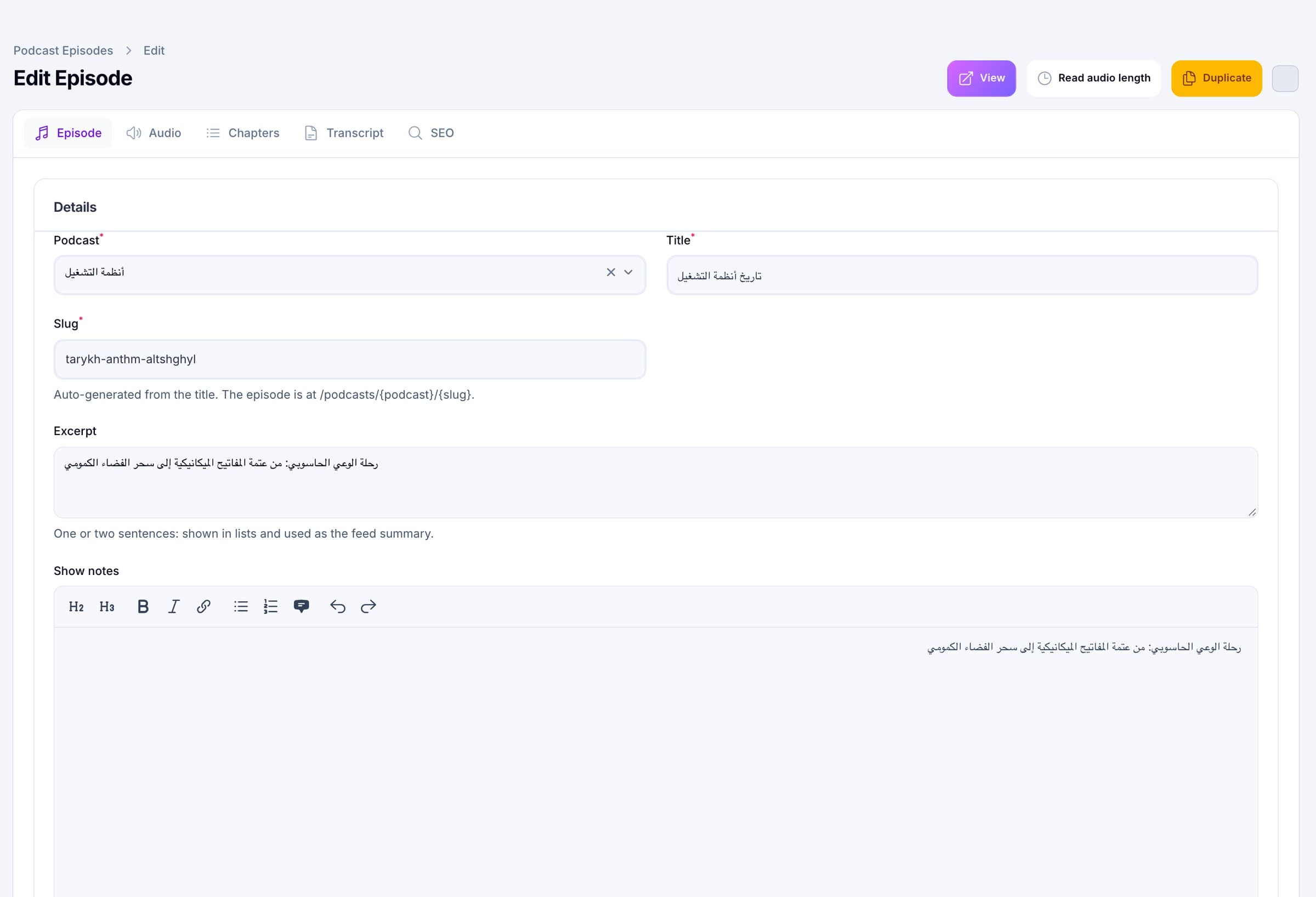
A rich-text editor for show notes (headings, bold, italic, links, lists, quotes), an excerpt, a cover, chapters with a title and a start time, a transcript you can keep private or make public, and your own title, description, share image and noindex switch. Each episode can be explicit, not explicit, or follow its show.
Numbers
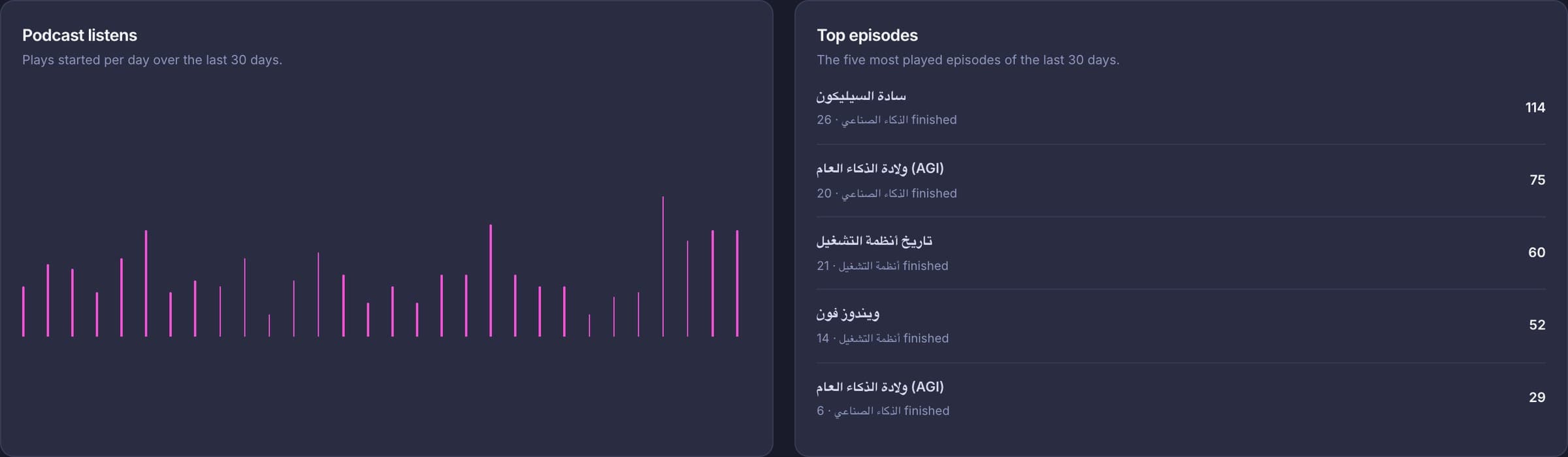
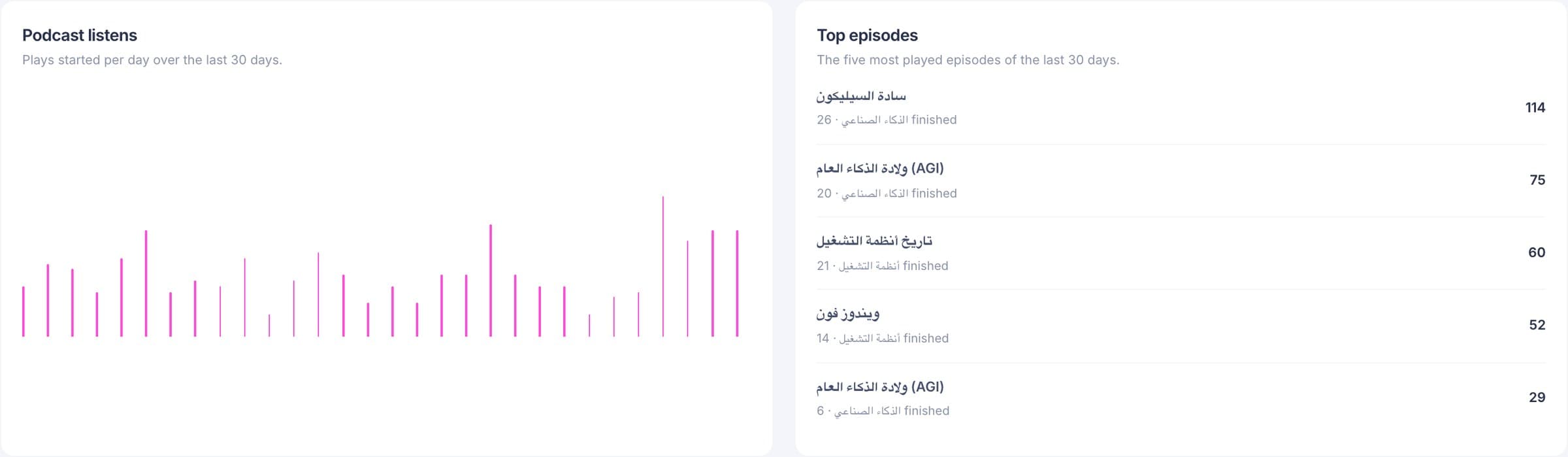
The player reports five events, each at most once per play: started, ten seconds actually listened, half way, 90 percent and finished. The dashboard charts plays started per day for 30 days and lists the five most played episodes with how many were finished. Listeners are not identified: the device id is a random value made in the browser, there is no cookie, and the IP address is stored only as a keyed hash.
What is inside
Each card describes what the code does today. The limits are listed further down.
Shows
Each show has a cover and an optional light-theme cover, a language (English, Arabic or French), an explicit flag, RSS owner details, Apple, Spotify and YouTube addresses and its own search settings.
Episodes
Draft, scheduled, published or archived. Season 1 to 999, episode 1 to 9999, an excerpt, show notes, an optional transcript and chapters.
AI writer
From pasted text, a published post or a published story, in four tones, with a host and a guest. The AI may use only what the source says.
Voices
30, 13, or 6 English and 6 Arabic voices. Each provider has its own key, stored encrypted, falling back to the matching text key.
Audio
One MP3, 128 kbit/s mono, with the real length, size and type stored on the episode.
Feed
iTunes channel and item tags, show notes as content, enclosure length and type, and a stable guid that keeps an imported episode’s old id.
Player
One player for the site, 15-second skips, six speeds, chapters, keyboard keys and lock-screen controls.
Articles
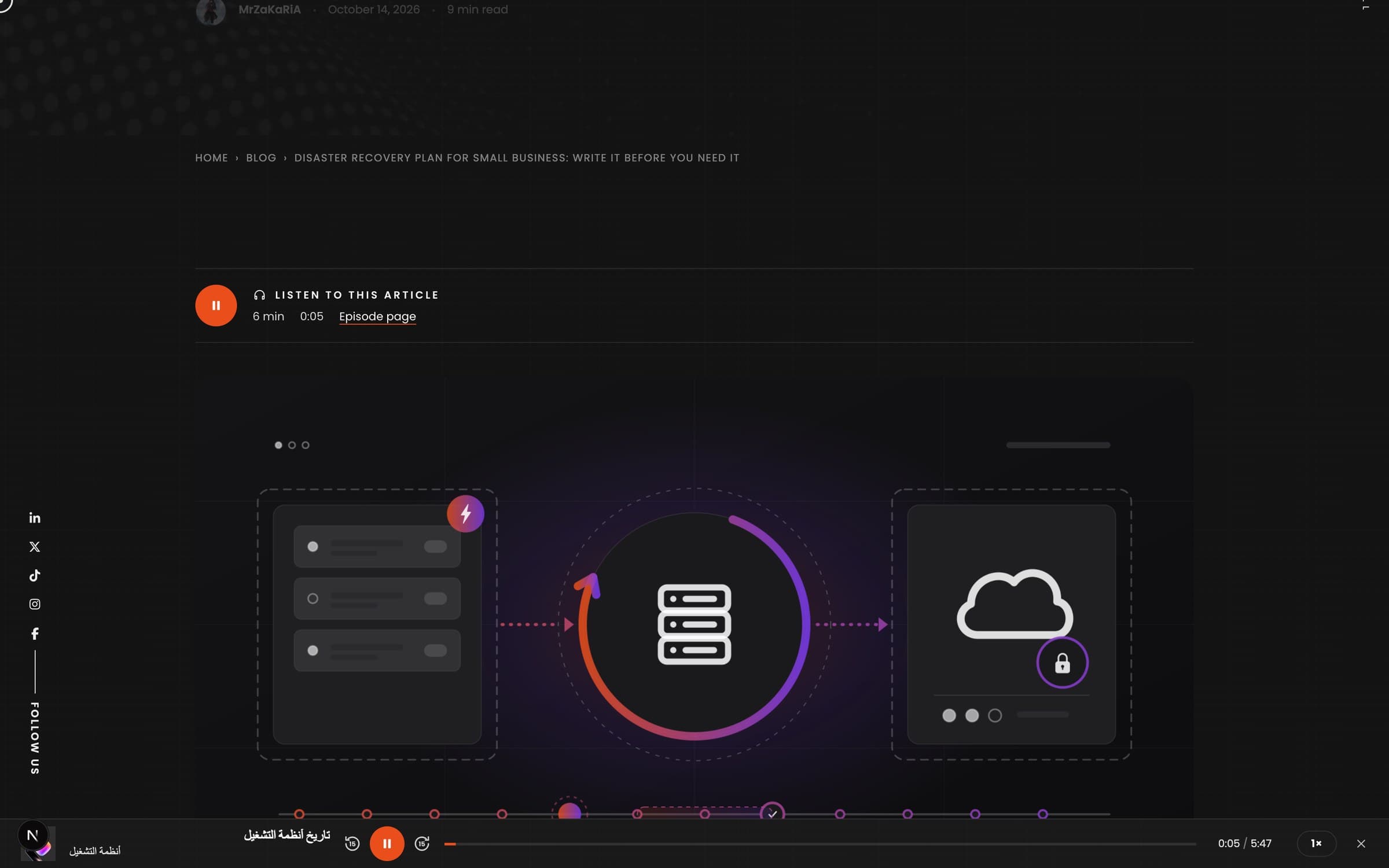
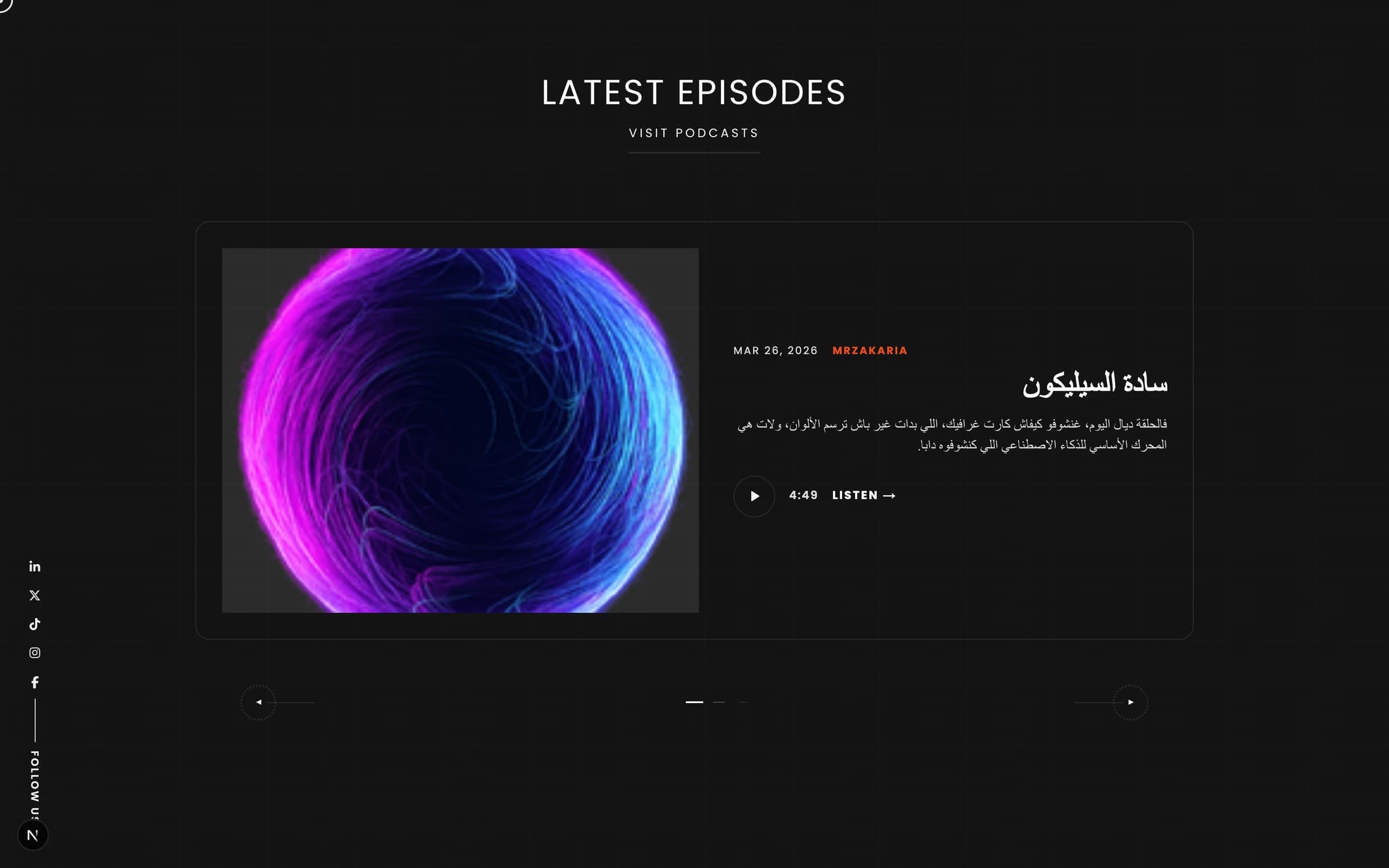
A player on blog posts and stories with a published episode, and a home page slider of the latest episodes.
Statistics
Started, ten seconds, half, 90 percent and finished, with a hashed IP, a device type and, when your CDN sends it, a country code.
Arabic
Titles, excerpts, notes, chapters and transcripts switch to right-to-left for Arabic, Hebrew, Persian and Urdu, or when the script is detected.
Install
The site, and each section on its own domain, ships its own web app manifest, icons and launch screens, with an offline screen.
Search
Show pages carry PodcastSeries data, episode pages add PodcastEpisode with duration, season and the source article.
Foundations
Making a podcast takes minutes of AI and audio work. These are the rules that keep it safe to leave running.
Pods is part of the same Laravel API and Next.js site as your pages and blog, managed in the Filament admin. Audio is stored on the site’s own disk.
The script job may run for up to 5 minutes, the audio job for up to 30, once per episode at a time. A failure keeps the script and stores a message that never contains a key.
Provider keys are stored encrypted and are not echoed in errors. Script calls count against your monthly request budget and are written to the AI usage log.
Five generations a minute and thirty an hour per admin user. Listen events are limited to 60 a minute per address.
Run it at your-site/podcasts, or on a host of its own such as pod.mrzakaria.com. Links, canonical URLs, sitemaps and the feed follow that choice.
Saving an episode refreshes the cached pages of its show, the podcasts page and the blog post or story it was made from.
Measured, and dated
Counted in the code on 18 October 2026: 73 automated PHP tests cover the podcast API, the admin, the script writer, the speech jobs, the RSS feed and the importer. Tests that need ffmpeg are skipped on machines without it. There are no front-end test files for the player yet.
The screenshots on this page are our own shows: two Arabic shows with six episodes, counted in our local copy on 18 October 2026. Where a screen shows listen counts, they are those of that copy and not a claim about anyone’s audience.
What protects you
Pods adds nothing between you and your audience except the AI providers you choose to switch on.
Next step
In the walkthrough we turn one of your posts into a script together, show you the review step, and tell you plainly which parts of Pods fit your language and your audio.
How an episode is made
The review step is the one that matters: it is where you decide what gets spoken.
Paste text of at least 100 characters, or pick a published blog post or story.
Podcast, tone, language, target length, host and guest names, and a voice for each.
The writer produces a title, an excerpt, the turns and chapters. You edit the text as “Speaker: line”.
A separate, confirmed step. The speech parts are joined into one MP3 and the real length is read.
Publish now, tick publish-when-ready, or set a go-live time and let the scheduler do it.
Listeners play it on the site or in a podcast app from the feed; the dashboard shows plays and finishes.
The catch, in our words
FAQ
Short, specific answers taken from what the code does.
Pods is a podcast platform built into your own website and admin. You create shows and episodes, upload audio or generate it with AI from your own text, publish an RSS feed with the Apple Podcasts and Spotify tags, and visitors listen in one player that keeps playing while they browse.
No. The script writer needs at least 100 characters of source text: pasted text, a published blog post or a published story. It is told to use only what that text says, so it does not add facts, numbers, quotes or names of its own.
Yes. The wizard only writes the script. It appears in the episode’s Script tab as plain “Speaker: line” text that you can edit. Generating the audio is a separate step that you confirm, so no speech credit is spent before you have read it.
For scripts: Anthropic (Claude), OpenAI, Google AI Studio (Gemini), Groq, Hugging Face, NVIDIA NIM or a local Ollama, with an ordered fallback if one fails. For voices: Google Gemini, OpenAI or Groq. You supply your own keys, which are stored encrypted.
Yes. Scripts can be written in English, Arabic (Modern Standard Arabic) or French, titles and notes switch to right-to-left, and our own shows are in Arabic. Groq offers six Arabic voices; there are no dialect options.
Each show has an RSS 2.0 feed with the iTunes tags, an enclosure with its size and type, and the episode, season and duration fields. The show page lists the feed and buttons for Apple Podcasts, Spotify and YouTube wherever you have entered their addresses.
A queue worker for the AI jobs, and ffmpeg and ffprobe, which join the audio and read its length. The installer warns you if they are missing.
A random device id made in the browser, an IP address kept only as a keyed hash, a device type, and a country code when your CDN supplies one. There are no accounts and no cookie for this.
Yes. A command imports shows, episodes with their audio, chapters, covers and listen events from the original standalone app’s database and storage, and keeps the old addresses redirecting.
Start here
A walkthrough is a working session: your first script, the review step, the feed, and a straight answer on whether Pods fits what you publish.